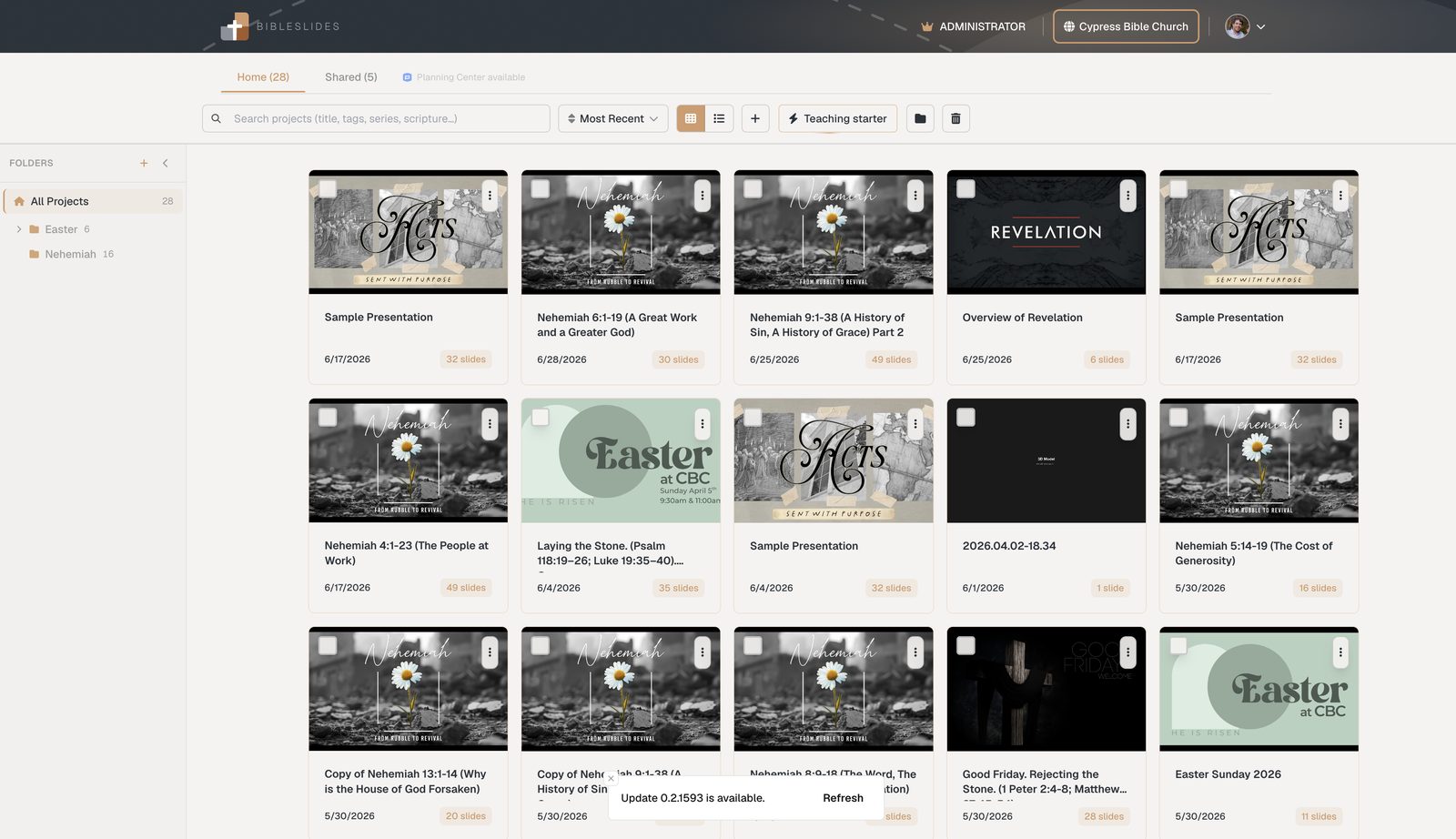
BibleSlides and Planning Center — service plans meet teaching decks
Planning Center runs the weekend plan: teams, times, and Church Center. BibleSlides builds the sermon deck and can link to that plan — so service planning and teaching content stop living in two disconnected calendars.
Planning Center (Planning Center Online) is how thousands of churches run the weekend: service plans, teams, people, and Church Center for the congregation. BibleSlides is how teachers build the sermon deck: notes, verse slides, maps, and publishing for the message itself.
They complement each other — and on Campus plans, BibleSlides connects so the plan and the teaching deck stay tied together.
Planning Center answers “what’s happening this Sunday?” BibleSlides answers “what does the teaching look like on screen — and where do members find it later?”
What Planning Center is for
Planning Center Services is operations software:
- Service order, times, and volunteer teams
- Scheduling and people workflows across ministries
- Church Center as the member-facing hub for plans and resources
It is not a Bible teaching slide editor — and it doesn’t need to be.
What BibleSlides is for
BibleSlides is the teaching document:
- Sermon notes interleaved with slides
- Bible Verse slides, annotations, Verse Analysis, maps, photos
- Tablet presentation and practice mode
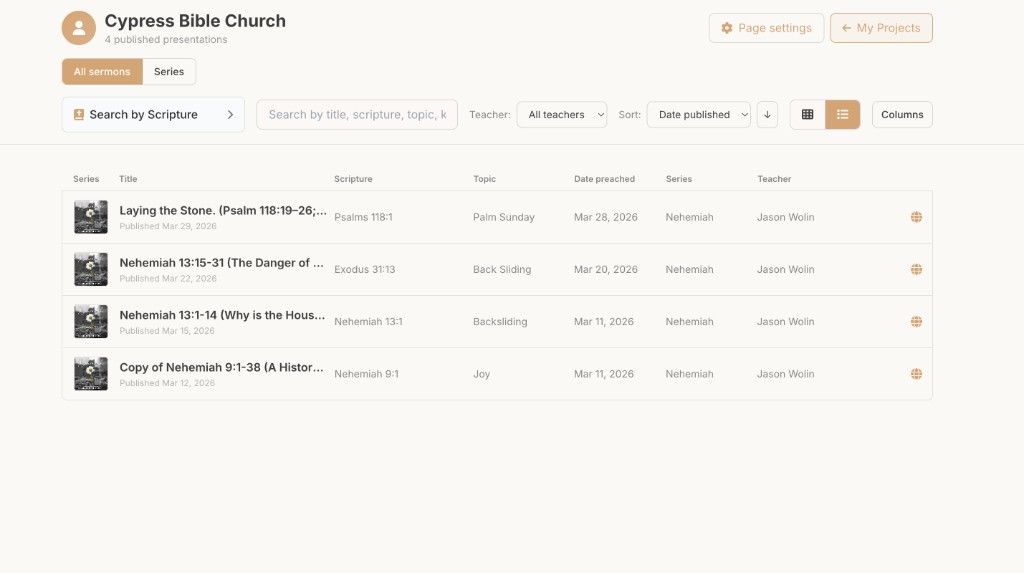
- Church publishing hub for watch / notes / discussion after Sunday
How they work together
With a Campus subscription, a campus admin connects Planning Center once for the organization. Teachers then:
- Link a BibleSlides project to a Planning Center service plan
- Optionally seed Teaching starter from plan metadata (title, scripture, series, date)
- Prep and present in BibleSlides as usual
- On publish, sermons can surface in Church Center with watch links, notes, and discussion — so the plan people already open also points at the teaching resources
| Job | Planning Center | BibleSlides |
|---|---|---|
| Who’s scheduled / order of service | Primary | — |
| Build verse slides & teaching visuals | — | Primary |
| Preach from tablet with notes | — | Primary |
| Attach deck to this Sunday’s plan | Link target | Link source |
| Member-facing sermon watch + notes | Church Center surface | Publish from the deck |
Why “just put the PDF in Planning Center” falls short
Uploading a static outline to the plan helps a little. It still leaves:
- No stepped verse teaching for the sanctuary
- No single editor where notes and slides stay in sync
- A midweek scramble when small groups want discussion beside the video
The complementary model: plan in Planning Center, teach in BibleSlides, publish so Church Center and your church hub stay current.
Who needs the integration
- Multi-teacher campuses already living in Planning Center
- Churches that want Church Center sermon feeds without retyping every title
- Teams using Teaching starter who want the deck born already attached to the plan
Solo pastors without Planning Center can use BibleSlides fully; the integration is additive for churches that already run PCO.
FAQ
Is Planning Center required?
No. It’s an optional Campus integration.
Does BibleSlides replace Planning Center Services?
No. Keep scheduling and service planning where your teams already work.
Who connects the account?
A campus admin connects once; teachers link decks without each person doing a separate OAuth dance.
Related guides
See BibleSlides features
Notes and slides in one document, Bible Verse slides, stepped markup, Verse Analysis, 3D maps, BiblePlaces photos, and tablet presenter apps — built for pastors who teach Scripture.