For pastors & church teams
Articles
Guides and practical help for bible teacher software and pastor teaching workflows.
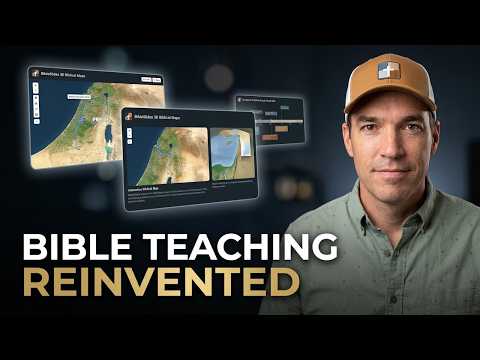
What is BibleSlides?
See what BibleSlides is — Scripture slides, notes in the same document, and presenting from a tablet.
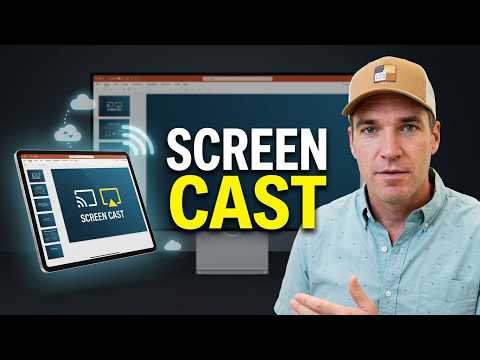
How to present on screen and connect a tablet
Present fullscreen on the projector, use Practice mode, and connect an iPad or Android tablet as your stage remote.
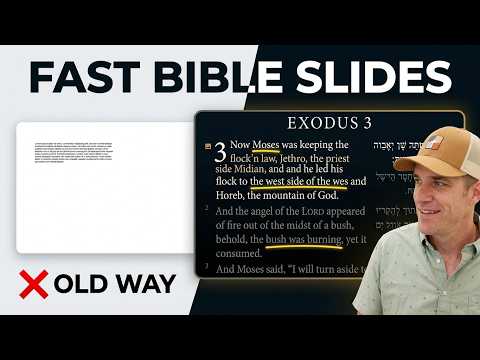
How to Create a Bible Slide (Verse, Map, Photo)
Create a bible slide for teaching — Bible Verse, maps, photos, and more. Pick the type that matches the point.
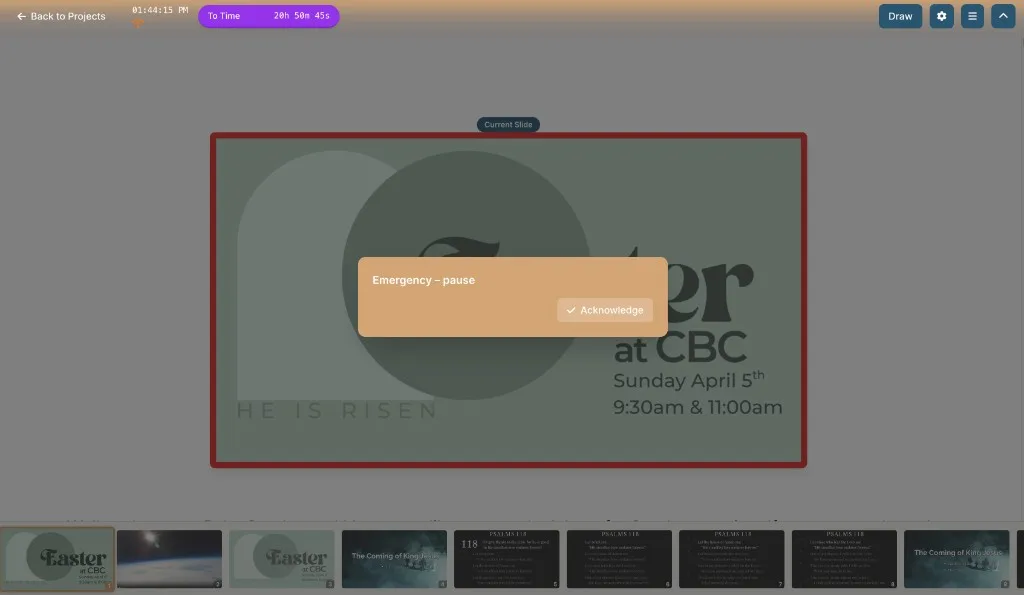
Security messages on the tablet — keep alerts off the house screen
Give your church security team a private link to message the speaker during the sermon. Presets and urgency levels land on the tablet — never on the projector — with Acknowledge so they know you saw it.
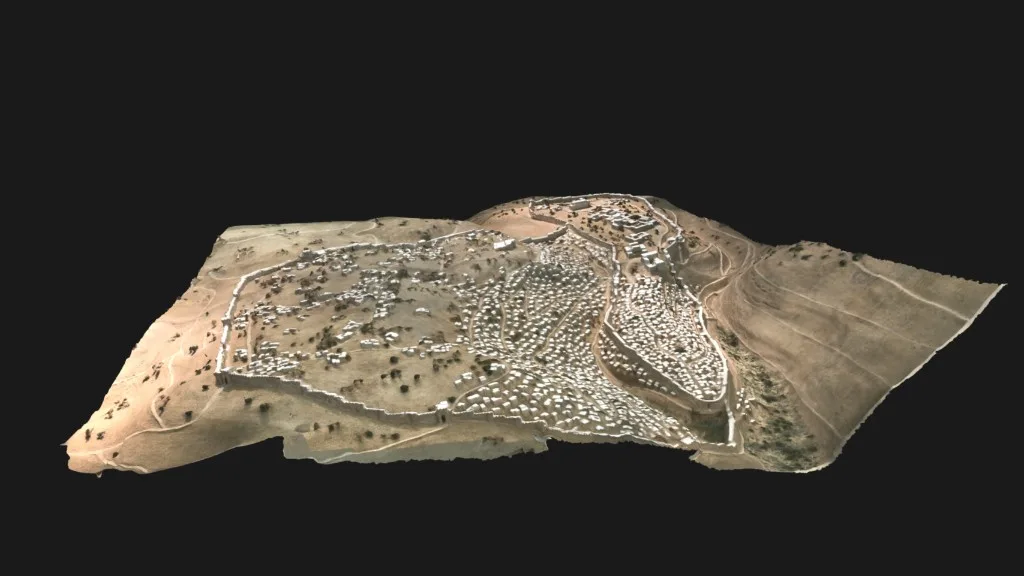
When a flat photo isn’t enough — 3D Models of biblical sites
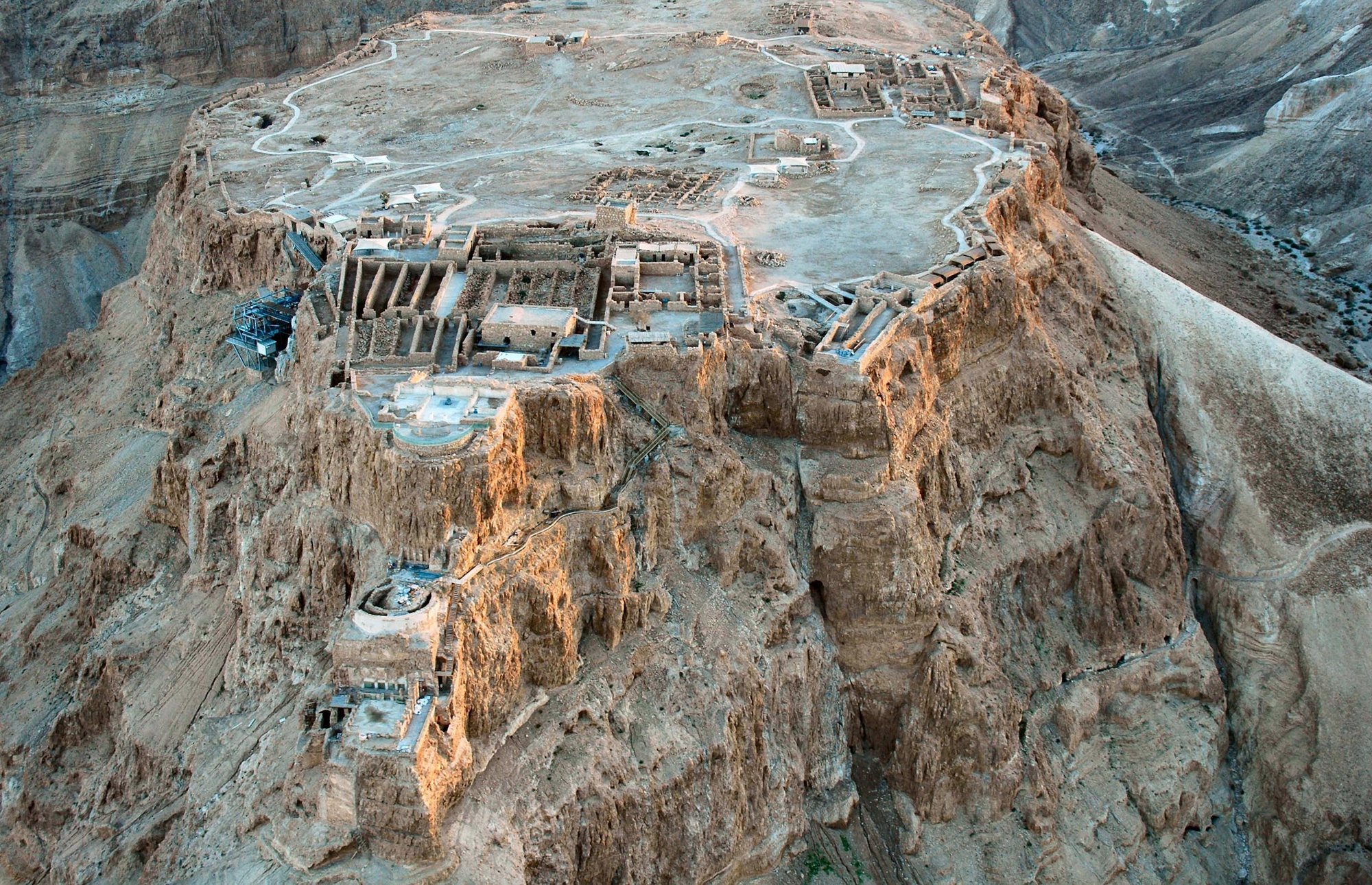
Add a 3D Models slide in BibleSlides — choose Masada, first-century Jerusalem, Qumran, Egypt artifacts, and more — then orbit, label, and step camera angles so the room sees the place, not a screenshot.
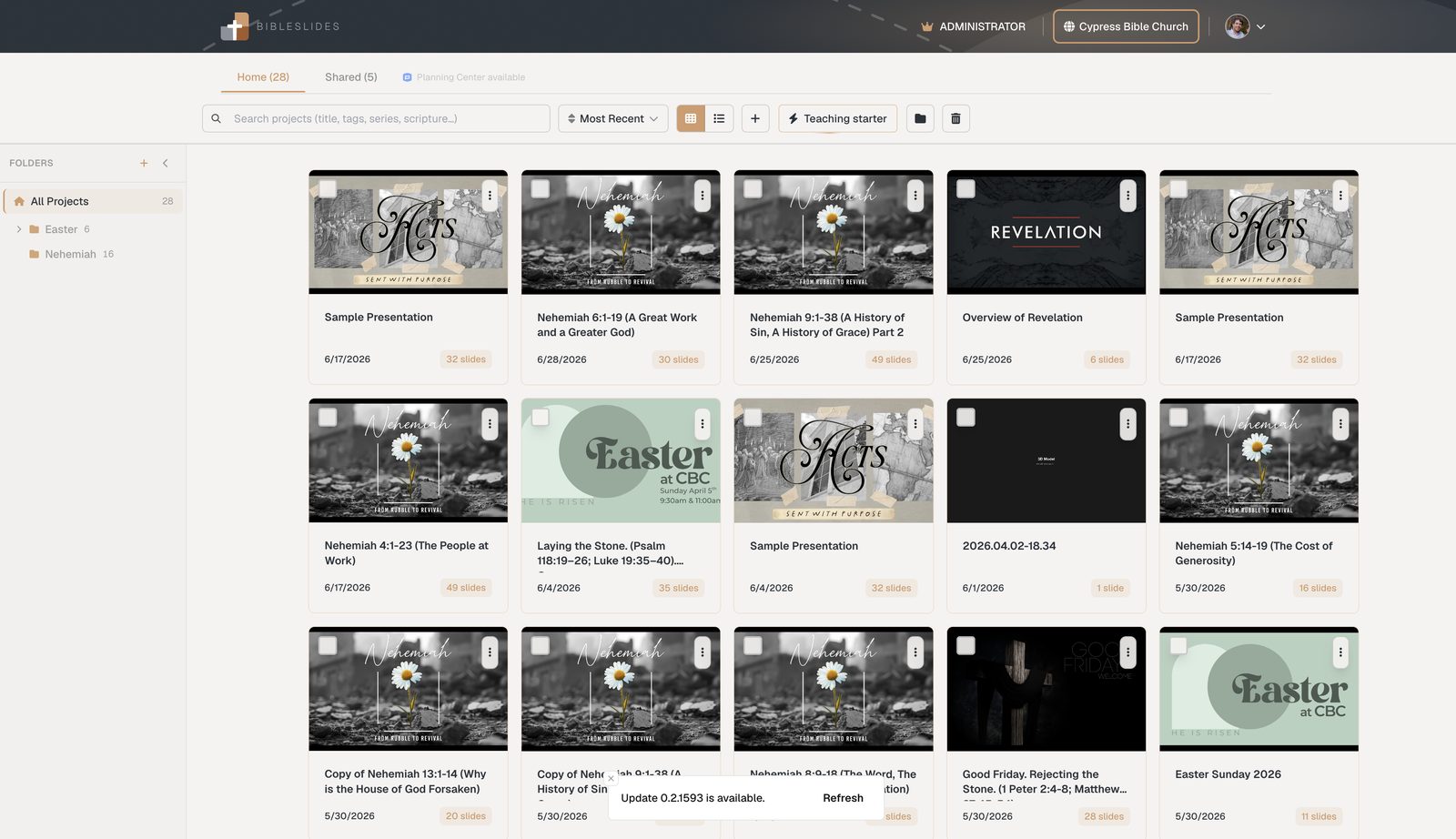
Free church presentation software for Bible teaching (not just lyrics)
Compare free lyric tools with free Bible teaching slides — and see what BibleSlides includes on Free, plus the 30-day Premium trial.
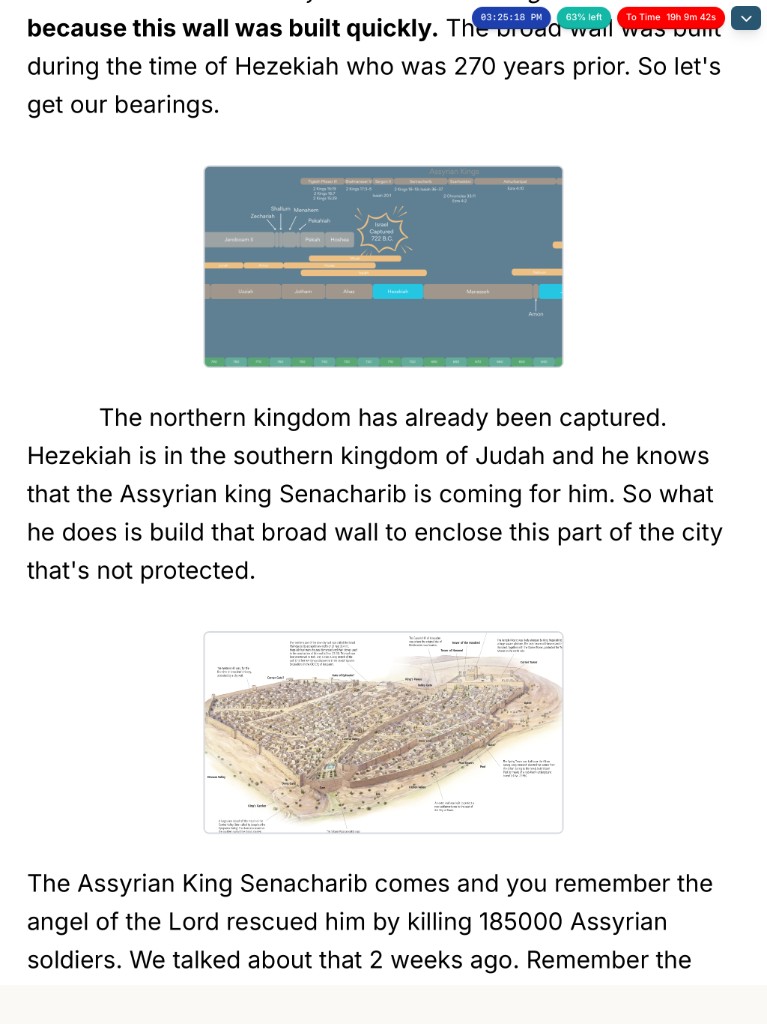
Advance the teaching deck from a Stream Deck — BibleSlides Present
Use the BibleSlides Present Stream Deck plugin to step verses, open on-the-fly tools, and run timers while notes stay on the tablet — a hardware remote for the sermon, not for lyrics.

Polls, quizzes, and Q&A on the projector — Audience Interaction
Add an Audience Interaction slide in BibleSlides — Poll, Quiz, Rating, or Q&A — then let the room answer by phone QR while you open, close, and reveal from the tablet.
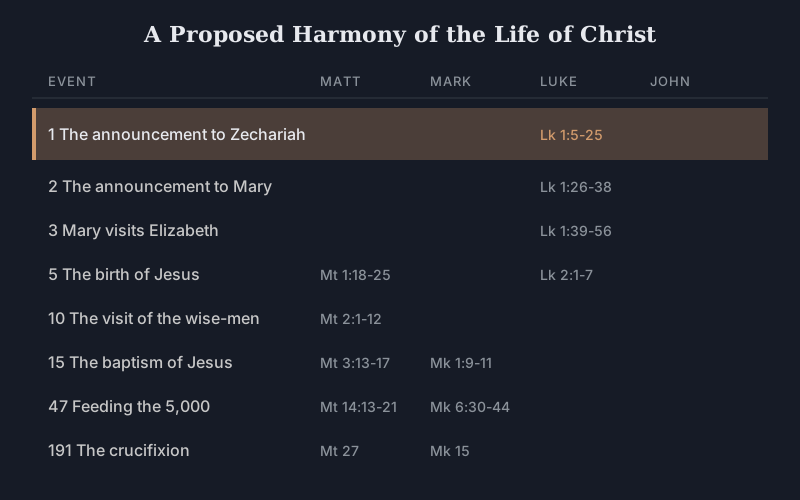
Put chronology on the projector — Timelines for Paul, kings, and the life of Christ
Choose a Timeline in BibleSlides — Life of Christ, Timeline of Paul, Period of the Kings, or Nativity Chronology — then spotlight events as stepped sermon slides so the room sees the when, not only the verse.
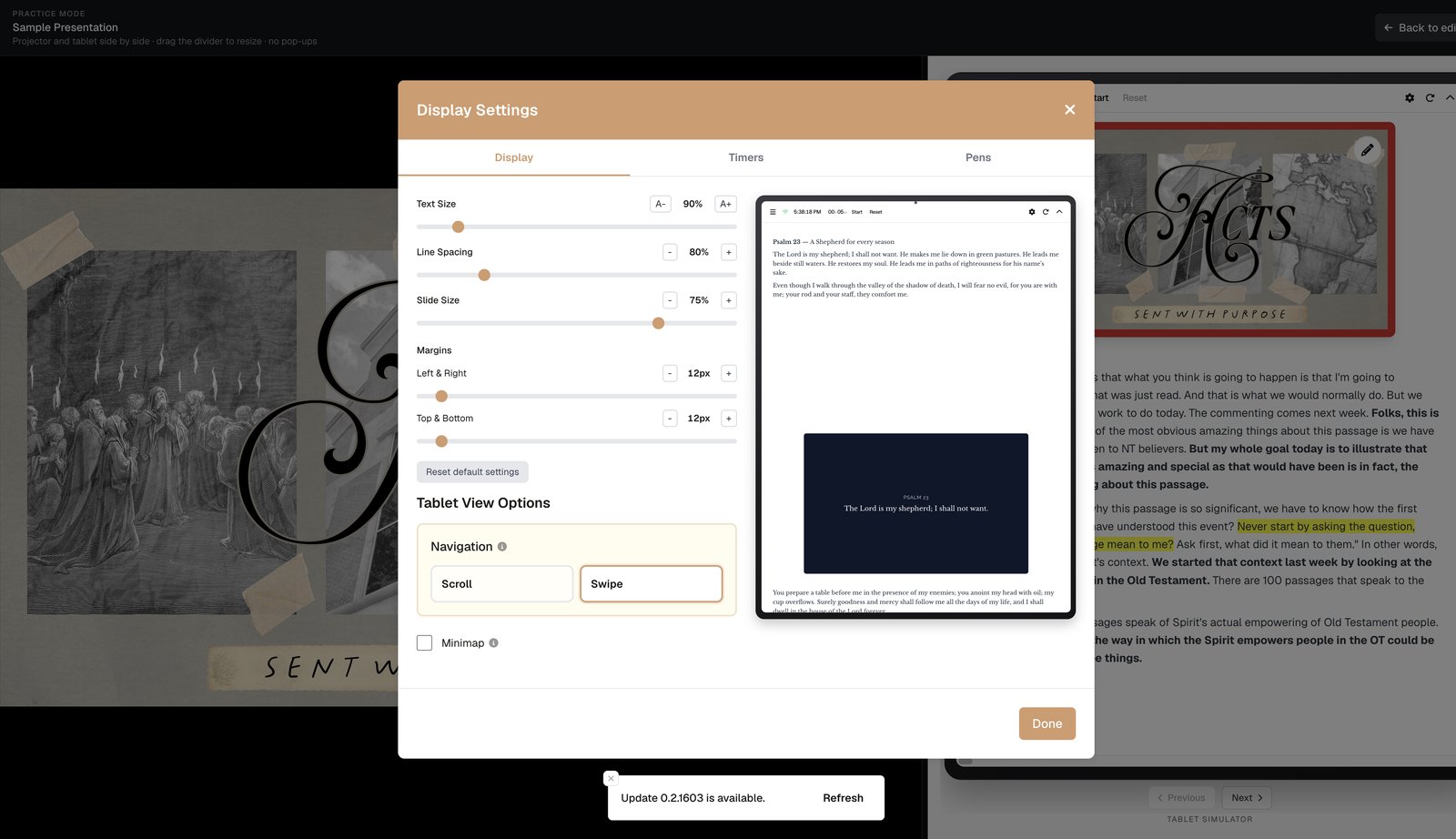
When AV runs the house screen — publish on your booth URL
Campus booth URL: one permanent link for the tech booth or ProPresenter Web fill. Publish this week’s teaching deck; they open the URL with no login — the house stays on Scripture.
When a sketch serves better than a slide — Board from the tablet
Open Board from the tablet to sketch a diagram or outline on the projector. The ink is live and session-scoped — BibleSlides does not save it into the sermon document.
Preach when the Wi‑Fi drops — offline tablet sermon slides
Make Sunday’s deck available offline, open it from Projects without a network, and tap Use offline on the tablet when projector sync stalls — so notes and slides stay with you.
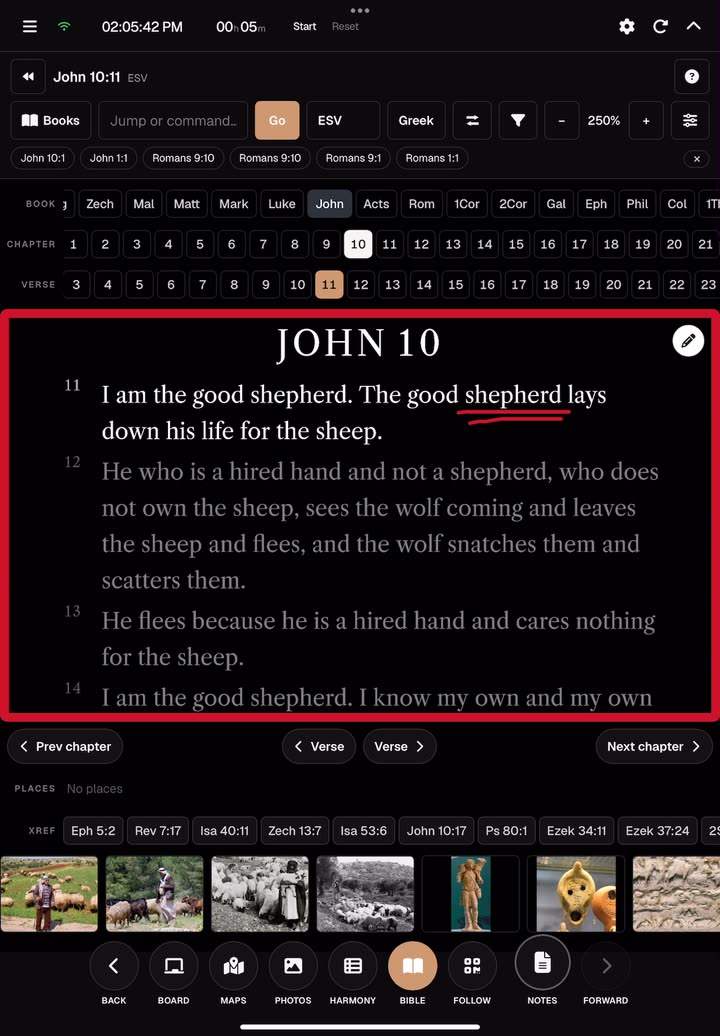
Teach the verse that wasn’t in the deck — On the fly from the tablet
When Q&A or the text takes you off your outline, open Bible, maps, photos, Timeline, or Board from the tablet without rebuilding the deck — the projector stays clean.
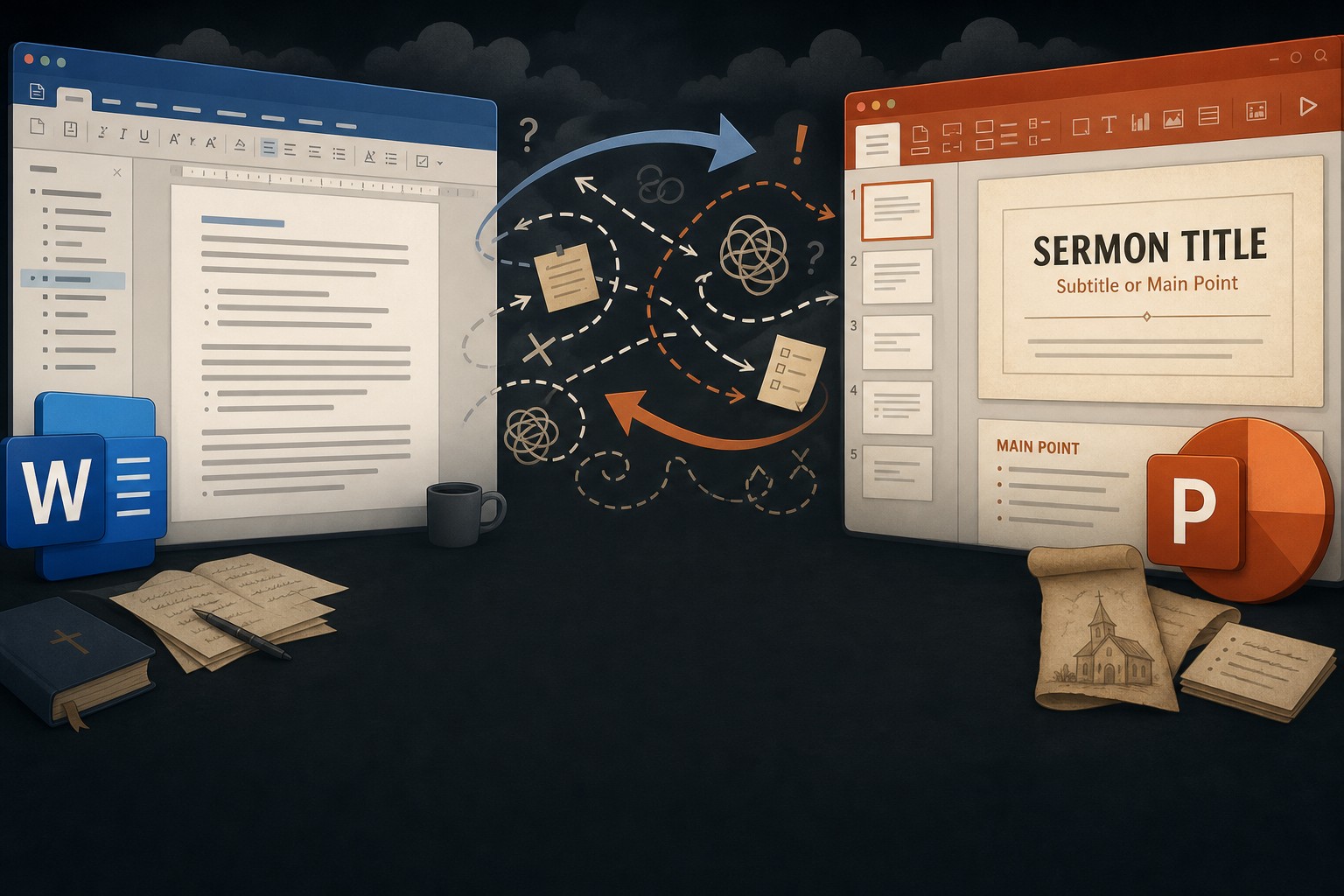
Import PowerPoint into BibleSlides — keep speaker notes, convert or keep as pictures
Bring an existing .pptx into BibleSlides: import every slide as an image for layout fidelity, or convert outline/quote/picture slides one at a time — with speaker notes under each slide for Sunday.
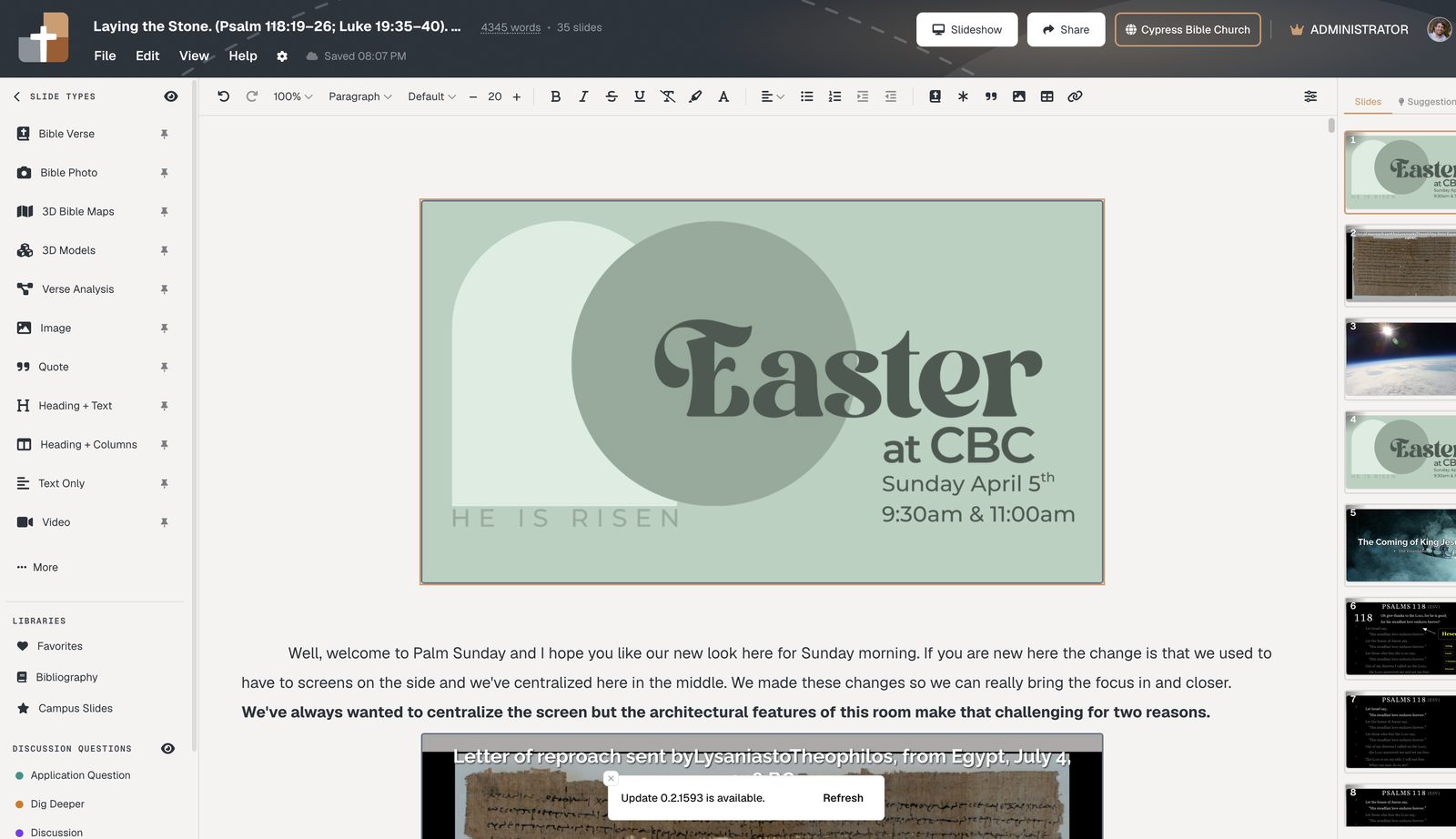
Bible teacher software for pastors — Scripture on screen, not another lyric tool
Verse-by-verse slides, notes in the same document, and tablet stage control — bible teacher software and pastor teaching software for the sermon, not the song list.

Preaching software for pastors who teach the text — not just fill slides
Notes and slides in one document, verse-by-verse Scripture, stepped markup, and tablet stage control — preaching software for exposition.

Sermon presentation software for Bible teachers — verse slides, not title slides
Put Scripture on the projector the way you preach it: Bible Verse slides, timed annotations, notes in the same file, tablet advance.

Bible teaching software for churches — one hub for teachers, not a USB chain
Cloud teaching decks, verse slides, tablet control, Campus follow-along, and a publish hub for multi-teacher churches.

AI sermon software vs Bible teaching slides — write elsewhere, teach here
AI drafts manuscripts; BibleSlides puts the verse on screen with markup, notes, and tablet presentation. Different jobs.

Expository preaching: keep the room on the verse you’re actually explaining
Dim surrounding verses, step the pericope, and keep notes with the slides — so the sanctuary follows the argument of the text.
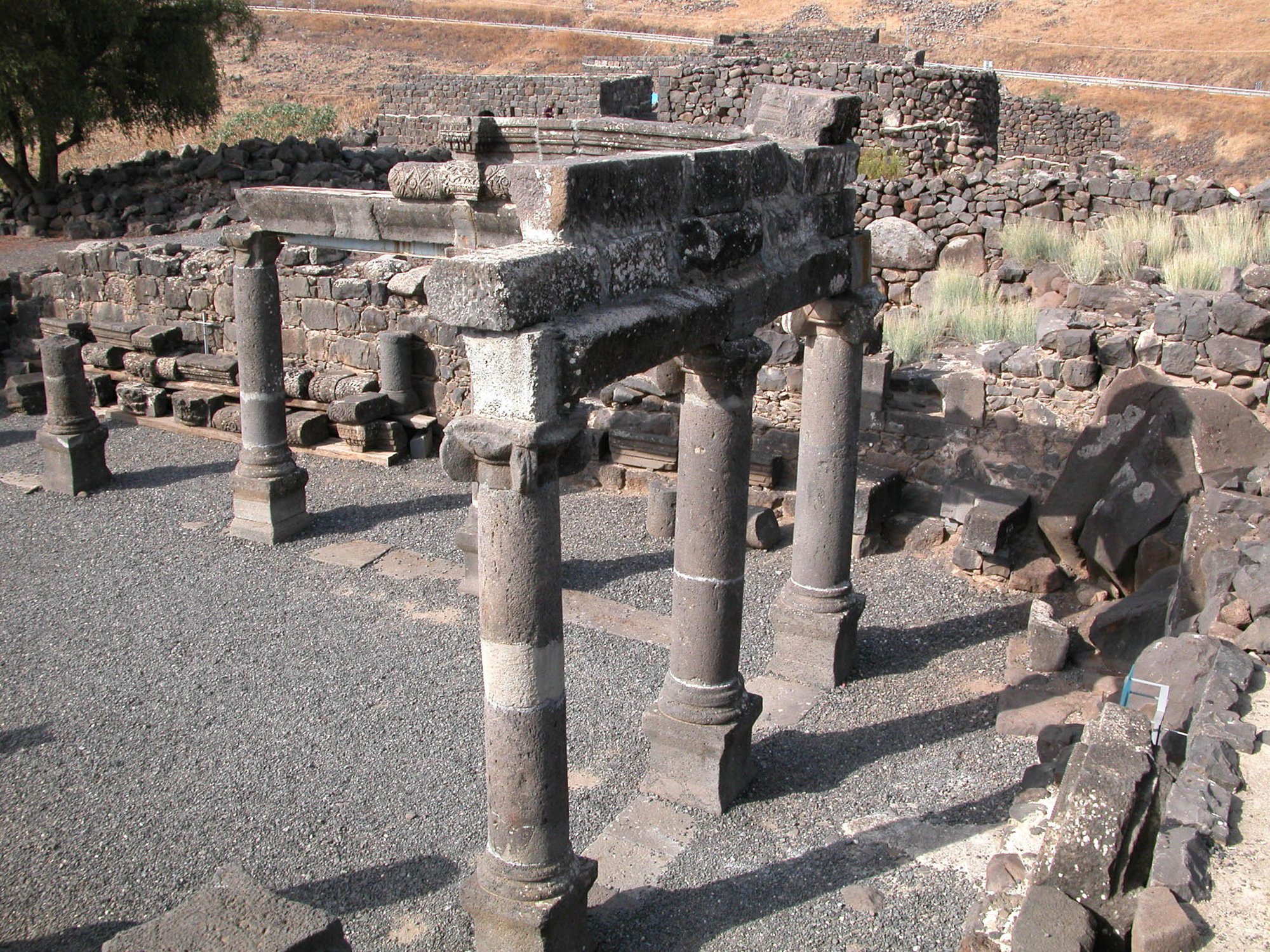
When the outline isn’t in the text: Verse Analysis for expository preaching
Color-coded parts of speech on the verse — stepped Verse Analysis, not alliterated points retrofitted to Paul.

Preaching the Gospels: show the harmony without flipping a book on the pulpit
Search 211 Gospel events, put parallels on the projector, and step the comparison beat in sermon order.
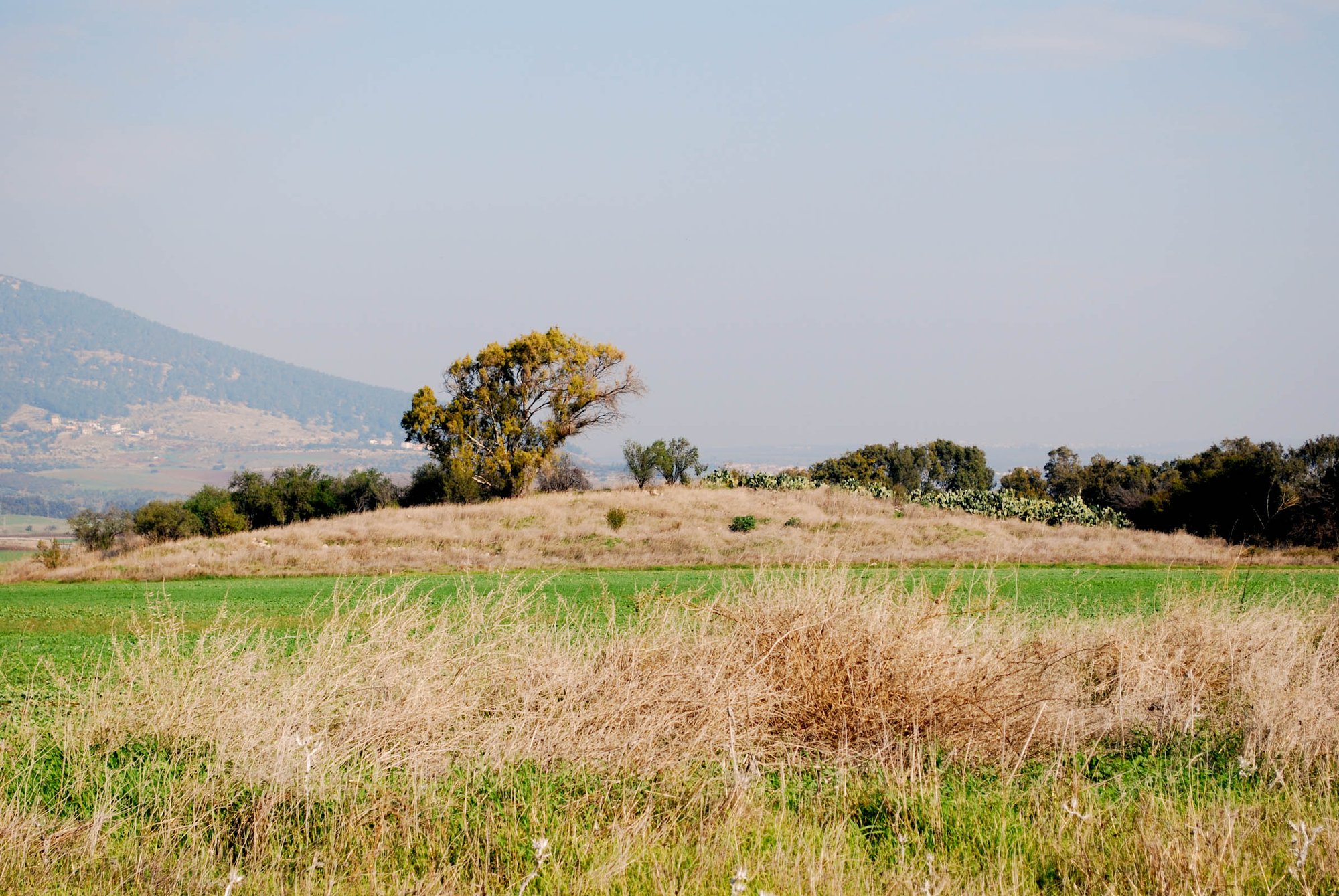
Rehearse a long exposition before the room arrives — practice mode
Projector + tablet side by side so you fix click rhythm on a verse-heavy deck before Sunday.
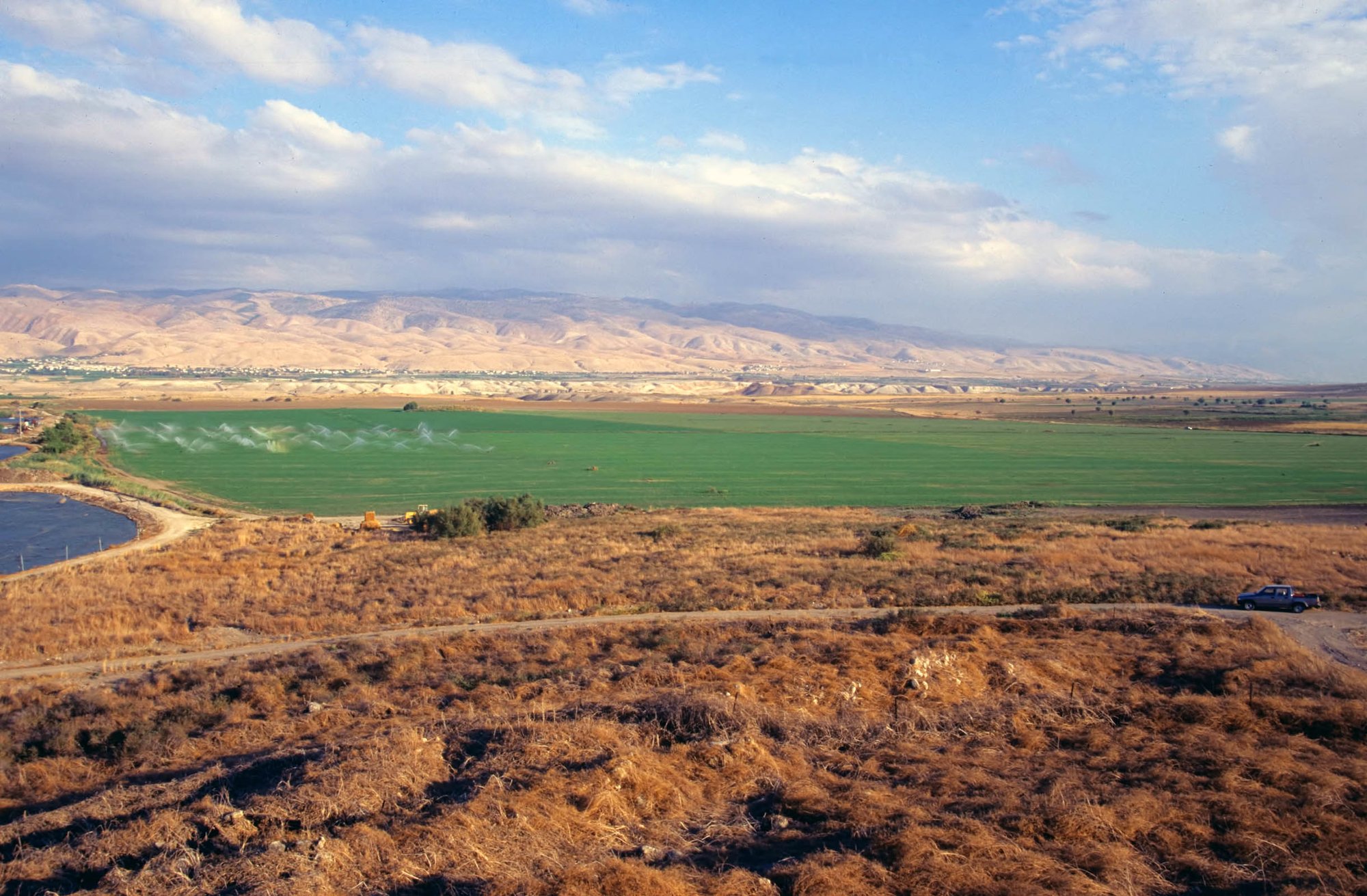
Book-study Sundays: one document so week 14 still matches the text
Notes, verse slides, and outline points in one cloud project — continuity for Romans, John, and other book studies.
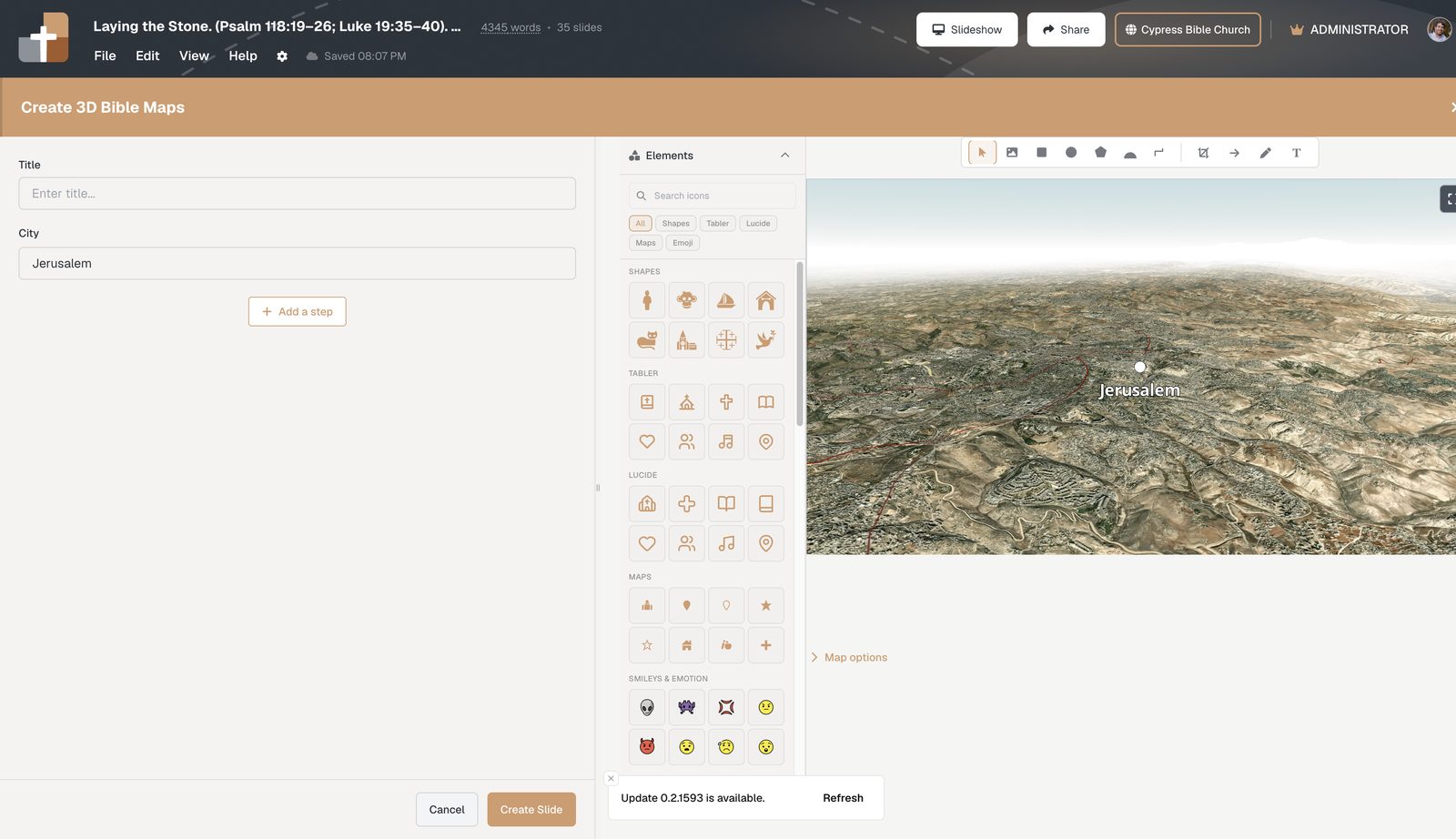
3D Bible maps that teach journeys — not flat atlas screenshots
Interactive 3D Bible maps with unique camera angles, zoom, pitch, place labels, and fly-to journey steps that match your sermon.
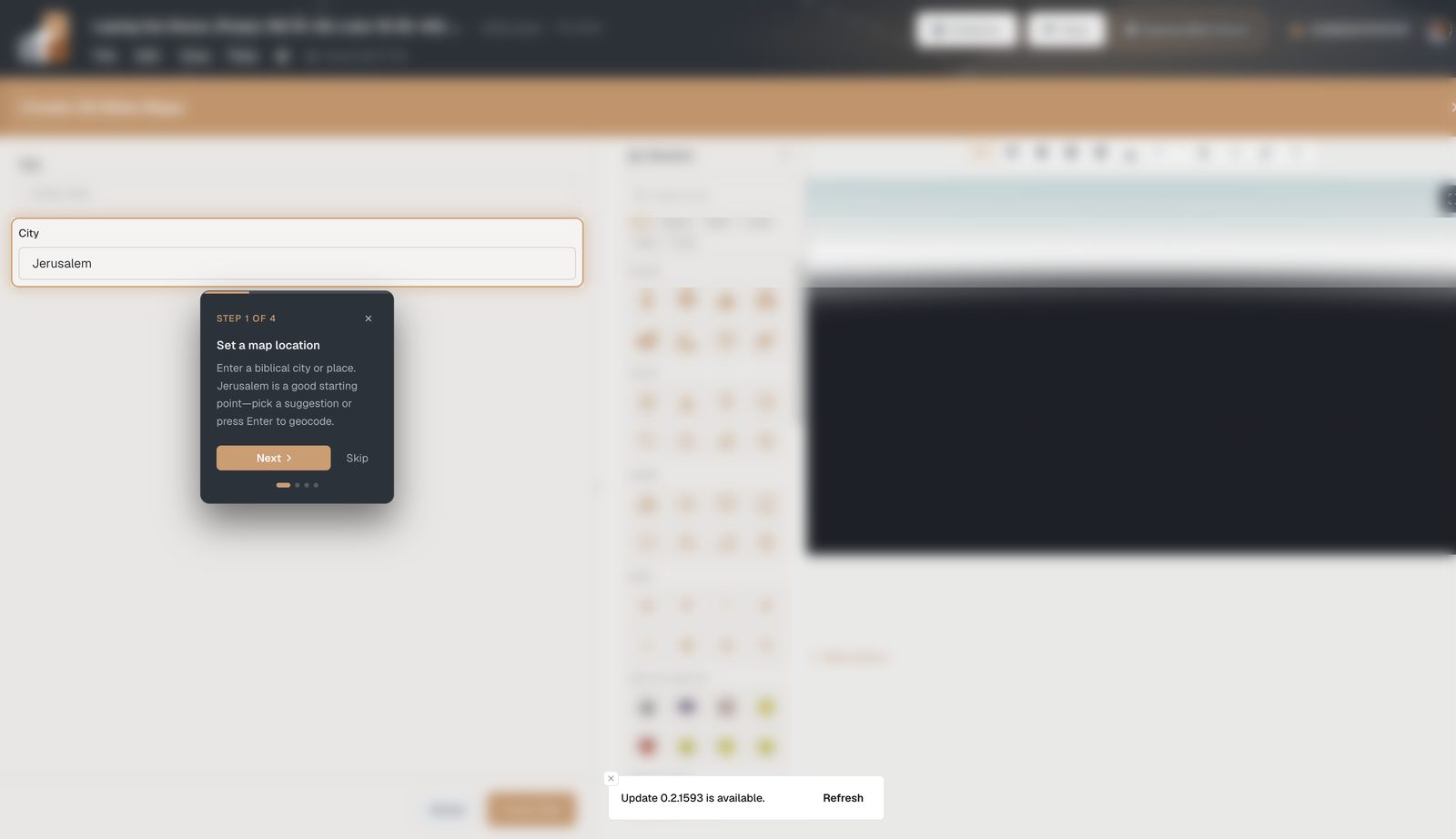
Biblical places vs modern maps: overlays that stop the confusion
OpenBible place names, modern city labels, political borders, Roman roads, and empire shading on the same 3D Bible map.
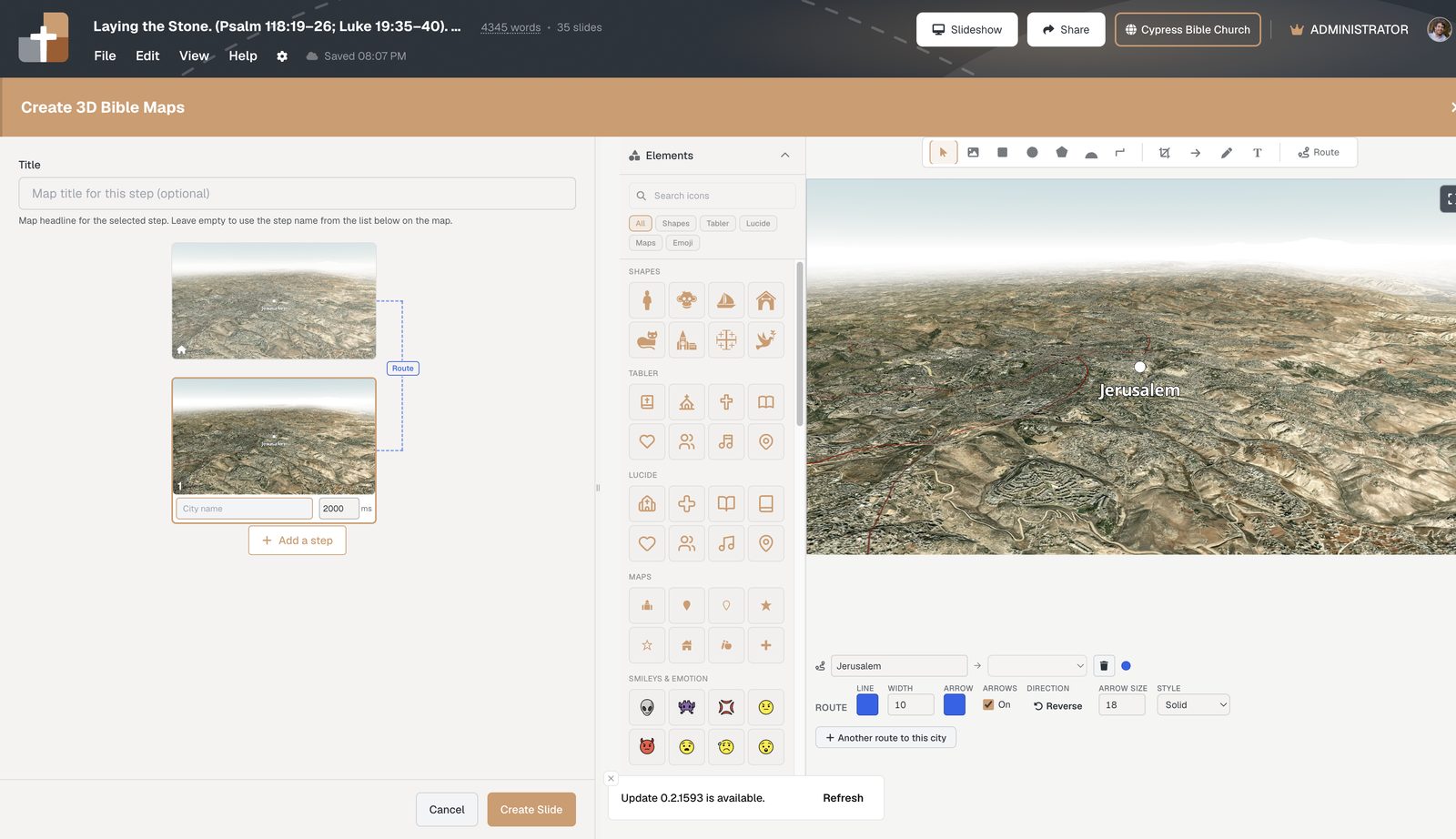
Draw Bible map routes with nodes, arrows, and stepped reveals
Editable route nodes, direction arrows, converging paths, focus boxes, and journey steps for campaign sermons.
Stop toggling Word and PowerPoint for sermon prep
Why pastors lose hours copying notes into slides — and how one document for sermon notes and Bible slides keeps everything in order.
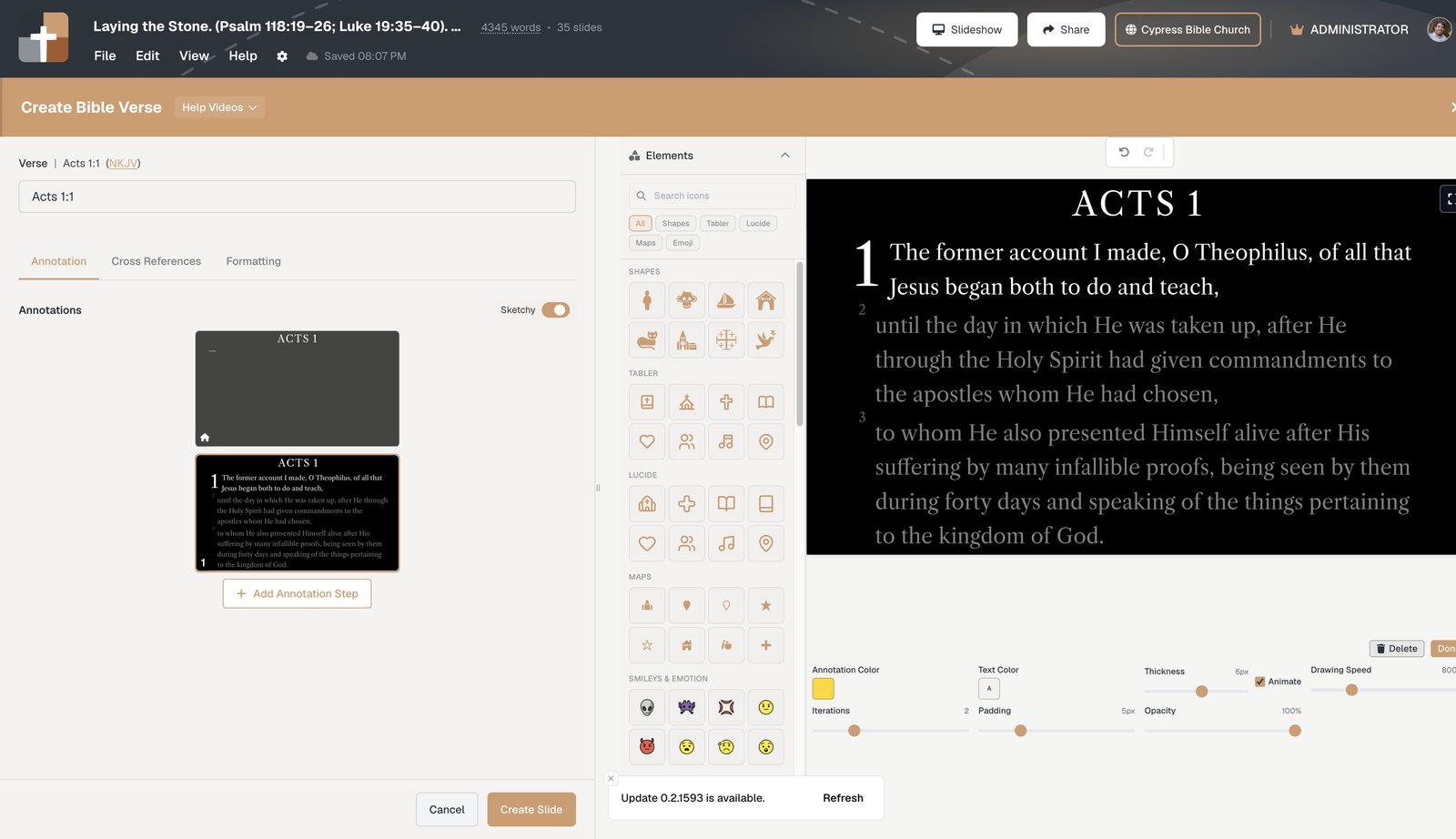
Bible slide annotations vs PowerPoint: teach with precise timing
Stop fighting clunky PowerPoint pens. Step-based Bible slide annotations keep Scripture reveals timed to your sermon.
Present Sunday from a tablet — live advance and the latest deck
Use a tablet presenter with real-time slide advance, interleaved notes, and a cloud deck that is always the version you finished.
How to set up a church media laptop for Sunday morning
What the media laptop does with BibleSlides — cloud projects, tablet presenter vs booth slideshow, and a Friday checklist.
How to project Scripture on a Zoom call
Readable Bible text on Zoom: resolution, contrast, and slide tools that keep small groups focused on the passage.

Church presentation software built for Bible teaching — not title slides
Verse-by-verse slides, timed annotations, tablet stage control, practice mode, and Campus QR follow-along for pastors who teach Scripture.
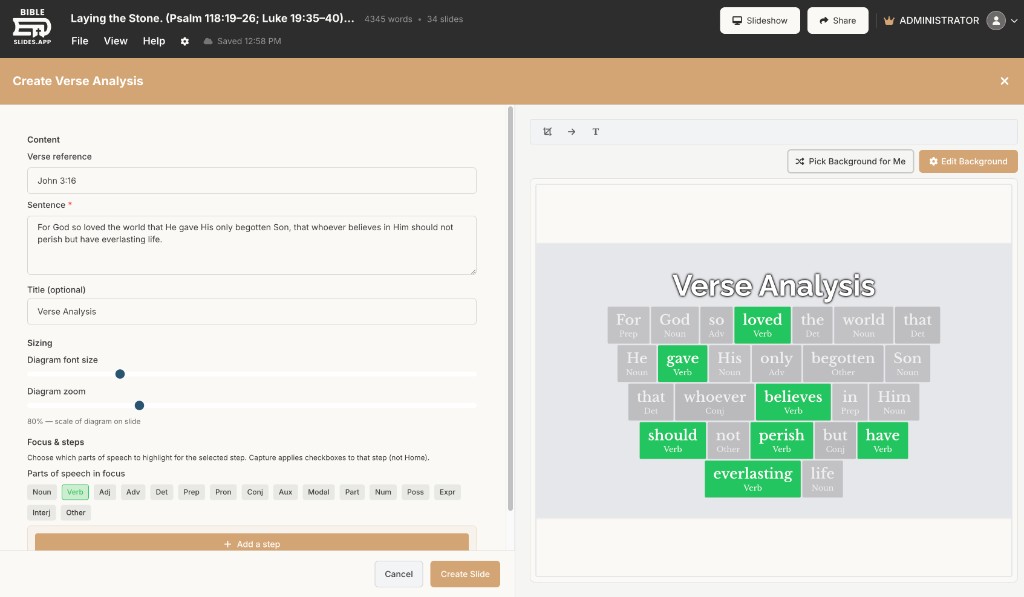
Pastor teaching tools that stay in the sermon — verse analysis & definitions
Verse Analysis and Greek/Hebrew definition slides inside the sermon document — word study that advances with the message.
Let the audience follow along on their phones — QR Bible slides
Campus feature: audience follow-along QR on the projector so phones track live Bible slides — no church app, no sign-in.
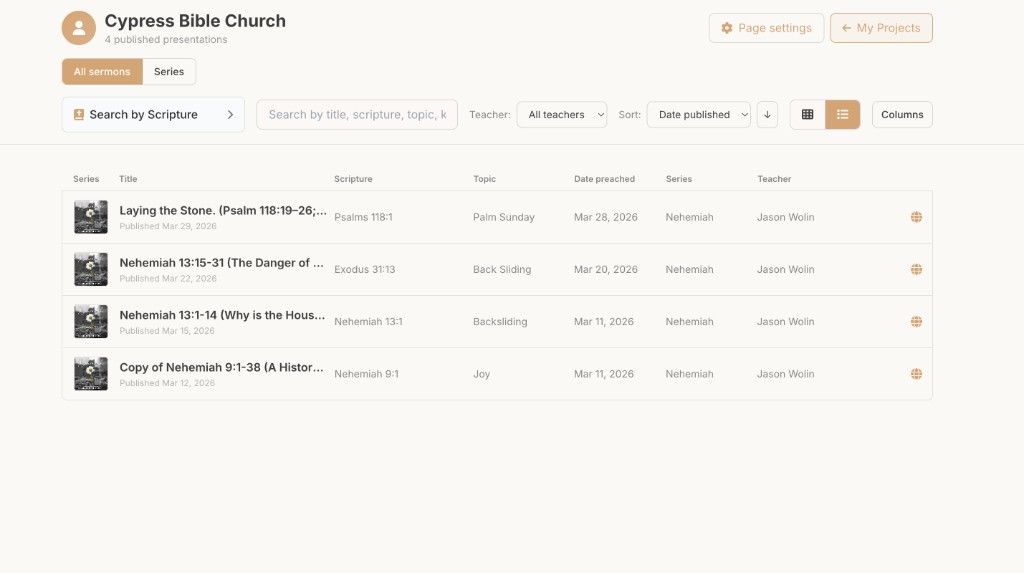
Church sermon publishing software — one hub, every teacher
Publish finished teaching decks to a searchable public hub — one URL, series filters, multi-teacher pages.
Teaching starter: build a Sunday sermon deck from a passage
Wizard that builds a Sunday-ready deck from your passage — opening, verse slides, outline points, and closing presets.
BibleSlides and Logos Bible Software — study deep, teach clearly
Logos for exegesis; BibleSlides for verse slides, annotations, maps, and stage delivery — how the stack works together.
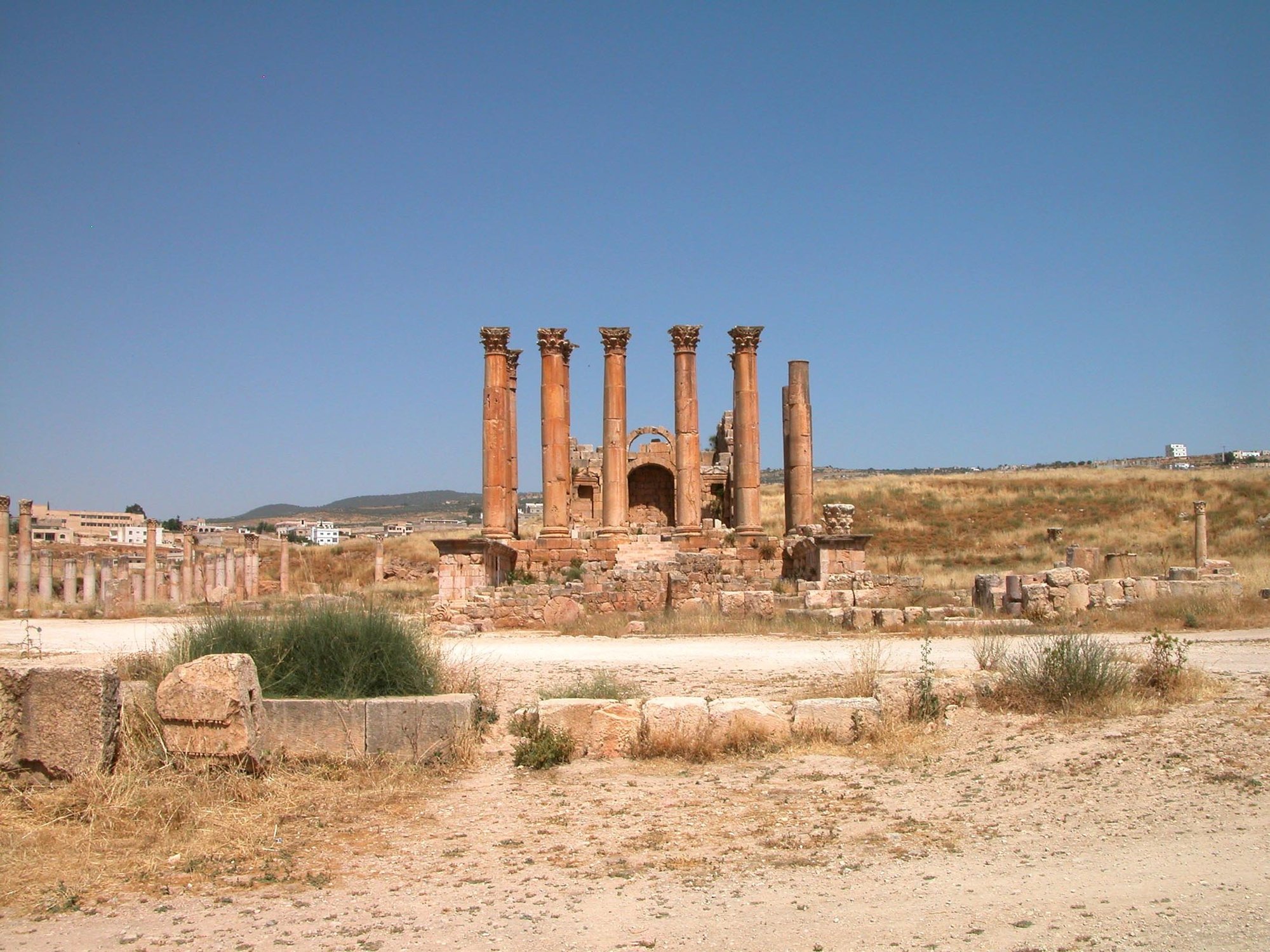
BibleSlides and ProPresenter — worship software + teaching software
Keep ProPresenter for lyrics and production; use BibleSlides for the sermon teaching deck.
BibleSlides and Planning Center — service plans meet teaching decks
Planning Center runs the weekend plan; BibleSlides builds the sermon deck and can link publish into Church Center.
BibleSlides vs Sermonary (2026): Teaching Slides vs Writing App
Sermonary builds the manuscript. BibleSlides builds the bible slideshow the room follows — features, using both, and when pastors switch.
BibleSlides vs Sermonary for Sunday teaching — what the room sees
Podium notes vs teaching slides on Sunday: verse reveals, annotations, maps, and the PowerPoint gap manuscript apps leave.

BiblePlaces.com photos inside BibleSlides — 60,000+ biblical images
Todd Bolen’s BiblePlaces archive in your sermon document — search by verse or keyword and insert Bible Photo slides.

Bible places photos for sermons — search the land, not a folder tree
Find Capernaum, Galilee, Jerusalem, and more inside BibleSlides with professional BiblePlaces.com photography.
Todd Bolen’s Bible photos for teaching — Photo Companion depth, sermon speed
How Photo Companion–quality bible photos meet weekly sermon slides through the BibleSlides partnership.

How to teach with Bible photos on Sunday — make the land visible
A practical Sunday workflow: one accurate place photo, verse slides, and notes — plus how to join BibleSlides.
Bible photos vs stock images for church — why the place has to be real
Stock sunsets set a mood; real bible photos teach geography. See the difference and join BibleSlides to start.
Bible annotation & markup for teaching — mark Scripture the room can follow
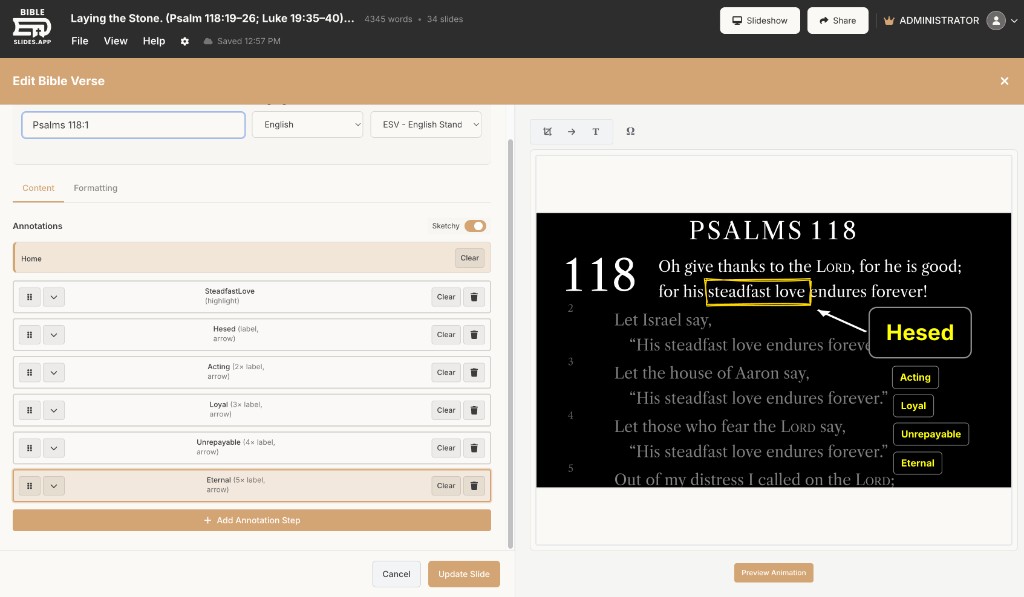
Stepped highlights, boxes, labels, arrows, and callouts timed to your sermon — plus best practices for presenting bible markup.
Sermon slides on a tablet — preach with notes, timers, and one tap to advance
Tablet presenter for sermon slides: tap to advance, draw, step chips, % left, countdown timers, and large-type notes.
Tablet timers & % left for sermon slides — pace without watching the clock
Countdown, count-up, count-to-time, clock, and document progress (% left) in the tablet header while you preach.
Advance & draw sermon slides from a tablet — tap, pens, and large-type notes
Tap to advance, step chips, live draw on slides, Scroll vs Swipe, and Display Settings for text size and margins.