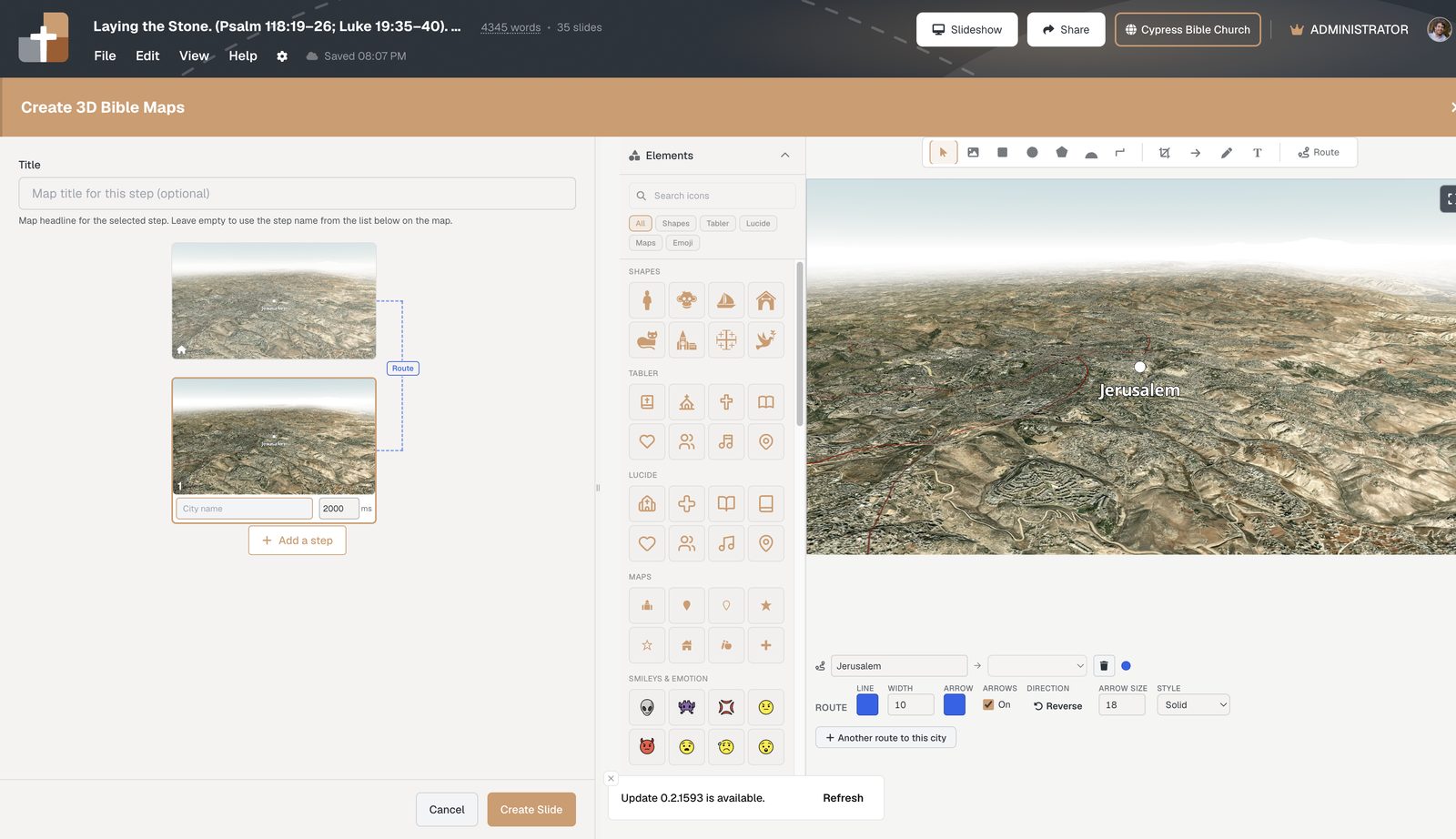
Draw Bible map routes with nodes, arrows, and stepped reveals
Build sermon campaign maps with editable route nodes, direction arrows, converging paths, focus boxes, custom callouts, and journey steps — not shaky PowerPoint lines.
Problem: sermon routes are ugly and brittle
You need a line from Gilgal to Gibeon. In PowerPoint you draw a curve that doesn’t follow the pass. In Google Earth you record a tour that isn’t in your notes.
Agitate: when the path is wrong, the argument wobbles
Campaign sermons live on sequence. Wrong arrow direction, path through a mountain, or step 3 before step 2 — the room feels it. Editing means deleting shapes and redrawing.
Clunky routes train people to ignore the map. Precise, stepped routes make geography preach.
Solution: routes as first-class journey tools
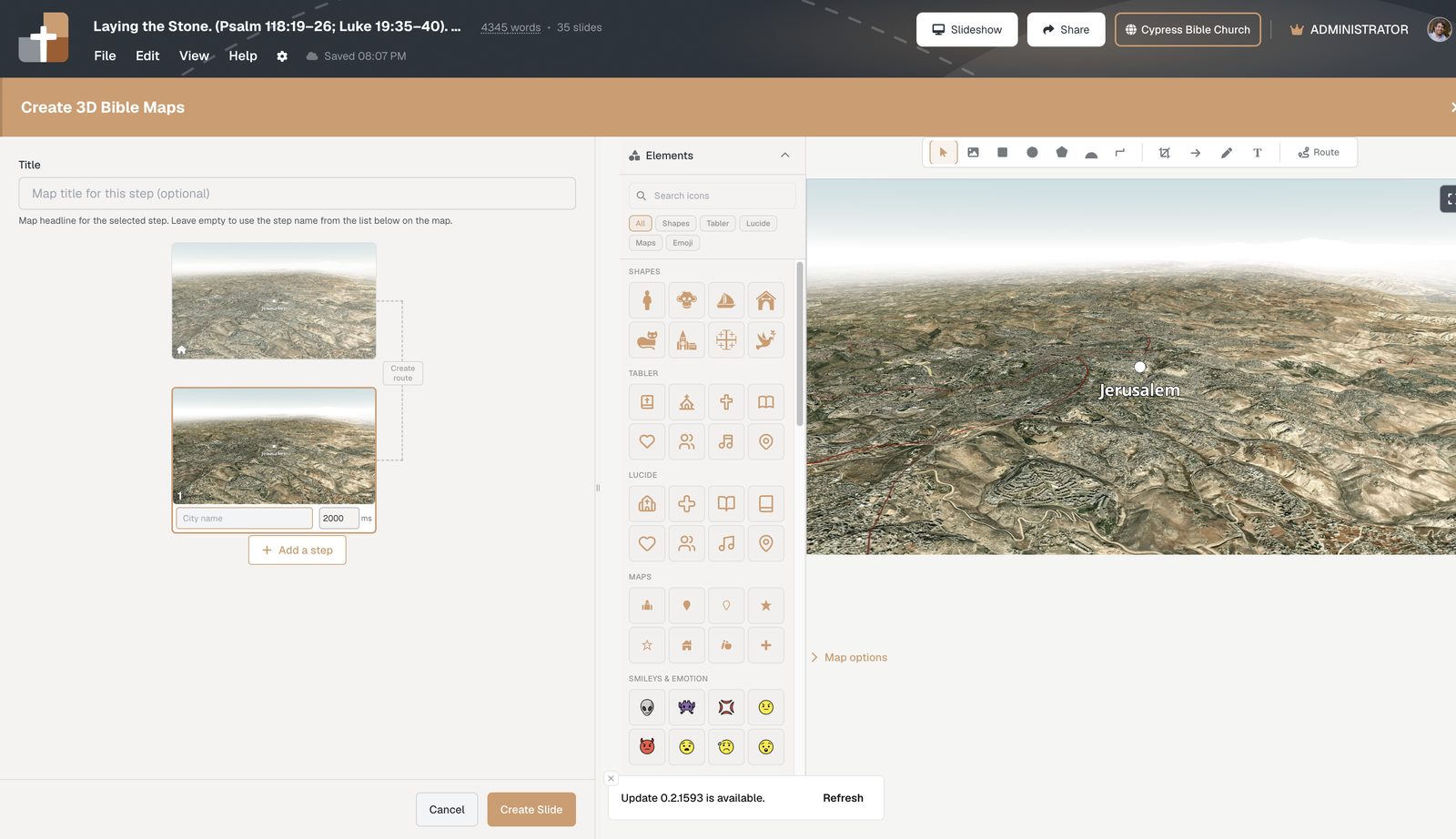
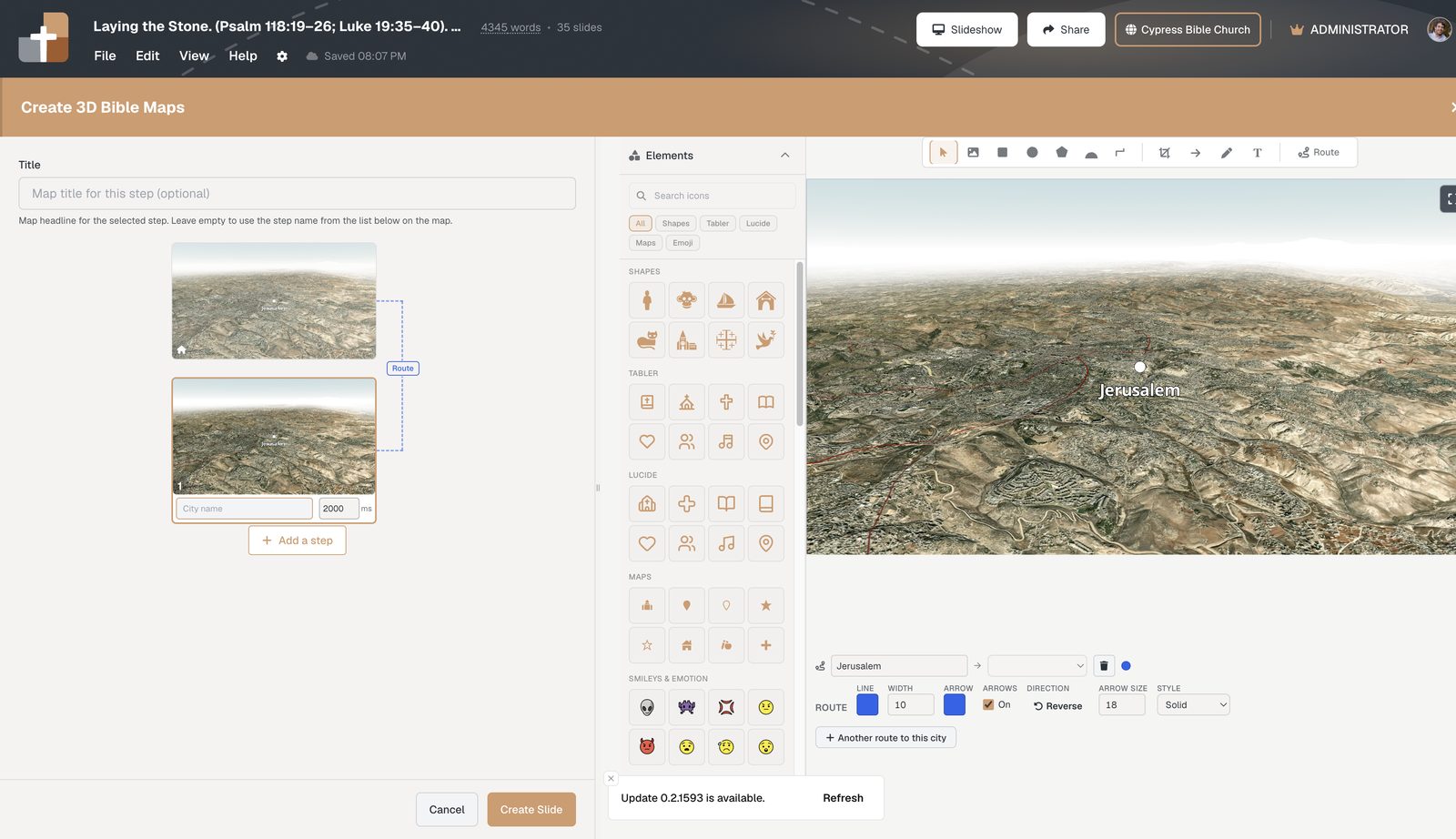
Route style: color, width, arrows
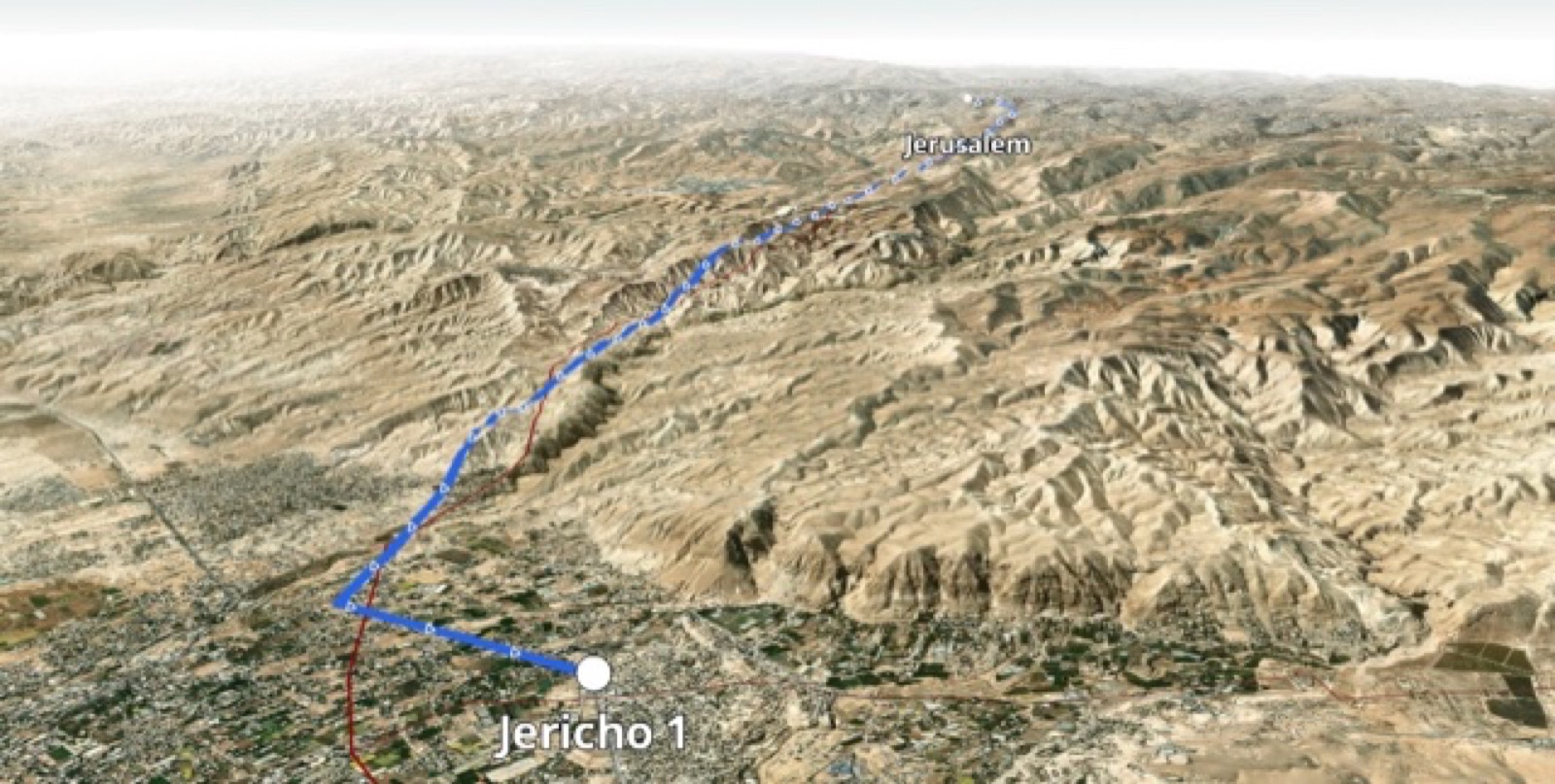
Direction arrows on the land
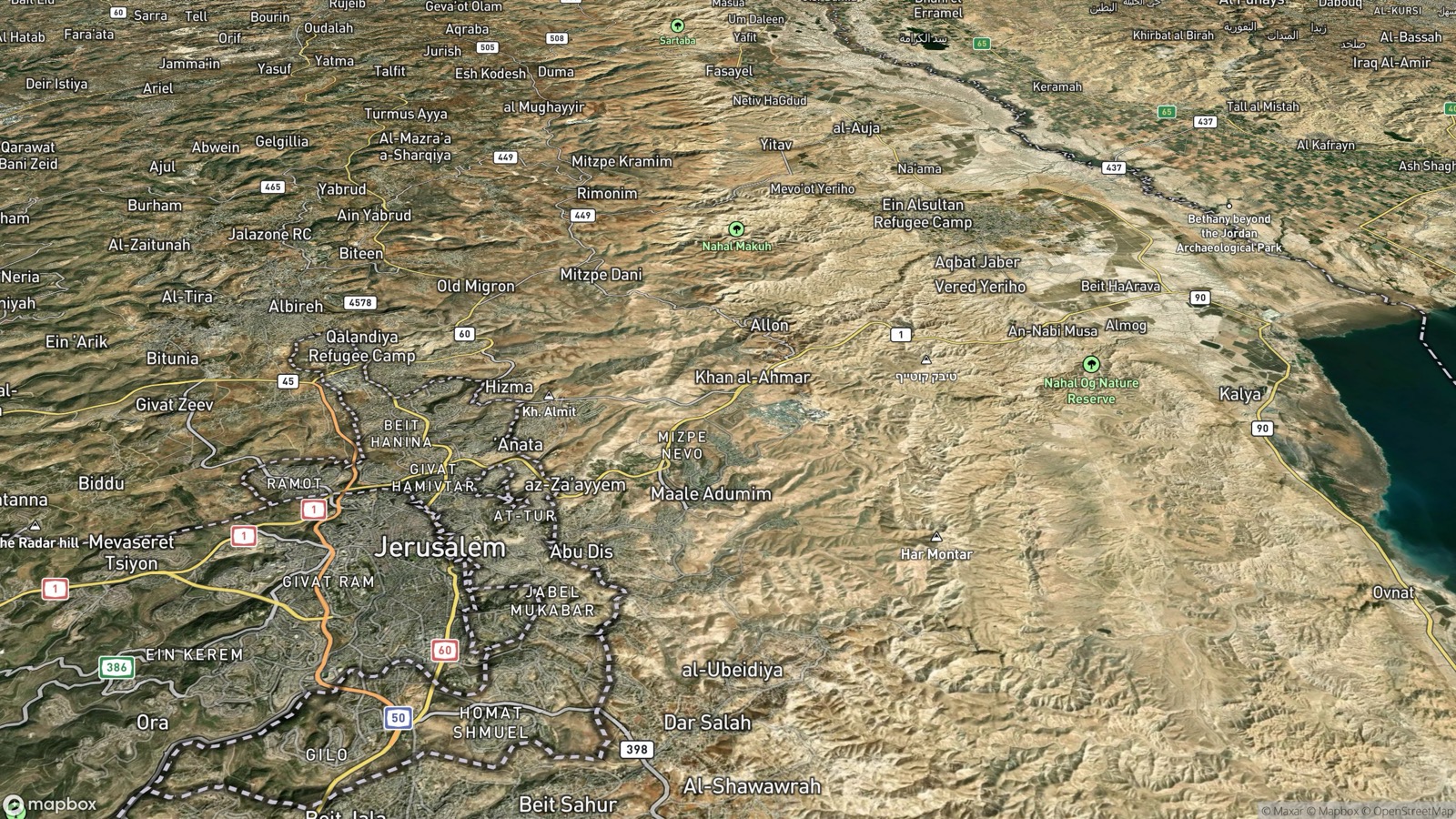
Tools for focus boxes and custom callouts
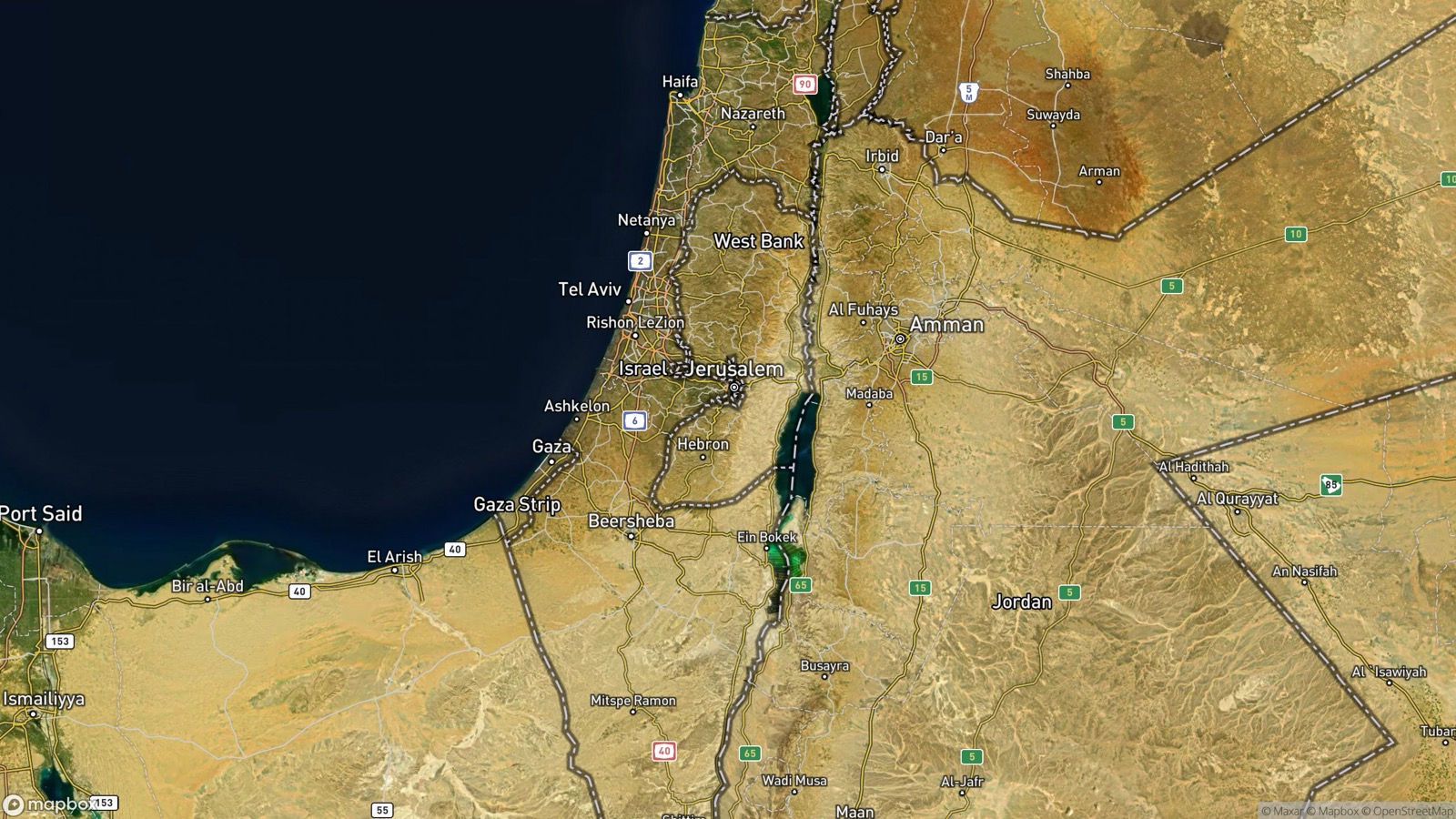
Click a route to add handles/nodes and reshape through the real corridor. Use Snap to 2D for editing, then Back to 3D for the sanctuary flyover. Add + Another route to this city for converging approaches.
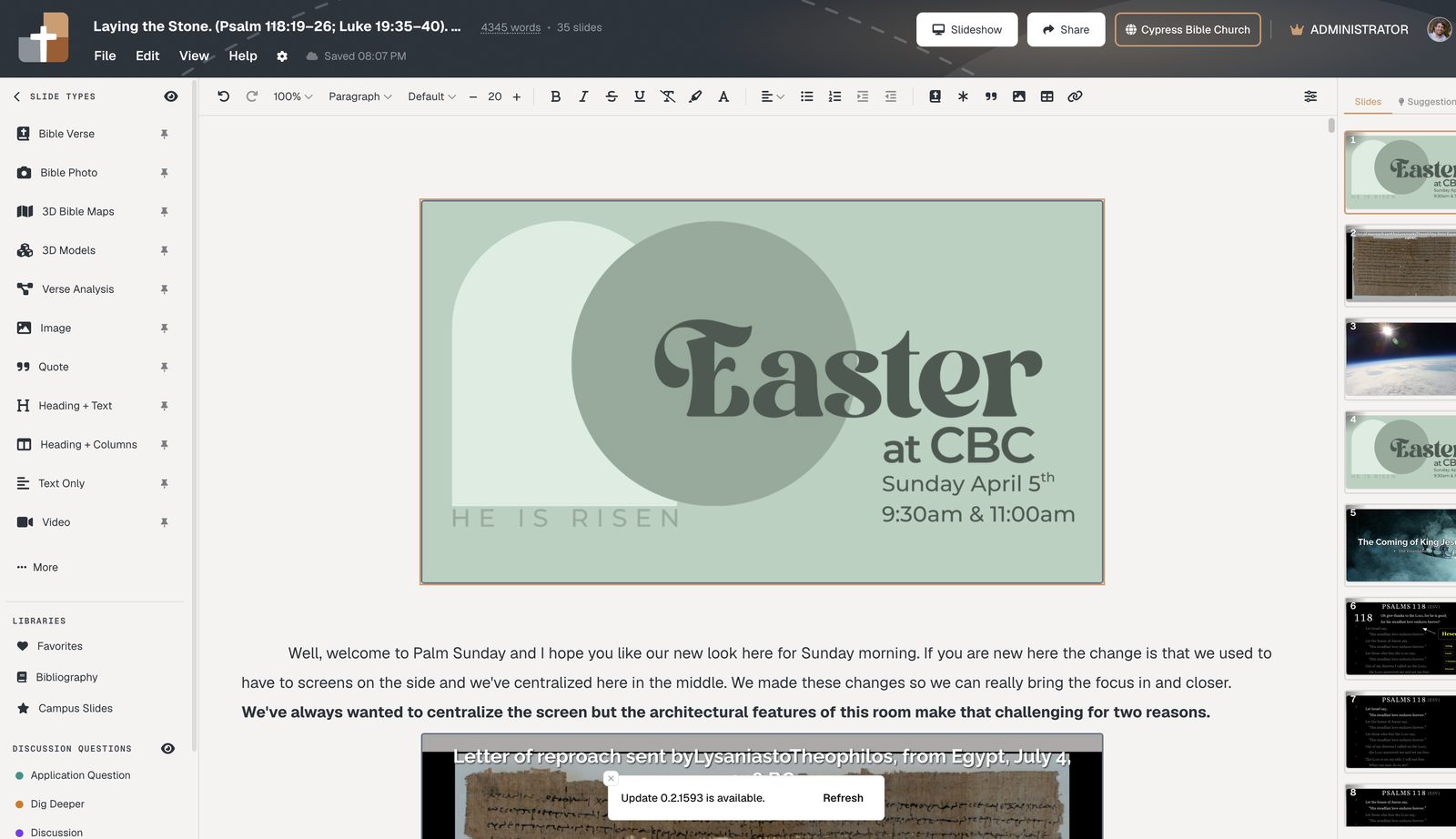
Always in the deck that’s current
Build a campaign map in one sitting
- Add 3D Bible Maps and set Home overview
- Add steps for each city
- Create route · turn Arrow On
- Snap to 2D · drag nodes along the land
- Rehearse advances in practice mode
Related: 3D journeys · Ancient vs modern overlays
See BibleSlides features
Notes and slides in one document, Bible Verse slides, stepped markup, Verse Analysis, 3D maps, BiblePlaces photos, and tablet presenter apps — built for pastors who teach Scripture.