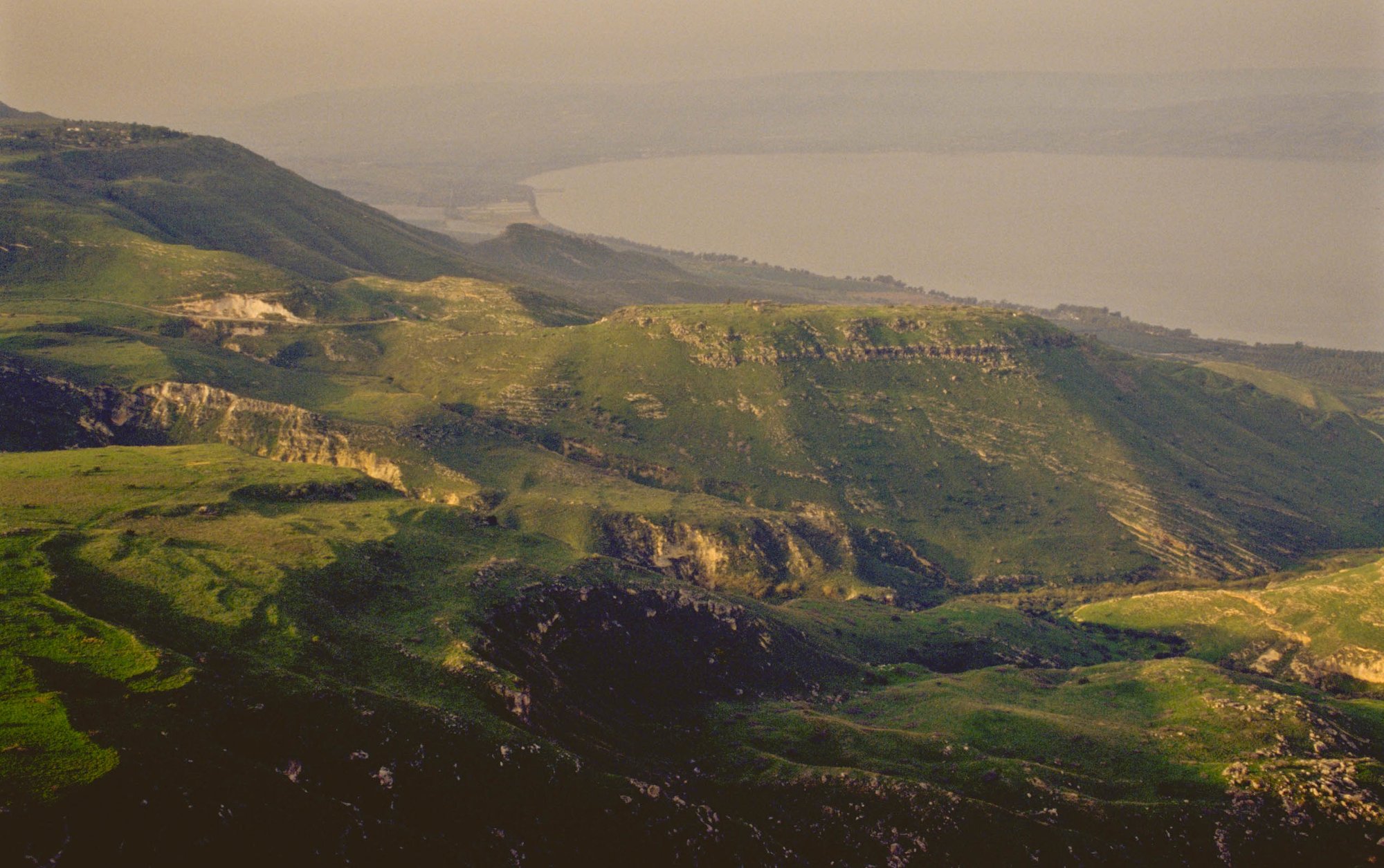
Bible places photos for sermons — search the land, not a folder tree
Need bible places photos for Sunday? Search Capernaum, Jerusalem, Galilee, or a verse inside BibleSlides and insert professional BiblePlaces.com images into the same sermon document as your Scripture slides.
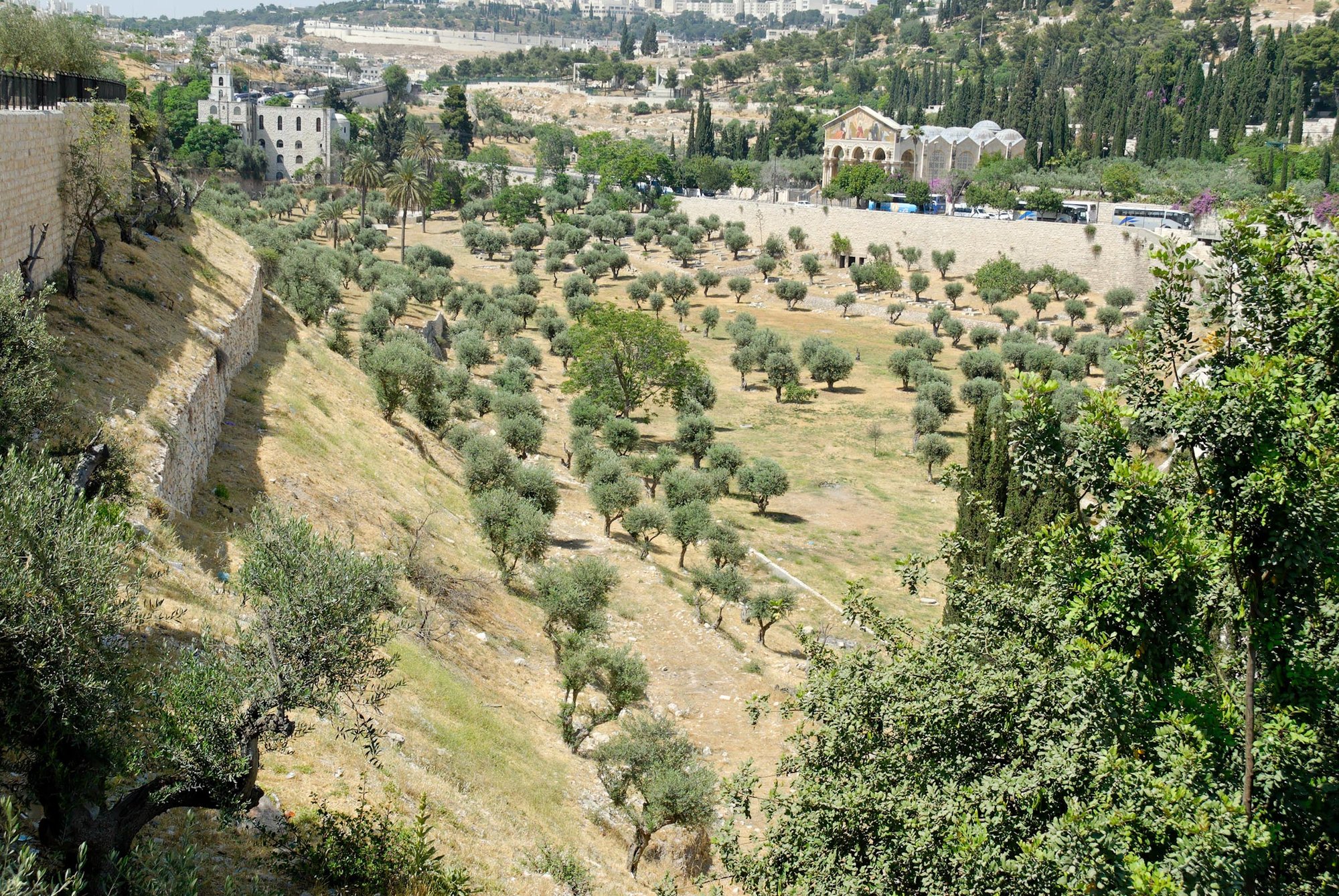
When people search for bible places or bible places photos, they usually want one thing: show the congregation where this happened — Capernaum’s shoreline, the Judean approach to Jerusalem, Corinth’s setting, the wilderness terrain behind a psalm.
BibleSlides includes 60,000+ BiblePlaces.com photos on premium plans so those places are searchable inside your sermon — not buried in a regional DVD set you bought three years ago.
The goal isn’t a travelogue. It’s one accurate photo at the exact moment the text needs geography.
Why “bible places” photos matter in a sermon
Abstract words fail when the text assumes landscape:
- “Going up to Jerusalem” is elevation and approach, not a metaphor you invent
- Fishing villages on the Sea of Galilee look different from Judean wilderness
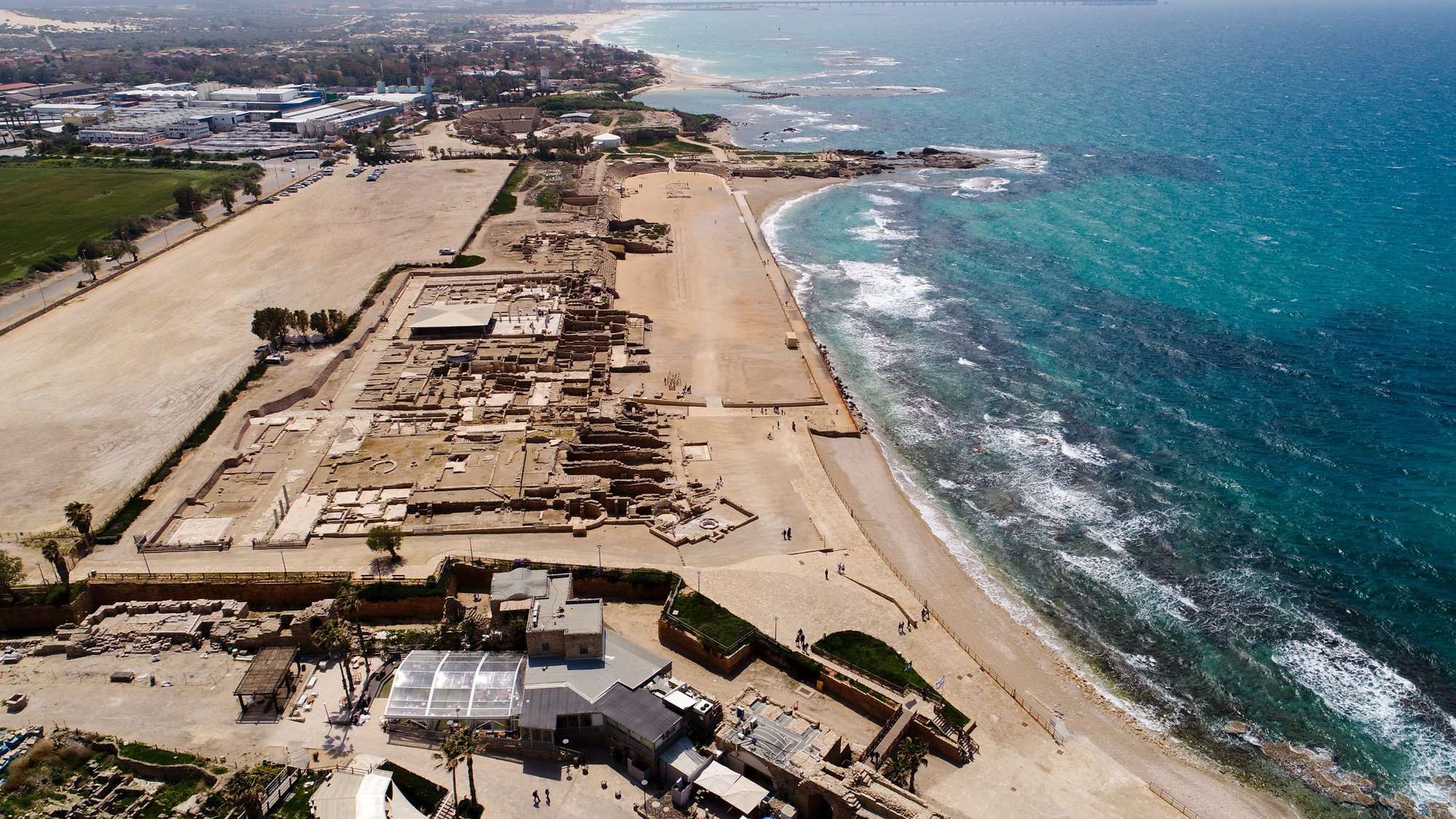
- Paul’s cities (Ephesus, Corinth, Philippi) have real streets, harbors, and ruins
A single well-chosen bible places photo makes the passage concrete for people who will never visit Israel or Greece.
How BibleSlides finds bible places photos
Insert a Bible Photo slide, then search:
| You know… | Search for… |
|---|---|
| The passage | Verse reference (e.g. Mark 4, Acts 27) |
| The site | Capernaum, Megiddo, Caesarea, Qumran |
| The region | Galilee, Judean wilderness, Negev |
| The object / culture | Olive press, shepherd, Roman road (keyword) |
Results come from the BiblePlaces partnership archive — professional biblical-world photography with the kind of site coverage teachers expect from BiblePlaces.com’s Pictorial Library and Photo Companion tradition.
Easier than the old bible-places workflow
Typical folder workflow:
- Remember which Pictorial Library volume covers the region
- Browse PowerPoint files until you find a usable angle
- Copy into this week’s deck
- Hope the caption still matches what you’ll say
BibleSlides workflow:
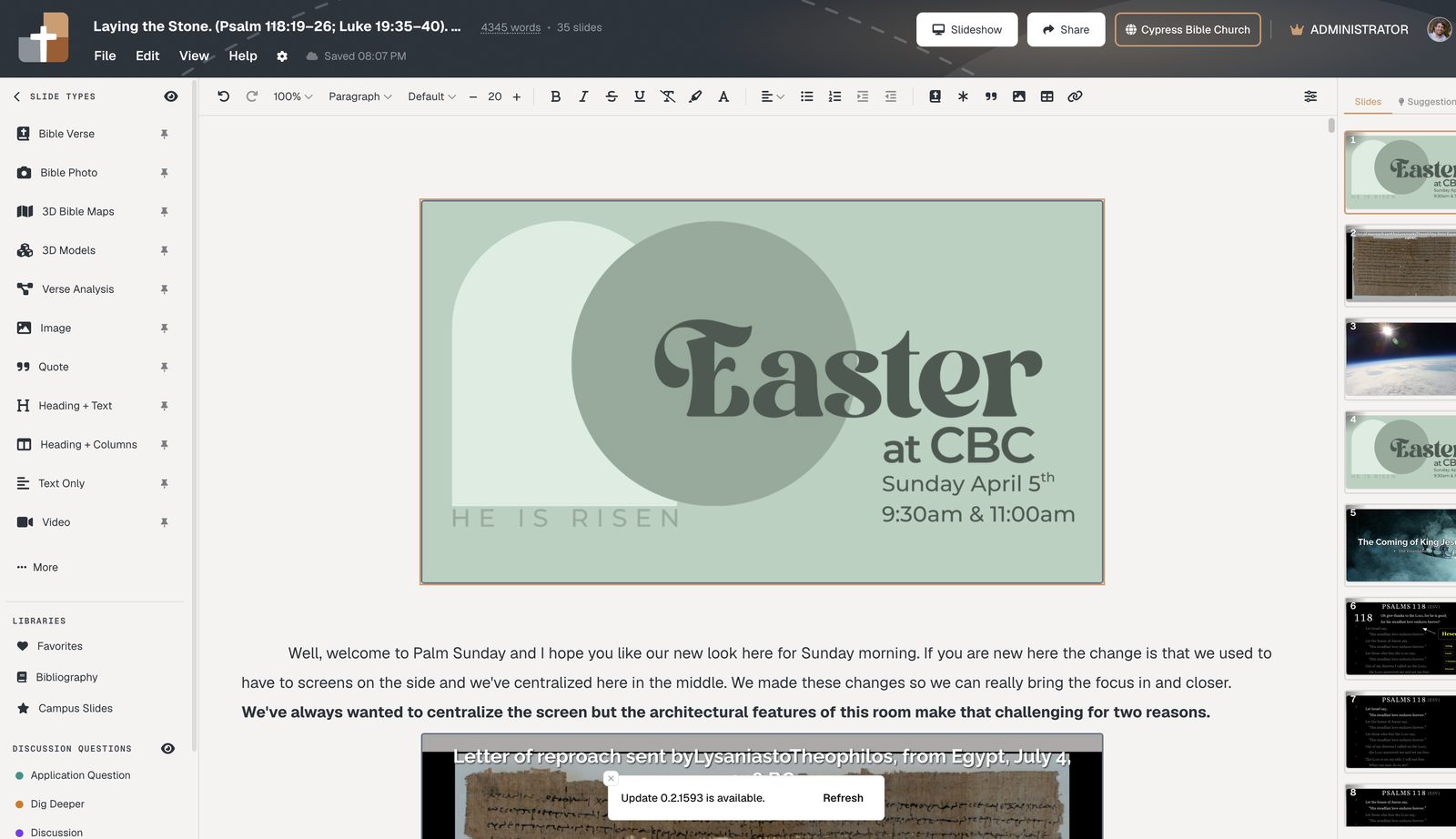
- Type the place or verse while the sermon document is open
- Insert the photo as a slide where the point lives
- Keep your preaching note under that slide
- Present from laptop or tablet — same cloud project
That is why churches that already trust BiblePlaces photography still gain speed: the archive meets the sermon editor, not only the study shelf.
Pair place photos with the rest of the teaching deck
- Bible Verse slide for the text → Bible Photo for the site → optional 3D Bible map for the journey
- Annotation steps on the verse, then advance to the photo when you say “this is the shoreline”
- Same pattern for small groups and Zoom — readable text plus one clear place image (project Scripture on Zoom)
Related guides
See BibleSlides features
Notes and slides in one document, Bible Verse slides, stepped markup, Verse Analysis, 3D maps, BiblePlaces photos, and tablet presenter apps — built for pastors who teach Scripture.