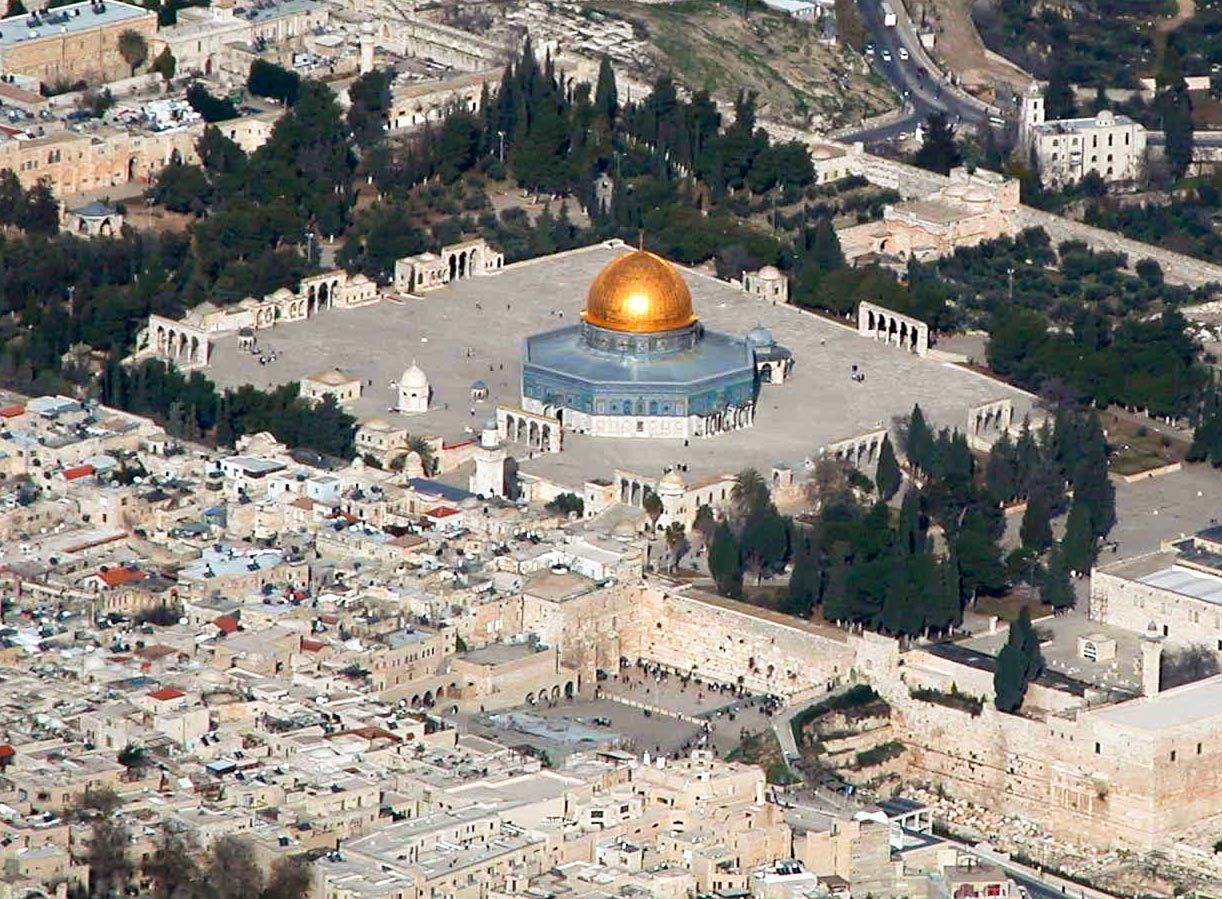
BiblePlaces.com photos inside BibleSlides — 60,000+ biblical images for teaching
BiblePlaces.com built the archive pastors trust. BibleSlides puts Todd Bolen’s 60,000+ Bible photos in your sermon document — search by verse or keyword, insert a Bible Photo slide, and teach without juggling PowerPoint DVD volumes.
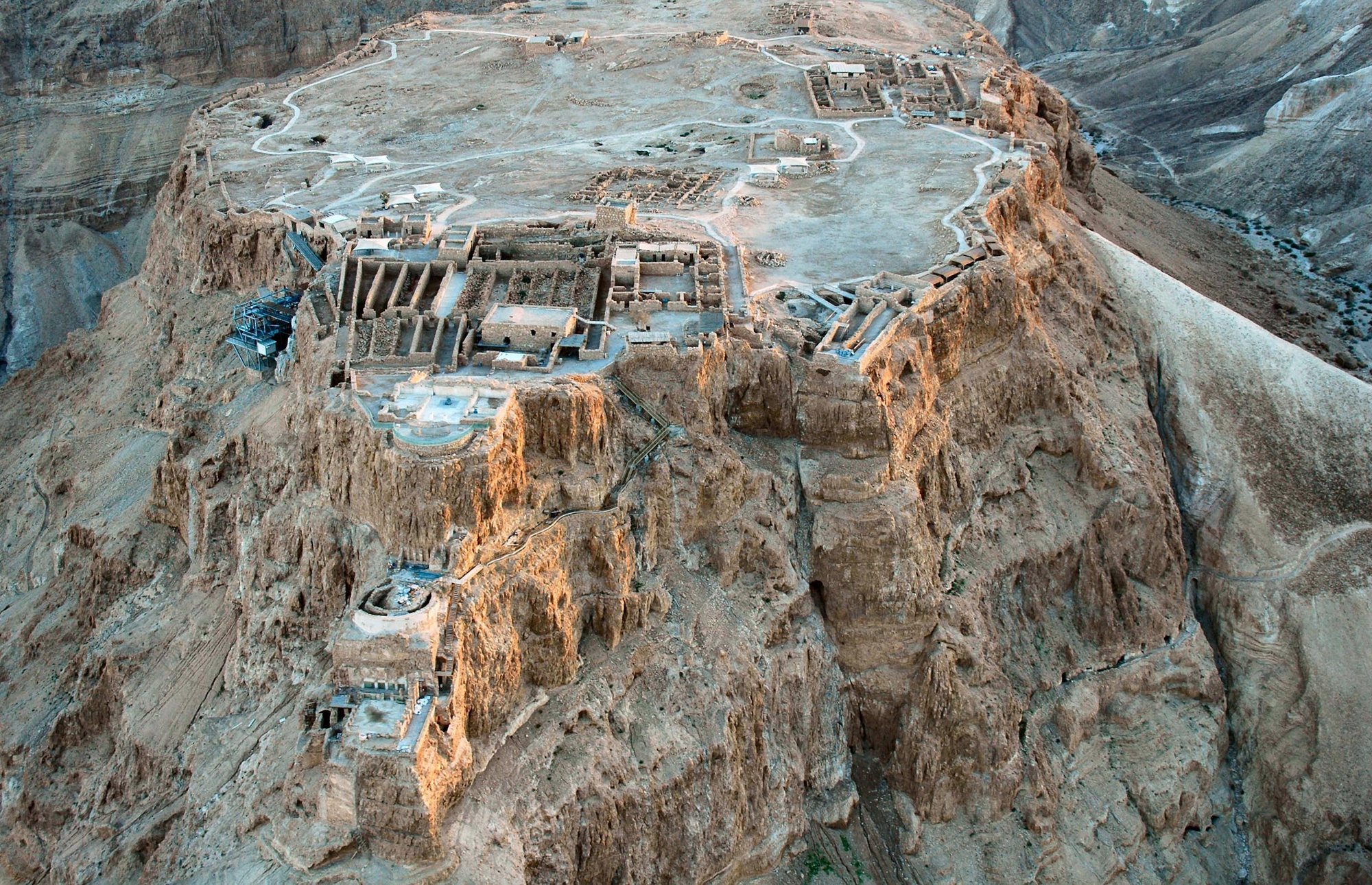
If you search for BiblePlaces.com, you already know the standard: high-quality photographs of the biblical world — sites, artifacts, cultural scenes, and historic images — curated for people who teach Scripture. BibleSlides partners with that archive so premium teachers get 60,000+ BiblePlaces photos inside the same document as their verse slides and notes.
BiblePlaces.com built the library. BibleSlides makes it the next click in your sermon — not a separate hard drive of PowerPoint files.
What BiblePlaces.com offers
BiblePlaces.com, founded by Dr. Todd Bolen, is known for two major collections:
- Pictorial Library of Bible Lands — region-by-region photography across Israel, Jordan, Egypt, Lebanon, Turkey, Greece, Rome, and more (tens of thousands of high-resolution images with instructive captions)
- Photo Companion to the Bible — verse-oriented slide volumes (Genesis, Gospels, Acts, Paul’s letters, Revelation, and many more books) that illustrate the text with sites, artifacts, and historic photos
Teachers buy volumes for face-to-face teaching and sermon visuals. The photography and captions come from years of living, traveling, and instructing in the lands of the Bible — not generic stock.
What changes when those photos live in BibleSlides
On BiblePlaces.com you typically purchase collections, download PowerPoint volumes, then hunt for the right slide and paste it into Sunday’s deck.
In BibleSlides (premium / trial):
| Step | Separate BiblePlaces volumes | BibleSlides + BiblePlaces |
|---|---|---|
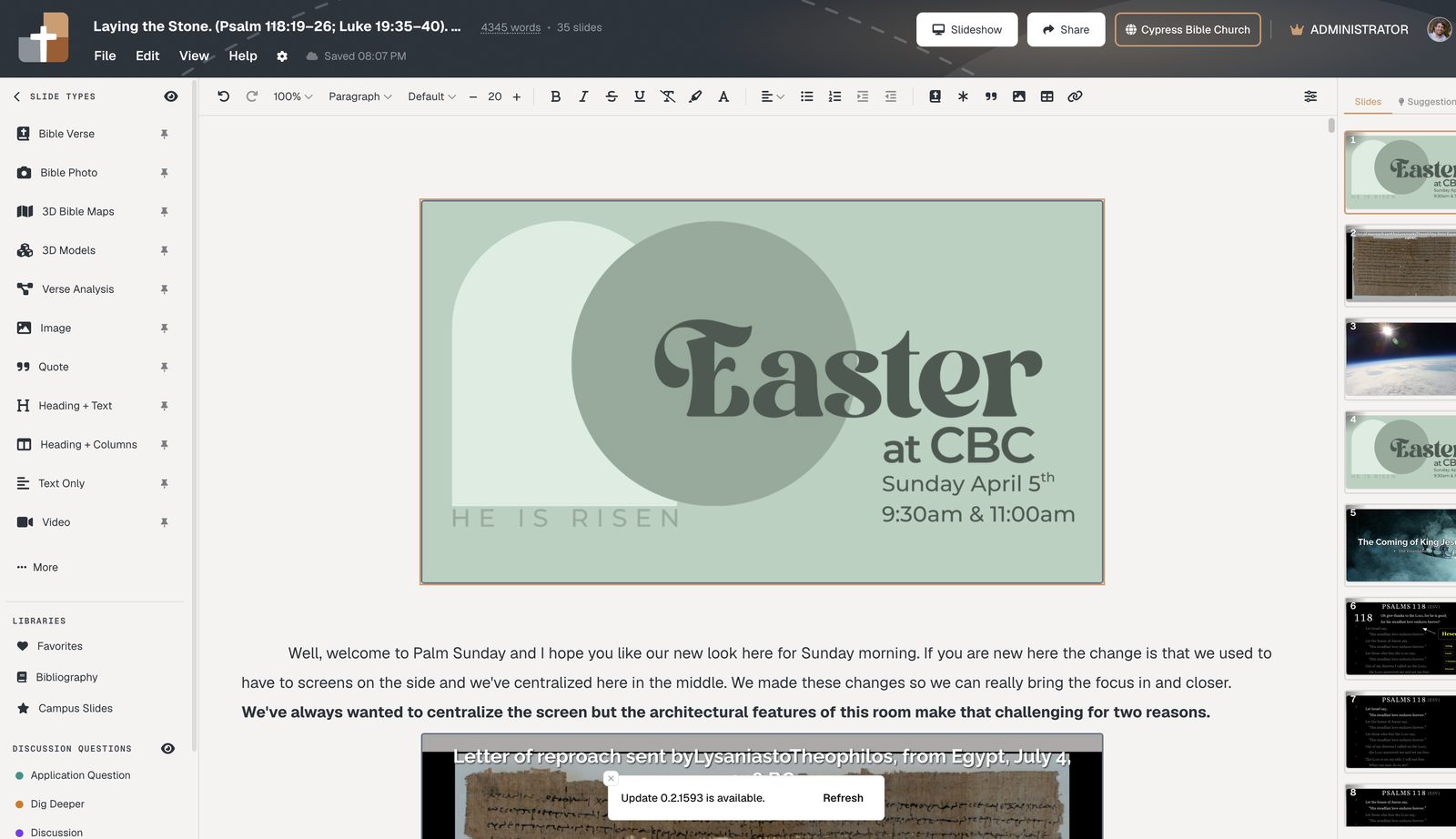
| Find a photo for John 6 | Open the right companion volume / folder | Insert Bible Photo → search the verse or “Sea of Galilee” |
| Put it in the sermon | Copy into PowerPoint / ProPresenter | Insert as a native slide in the same document as your notes |
| Keep notes in sync | Second file again | Notes sit under the photo slide |
| Present Sunday | Export / USB / booth file | Cloud project + tablet presenter |
Why this is easier for pastors who already love BiblePlaces
You keep the quality. Same professional biblical-world photography — Western Wall, Capernaum, Galilee, Jerusalem approaches, archaeology, cultural scenes — not random Unsplash landscapes.
You skip the volume shuffle. Search by verse reference or keyword while you’re writing the sermon. No “which Photo Companion DVD has Acts 27?”
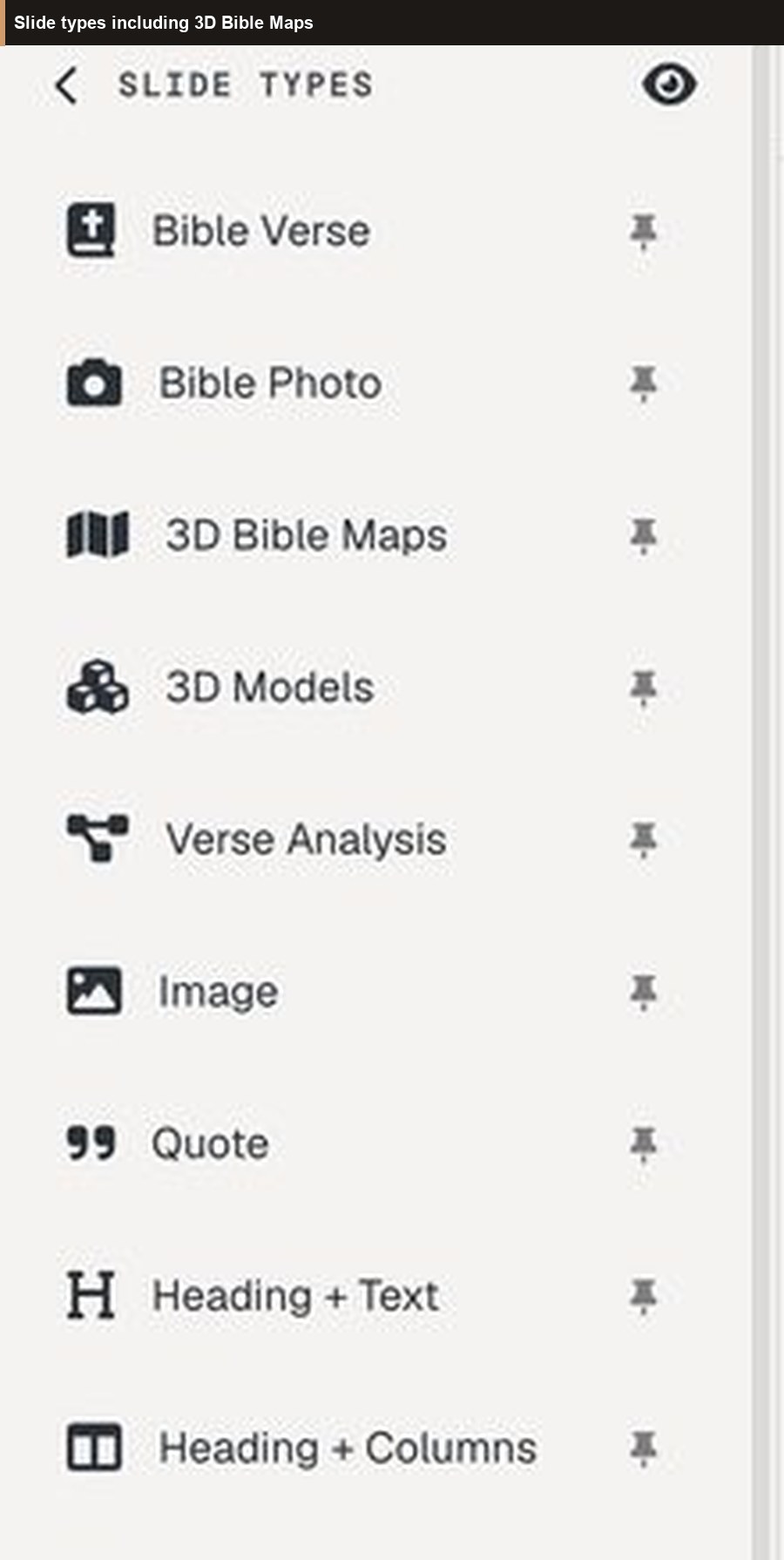
The photo is a teaching beat. Pair it with a Bible Verse slide, annotation steps, or a 3D map in one flow. The congregation sees place and text in the same teaching document.
Who this is for
- Pastors who already buy or recommend BiblePlaces.com volumes and still rebuild Sunday in PowerPoint
- Teachers who search “bibleplaces.com” looking for sermon-ready biblical photos
- Churches that want Todd Bolen’s archive licensed into the weekly teaching tool, not only on a study laptop
BiblePlaces.com remains the home of the Pictorial Library and Photo Companion products. BibleSlides is the sermon workspace that unlocks a large BiblePlaces photo set for premium plans (try free for 30 days on those slide types).
Start with a Bible Photo slide
- Open Projects and create (or open) Sunday’s teaching
- Insert Bible Photo
- Search by passage (e.g. Acts 18) or place keyword (e.g. Corinth, Capernaum)
- Drop the slide next to your verse text and write a one-line note under it for when you advance
Related guides
See BibleSlides features
Notes and slides in one document, Bible Verse slides, stepped markup, Verse Analysis, 3D maps, BiblePlaces photos, and tablet presenter apps — built for pastors who teach Scripture.