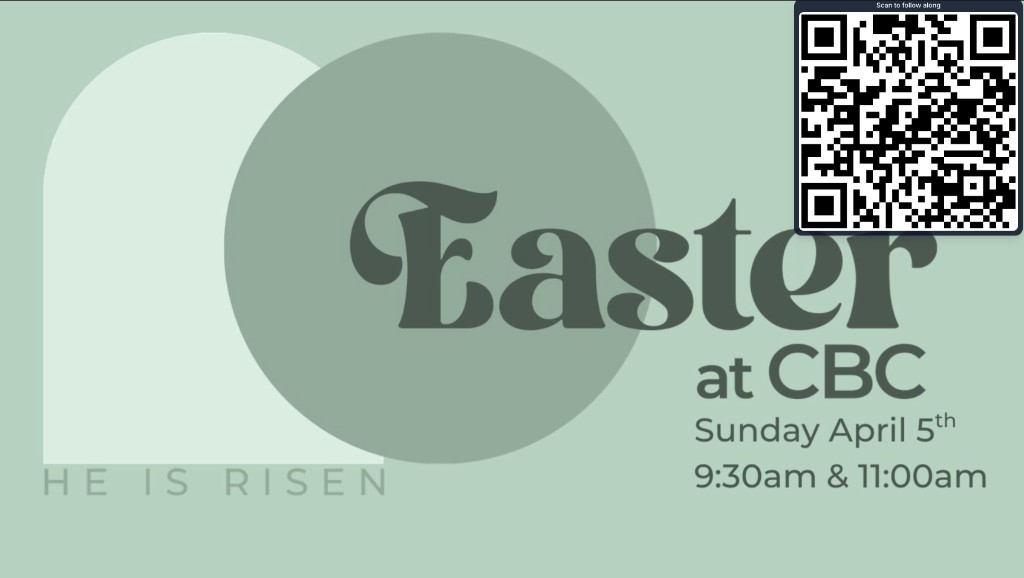
Let the congregation follow along on their phones — QR Bible slides
Campus plans include Audience Follow-Along: a QR on the projector so phones track live Bible slides — no church app, no sign-in. Built for hard-of-hearing seats, overflow rooms, and anyone who can’t read the screen.
Not everyone in the room can read the sanctuary screen. Back rows, overflow, hard-of-hearing seats, parents juggling kids, and guests who left their reading glasses at home all hit the same wall: the verse is on the wall, but they can’t follow it.
BibleSlides Audience Follow-Along (included with Campus plans) puts a QR code on the projector. Phones open a live view that tracks the presenter’s slide position — no church app to install, no account to create.
Follow-along isn’t a second sermon feed. It’s the same teaching deck, synced to the advance you’re already making.
Why “just make the text bigger” isn’t enough
Larger type helps until you hit:
- A long passage that still needs context on screen
- A room where sightlines are blocked by pillars or livestream cameras
- Guests who will never download your church’s branded app mid-service
Phone follow-along solves the distance problem without forcing people into another software stack.
How Audience Follow-Along works
- You launch the slideshow as usual (booth laptop or tablet presenter)
- A QR overlay invites the room to scan
- Phones open the follow URL for that document and stay on the current slide
- When you advance a verse step or annotation beat, follow-along devices move with you
No parallel “mobile edition” to maintain. It’s the same project you built for the projector.
What the congregation sees (and what they don’t)
| Surface | Shows |
|---|---|
| Sanctuary projector | Clean teaching slide (verse, map, photo, analysis) |
| Phone follow-along | Live slide position for that document |
| Pastor tablet | Notes + step chips + optional security messages |
Tech alerts from your media team can land on the tablet only (Security Messaging) so a “mic battery low” note never flashes over John 3:16 for the whole room — or for people following on phones.
When churches use QR follow-along
- Sunday teaching — long passages, stepped annotations, hard-to-read rooms
- Overflow / lobby — same deck without a second operator guessing when to click
- Hybrid / Zoom adjunct — pair with readable verse slides (project Scripture on Zoom); follow-along helps anyone who joined late on a phone
- Accessibility — people who need personal text size without you redesigning the house slide
Setup checklist (about two minutes)
- Confirm you’re on a Campus plan (follow-along is Campus-only)
- Finish the sermon project in BibleSlides (cloud autosave — no USB)
- Confirm display settings once for your venue (media laptop guide)
- In slideshow options, enable Audience follow-along
- Launch slideshow; show the QR when you want phones to join
- Teach — advances from tablet or booth push follow-along with you
FAQ for media teams
Which plan includes follow-along?
Campus plans. Individual Free / Monthly / Annual plans do not include Audience Follow-Along.
Do people need the BibleSlides app?
No. A phone camera + browser is enough.
Does follow-along require church accounts?
No sign-in for the audience. The presenter needs a Campus seat to turn the feature on.
Will phones show my private notes?
No. Follow-along is the slide surface, not the pastor’s interleaved notes on the tablet.
What if Wi‑Fi is weak?
Phones need a network path to the live sync. Test once in the room you actually use; don’t rely on “it worked at home.”
Related guides
See BibleSlides features
Notes and slides in one document, Bible Verse slides, stepped markup, Verse Analysis, 3D maps, BiblePlaces photos, and tablet presenter apps — built for pastors who teach Scripture.