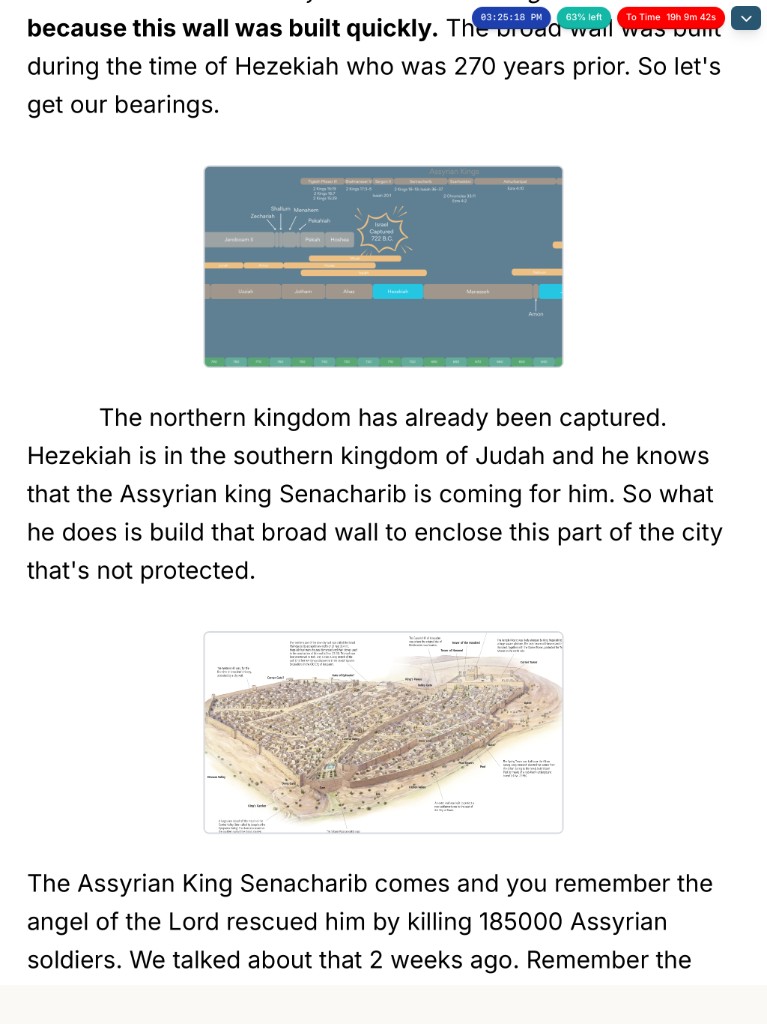
Present Sunday from a tablet — live advance, notes, and the latest deck
Ditch clickers and USB sticks. Use a tablet presenter with real-time slide advance, interleaved notes, and a cloud deck that is always the version you finished.
Sunday morning shouldn’t depend on which USB stick made it to the booth — or whether the PowerPoint on the media laptop is the one you edited at 11 p.m. Saturday.
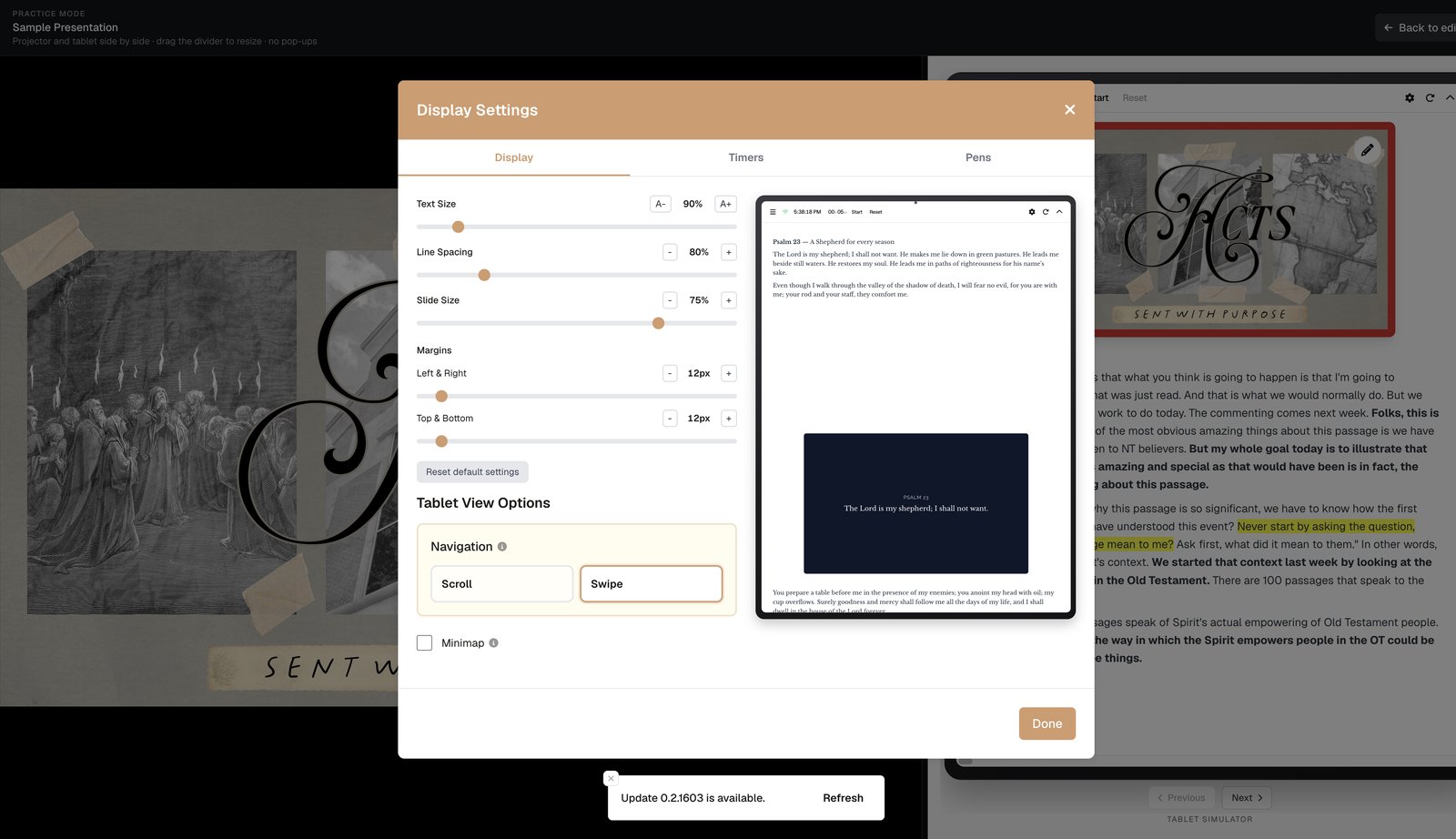
BibleSlides’ tablet workflow keeps notes interleaved with slides, advances the sanctuary screen in real time, and always runs the most updated cloud project.
Your job on Sunday is to teach. The tablet should carry the deck, the notes, and the next advance.
The old stage setup
- Finish notes in Word
- Rebuild slides in PowerPoint
- Copy the
.pptxto the booth - Hold a clicker
- Glance at printed notes that may not match the deck
Tablet as the control surface
Native iPad, Android, Mac, and Windows apps control the slideshow from the platform while the congregation sees the clean projector output.
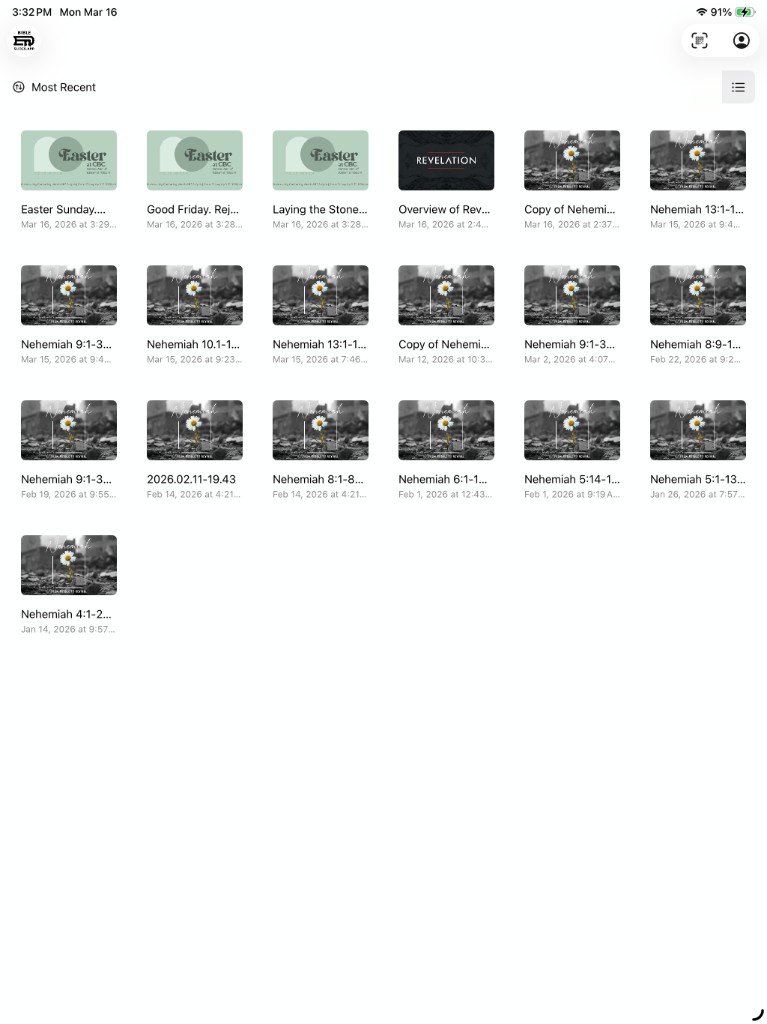
Same document you prepped on the desktop
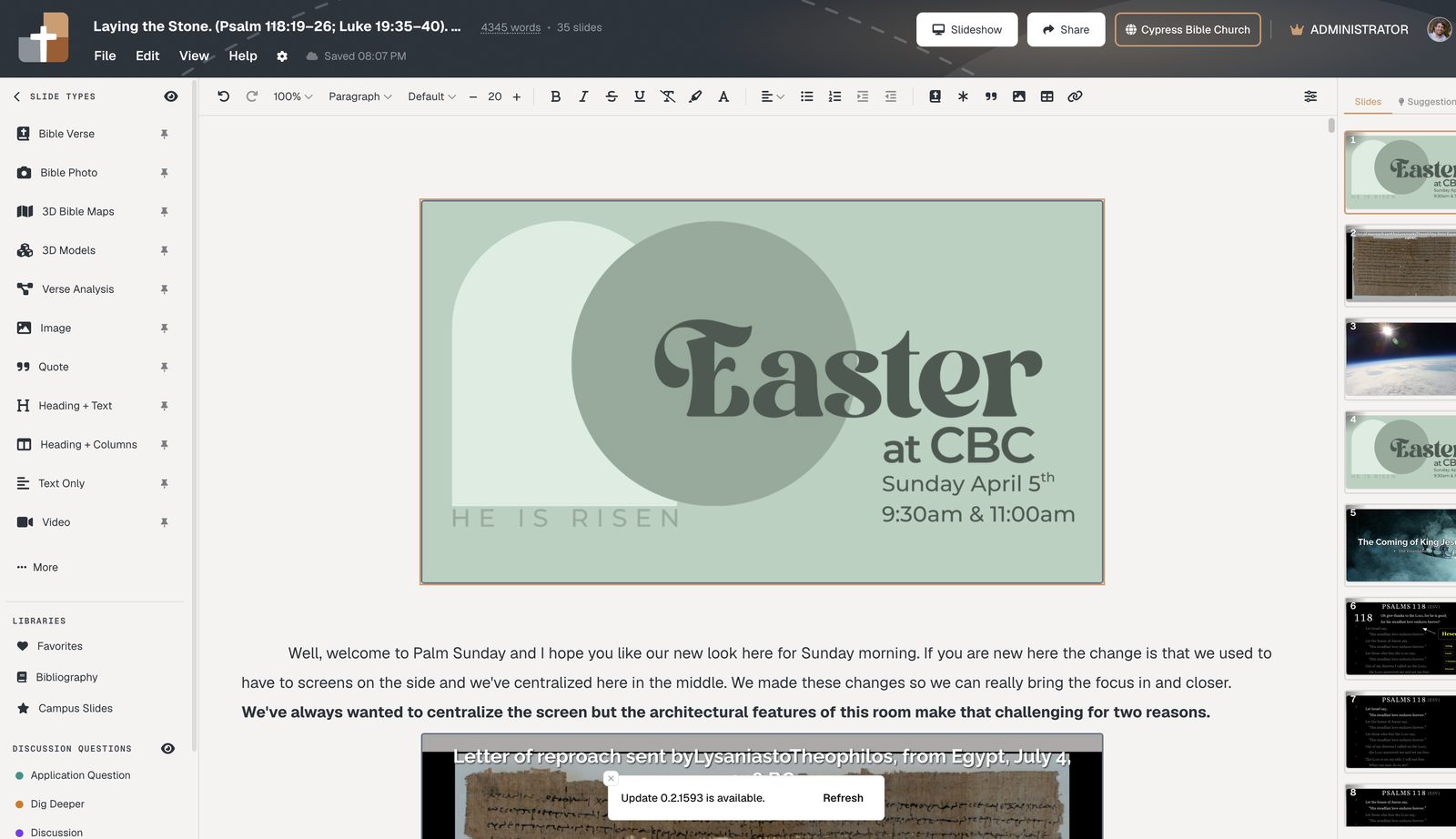
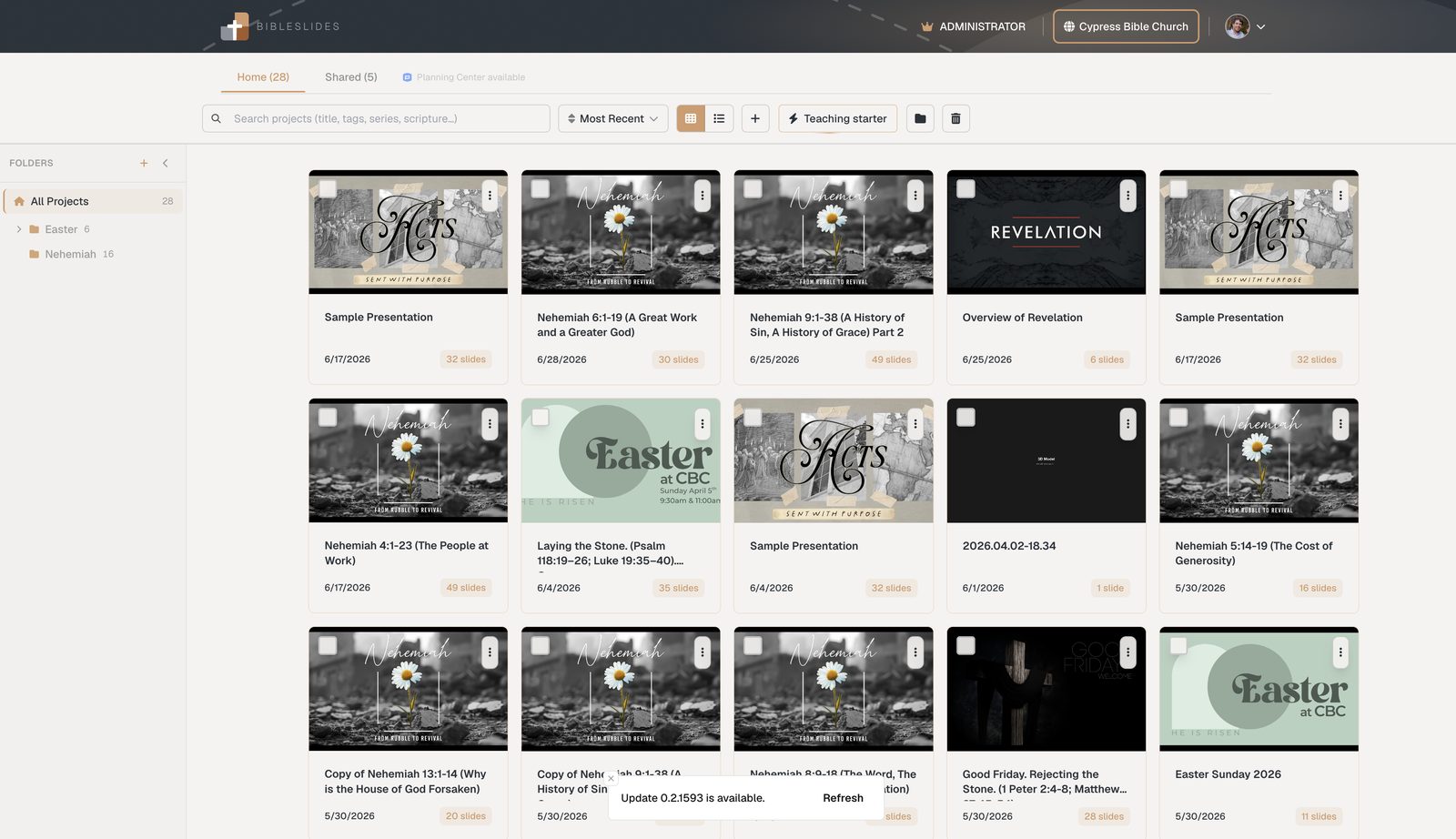
Always the latest version
| Risk with files | With BibleSlides |
|---|---|
| USB left at home | Open the project on the booth machine |
| Edited at home, presented old booth copy | Sync means the latest edit is live |
Practice once
Related guides
See BibleSlides features
Notes and slides in one document, Bible Verse slides, stepped markup, Verse Analysis, 3D maps, BiblePlaces photos, and tablet presenter apps — built for pastors who teach Scripture.