Stop toggling Word and PowerPoint for sermon prep
Why pastors lose hours copying notes into slides — and how one document for sermon notes and Bible slides keeps everything in order before Sunday.
If your Sunday prep looks like this — outline in Microsoft Word, slides in PowerPoint, Bible app in another window — you already know the tax. You rewrite the same passage three times. You copy a verse into a slide, then tweak the outline, then realize slide 7 no longer matches point 3. By Saturday night, the manuscript and the deck have drifted apart.
That workflow was never designed for teaching Scripture. Pastors pay for it every week in context switching, out-of-order slides, and last-minute scramble.
The goal isn’t prettier slides. It’s finishing prep with one source of truth — notes and visuals that can’t get out of sync.
The normal way: two documents, constant rework
- Write the sermon outline in Word
- Build a parallel deck in PowerPoint
- Copy Bible text from a third app into slide boxes
- Re-number slides when a point moves
- Hope the printed notes still match what the sanctuary sees
Every change multiplies. Move an illustration in the outline, and you hunt for the matching slide. Cut a paragraph, and you orphan a verse graphic.
One document: notes interleaved with slides
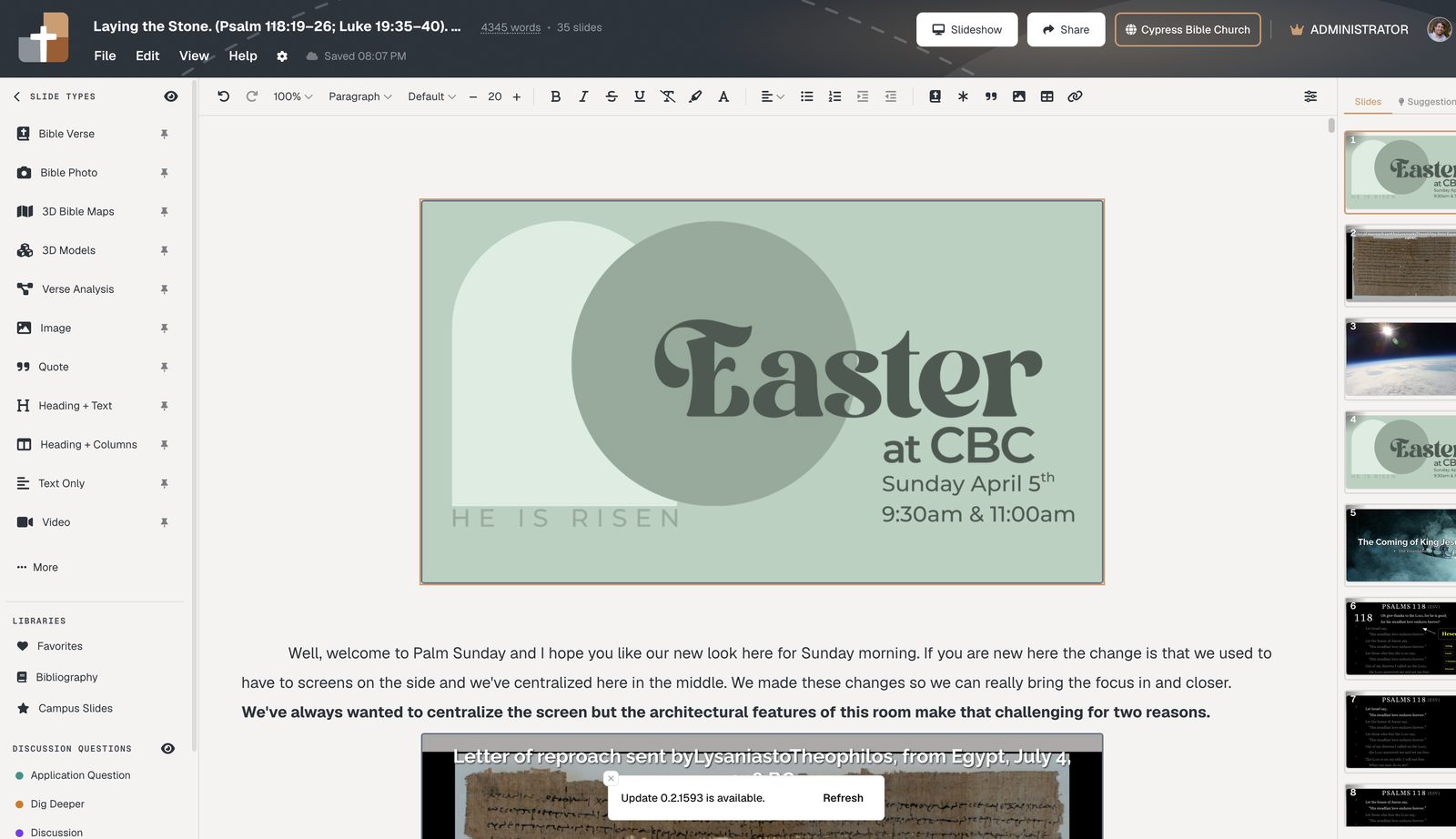
BibleSlides puts sermon notes and slides in the same document. Insert a Bible Verse slide in place — not in a separate file you have to keep aligned.
What changes in practice:
- Reorder a section → the slide moves with the notes around it
- Add a verse mid-flow → it appears exactly where you’ll teach it
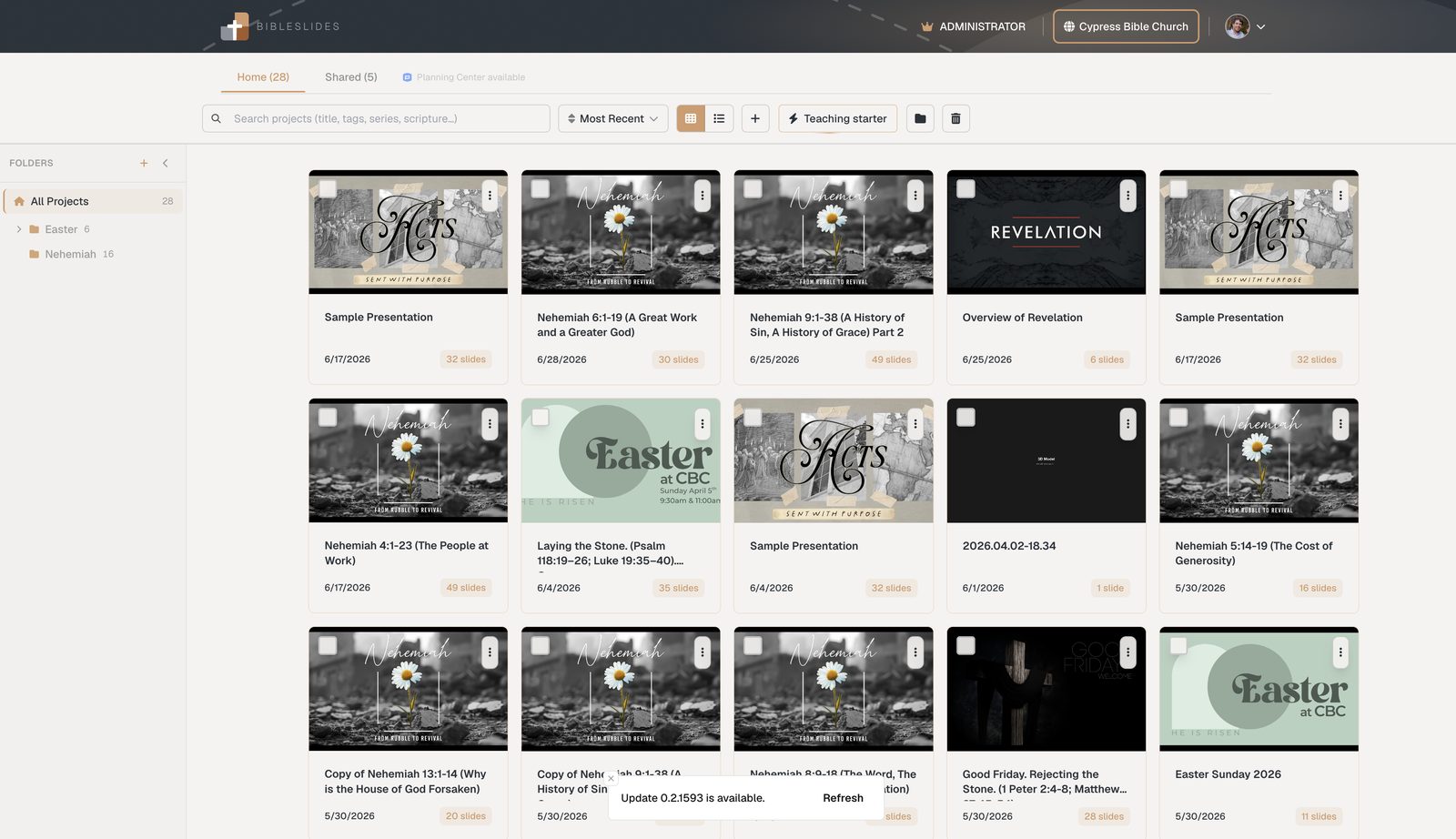
- Open the project later → you’re on the same, current cloud version
Always the most updated version
Time comparison
| Task | Word + PowerPoint | BibleSlides |
|---|---|---|
| Draft outline + verse slides | Write notes, then rebuild as slides | Write once; insert slides in flow |
| Move point 2 after point 4 | Edit Word and renumber PPT | Drag the section; slides stay with it |
| Sunday handoff | Email / USB / “use this file” | Open the project — it’s current |
Start this week
- Open Projects and create next Sunday’s teaching
- Paste or type your outline as notes in the document
- Insert Bible Verse slides where the congregation should see Scripture
- Rehearse once in practice mode
Related guides
See BibleSlides features
Notes and slides in one document, Bible Verse slides, stepped markup, Verse Analysis, 3D maps, BiblePlaces photos, and tablet presenter apps — built for pastors who teach Scripture.