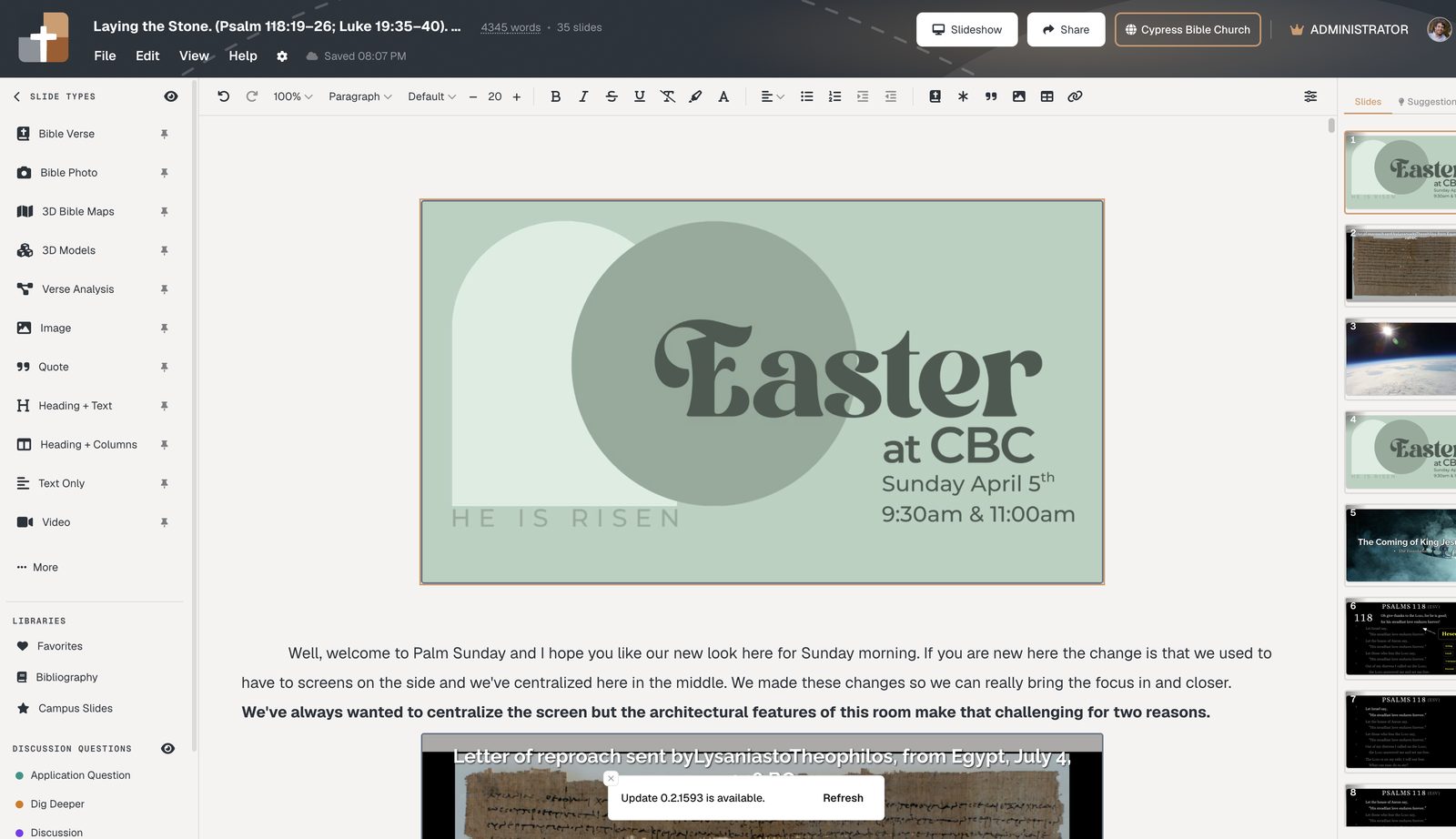
BibleSlides vs Sermonary (2026): Teaching Slides vs Writing App
Sermonary builds the manuscript. BibleSlides builds the bible slideshow the room follows. Compare features, when to use both, and when pastors switch.
Sermonary (from the Ministry Pass family) and BibleSlides both help pastors get from midweek prep to Sunday delivery — but they optimize for different centers of gravity.
- Sermonary is a sermon writing app: drag-and-drop manuscript blocks, templates, illustrations, research suite, and Podium Mode for preaching from your notes.
- BibleSlides is Scripture teaching presentation software: verse-by-verse slides, stepped annotations, 3D maps, Verse Analysis, notes interleaved with those slides, and a tablet that advances the sanctuary screen.
If your bottleneck is writing the manuscript, Sermonary’s editor is the product category. If your bottleneck is what the congregation sees while you teach the text, BibleSlides is the product category.
Same Sunday. Different job. One tool builds the message document; the other builds the teaching visuals the room follows.
Side-by-side
| Dimension | Sermonary | BibleSlides |
|---|---|---|
| Primary object | Sermon manuscript / block outline | Teaching deck (slides + notes in one document) |
| Congregation screen | Not the core product (notes-first podium) | Native verse slides, maps, photos, analysis |
| Scripture on screen | You still need a presentation layer | Bible Verse slides + translations + annotation steps |
| Delivery surface | Podium Mode for notes | Tablet presenter advancing house slides + notes |
| Study / illustrations | Research suite + Ministry Pass library | Teaching visuals (maps, BiblePlaces, definitions, Verse Analysis) |
| Church systems | Writing/organization focus | Church publishing hub, QR follow-along + Planning Center (Campus) |
Is BibleSlides a Sermonary alternative?
Yes for the Sunday screen. No as a manuscript clone.
Pastors searching “Sermonary alternative” often mean one of two things:
- A different place to write the sermon — BibleSlides is not that. Sermonary’s block editor, templates, and research suite stay in the writing-app category.
- A better way to put Scripture on the projector — BibleSlides is that. The house sees a bible slideshow: verse-by-verse slides, markup, optional maps and photos, notes under the same slides.
If you adopted Sermonary and still rebuild visuals in PowerPoint every Saturday, the gap is not “another writing app.” The gap is teaching slides. That is the switch BibleSlides is built for.
Sermonary alternative for verse-by-verse teaching
Choose BibleSlides as your Sermonary alternative when:
- You teach passage-by-passage and the screen must track the text
- You are tired of pasting verses into text boxes or duplicating slides for each highlight
- You want notes and slides in one document, then a tablet that advances the house
- Maps, Bible photos, Verse Analysis, or definition slides are part of how you teach — not extras you hunt in another file
Stay with Sermonary (or keep writing there) when the bottleneck is rearranging intro / exegesis / illustration / application, and the house screen is a title plus three bullets. Those are real pastor problems. BibleSlides does not try to be a Ministry Pass content library.
Using Sermonary and BibleSlides together
You do not have to pick a winner on day one.
A common stack: draft the manuscript in Sermonary (or Word, or Logos notes), then build the sanctuary visuals in BibleSlides. Create bible slide types for the verses you will actually put on the projector. Keep only the notes you need under those slides for Sunday.
Some pastors eventually keep one home base. Pick the home base that matches the bottleneck — writing vs the room’s screen. Many who keep both still stop using PowerPoint for the sermon.
Sermonary vs BibleSlides vs PowerPoint
| Job | Sermonary | BibleSlides | PowerPoint |
|---|---|---|---|
| Write / rearrange the manuscript | Strong | Notes live with slides, not a block sermon builder | Speaker notes only |
| Verse-by-verse house screen | Not the product | Native Bible Verse slides | Text boxes / duplicates |
| Timed markup on Scripture | — | Stepped annotations | Pens, shapes, extra slides |
| Maps / Bible photos in the same deck | — | Built-in teaching media | Manual insert |
| Tablet advances the projector | Podium notes | Teaching presenter | Clicker / third-party |
| Worship lyrics | No | No — keep ProPresenter | Sometimes pressed into it |
PowerPoint is the default “third tool” when a writing app has no teaching deck. BibleSlides replaces that half of the stack — not the hymn software, and not a manuscript clone.
Where Sermonary is stronger
Choose Sermonary (or keep it) when you want:
- A block-based sermon builder aimed at rearranging intro / exegesis / illustration / application
- Templates and Ministry Pass-style illustration / series resources inside the writing flow
- Podium Mode focused on clean note delivery from phone or tablet
- A research suite wrapped around writing, not around sanctuary visuals
Where BibleSlides is stronger
Choose BibleSlides when you need the room to see the teaching:
- Verse-by-verse focus with dim/highlight and movement through a passage
- Stepped annotations (highlights, boxes, labels, arrows) timed to your points
- 3D Bible maps, models, and 60k+ BiblePlaces photos in the same project
- Verse Analysis and Greek/Hebrew definition slides on stage
- One document so notes and slides can’t get out of sync
- Audience QR follow-along (Campus), practice mode, and campus church publishing
Pastors who leave Sermonary (or never adopt it) often still lose Sunday to PowerPoint. BibleSlides replaces that half of the stack.
The overlap (why it feels like a competitor)
Both products:
- Live in the cloud
- Care about Sunday delivery from a mobile device
- Want to reduce Word ↔ something else chaos
The fork is simple: Sermonary’s “something else” is still usually a slide tool for the house screen. BibleSlides is the slide tool — with notes attached.
Who should pick which
| Your situation | Lean toward |
|---|---|
| You write long manuscripts and preach almost entirely from notes; house screen is title + three bullets | Sermonary |
| You teach passage-by-passage and the screen must track the text, maps, or word study | BibleSlides |
| You love Sermonary’s writing UX but hate rebuilding visuals in PowerPoint | BibleSlides for the deck (see deeper comparison) |
| You need campus publishing + Planning Center-linked teaching | BibleSlides Campus |
FAQ
Is BibleSlides a Sermonary clone?
No. Sermonary is manuscript-first. BibleSlides is teaching-slides-first with notes in the same document.
Is BibleSlides a Sermonary alternative?
Yes for Scripture on the house screen. No if you need a manuscript builder with Ministry Pass-style writing tools. Many pastors use a writing app and BibleSlides.
Best Sermonary alternative for Scripture on screen?
BibleSlides — if the job is a bible slideshow the congregation can follow verse by verse. That is a different category from “another place to write the sermon.”
Can I use both?
Yes. Draft structure in Sermonary (or elsewhere) and build sanctuary visuals in BibleSlides. Many eventually keep one home base — pick the home base that matches your bottleneck.
What about ProPresenter?
Different layer again — worship production. See BibleSlides and ProPresenter. Keep ProPresenter for lyrics; use BibleSlides for the sermon.
Is there a free way to try the teaching-slides side?
BibleSlides has a Free plan, and new accounts include a 30-day Premium trial with no card. See free church presentation software.
Related guides
See BibleSlides features
Notes and slides in one document, Bible Verse slides, stepped markup, Verse Analysis, 3D maps, BiblePlaces photos, and tablet presenter apps — built for pastors who teach Scripture.