How to Create a Bible Slide (Verse, Map, Photo)
Create a bible slide for teaching — Bible Verse, maps, photos, and more. Pick the slide type that matches the point, keep notes under it, present from a tablet.
A bible slide is a teaching visual tied to a passage or a single point — not a lyric line and not a decorated PowerPoint text box. BibleSlides is built around slide types, so you pick the type that matches the job: a verse, a map, a photo, an outline, then keep the notes under it in the same document.
Pick the slide type that matches the point, then keep the notes under it in the same document.
This walkthrough is how to create a bible slide for Sunday — then string a few together into a short bible slideshow.
Watch the walkthrough
The video above shows how to create the main bible slide types from the editor.
What is a bible slide?
A bible slide is the thing the congregation sees while you explain the text. It should do one job at a time:
- Put this verse (or this place, this word, this outline point) on the projector
- Stay readable from the back row
- Advance in the order you will say it
That is different from a worship lyric slide and different from a title slide plus three bullets. A lyric slide tracks a song. A generic deck tracks your outline headings. A bible slide tracks the Scripture you are teaching.
Notes belong under that slide in the same project, so the bible slideshow and the manuscript cannot drift apart midweek. Present from a tablet or the booth laptop — it is the same cloud deck.
Add a slide
- Open your presentation
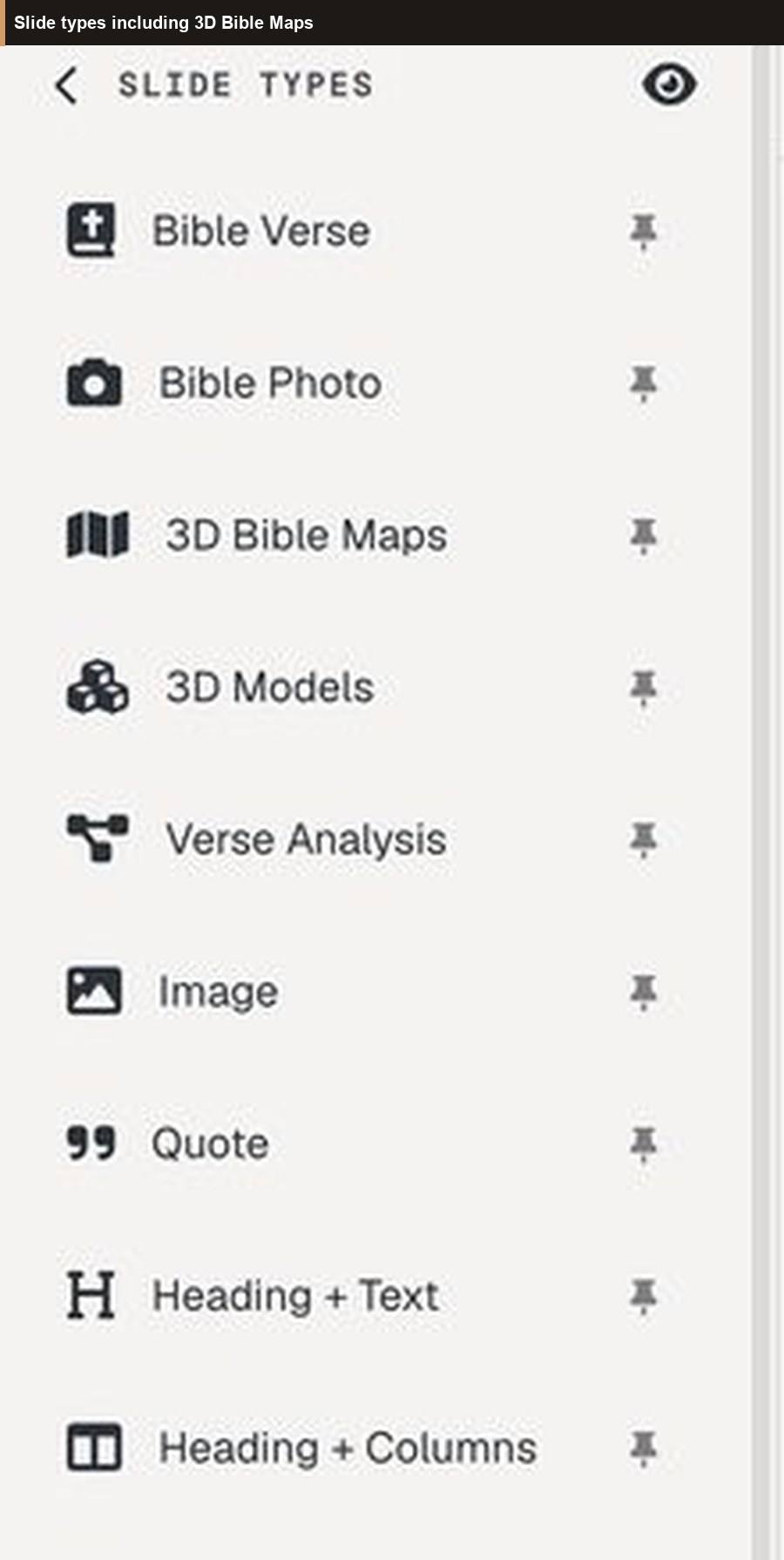
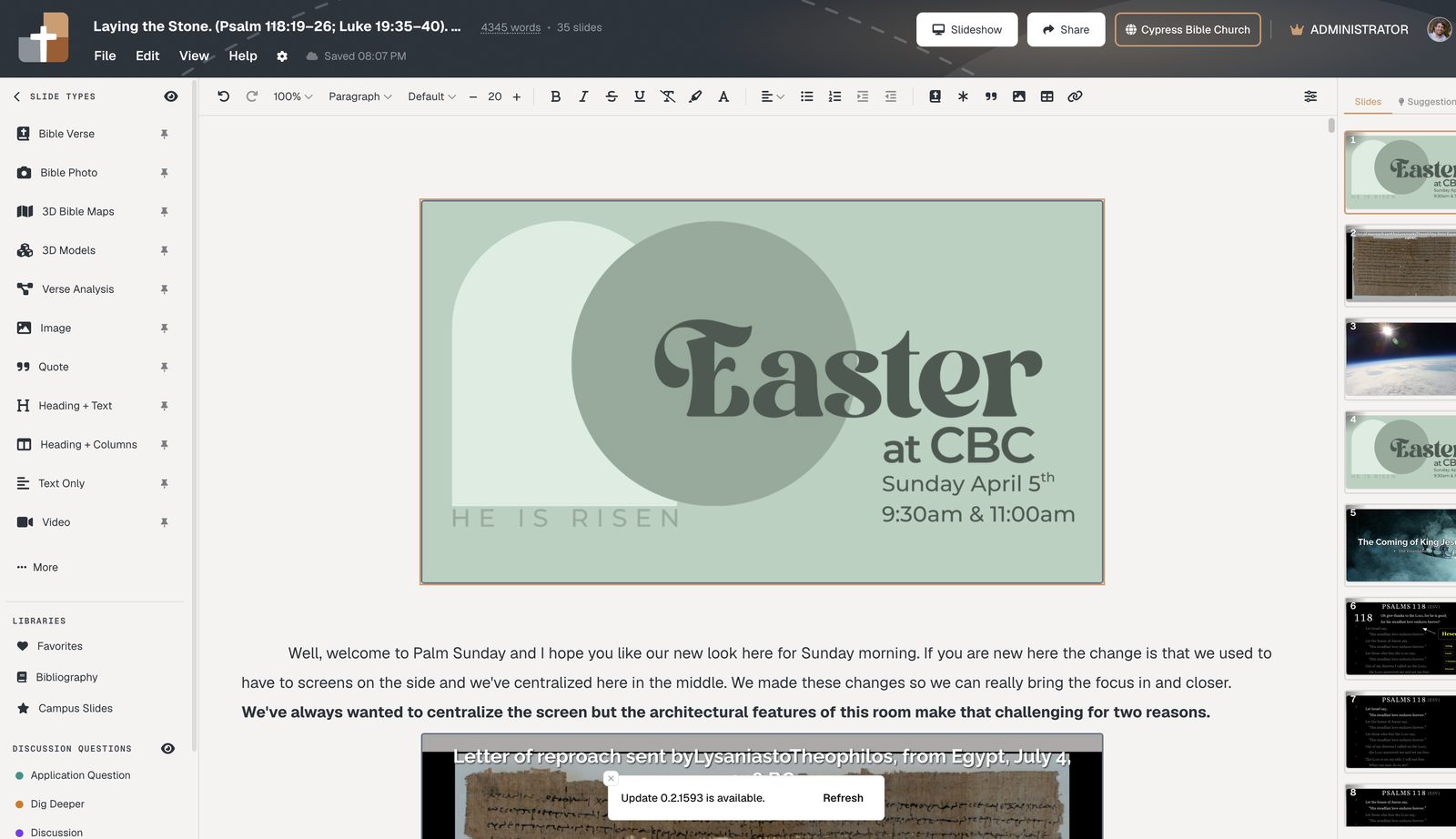
- In the sidebar, choose the slide type — start with Bible Verse for Scripture
- Fill in the reference, photo, or map, then click Create slide
Bible Verse slides
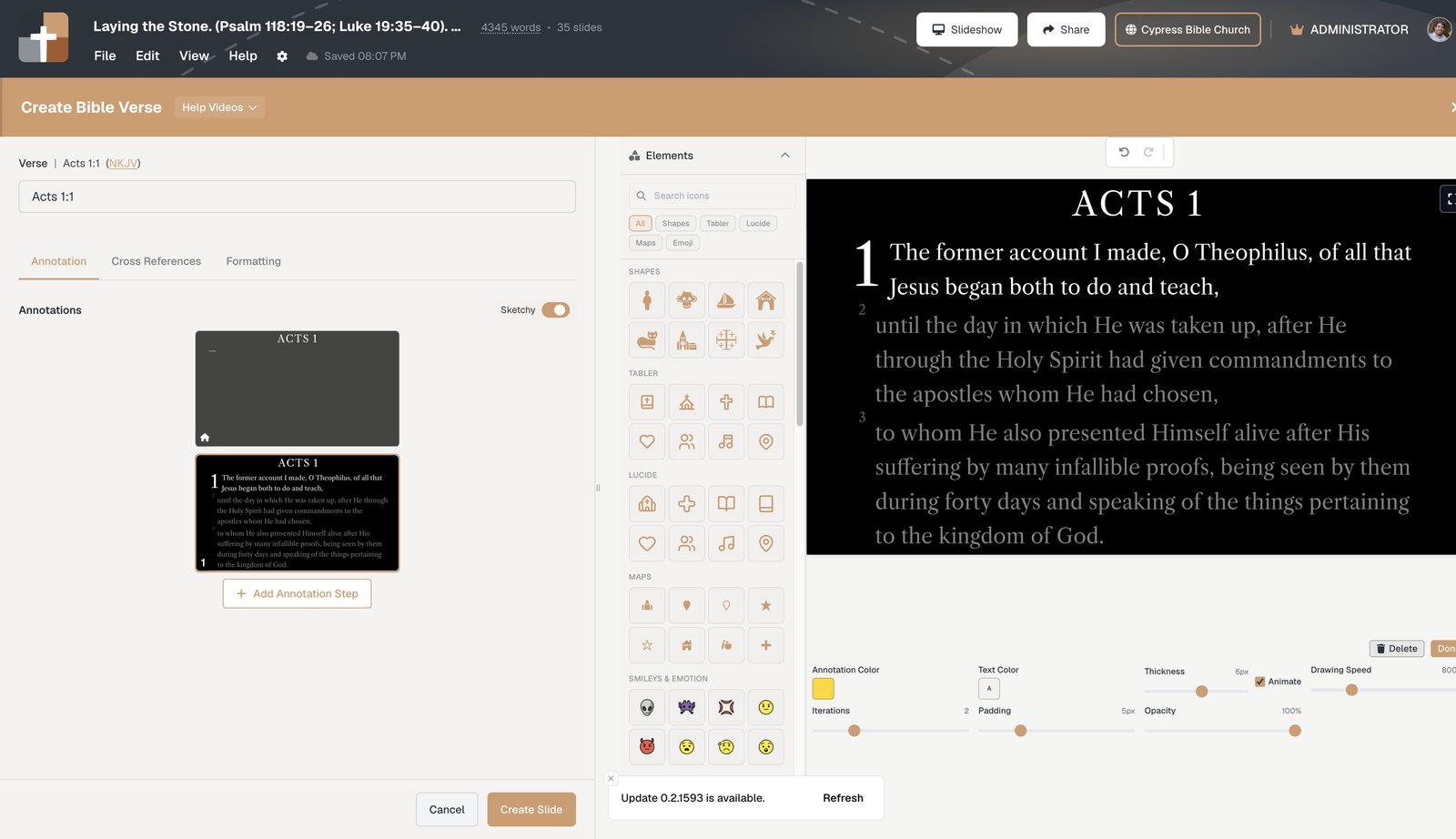
Bible Verse is the default bible slide for exposition. You type a reference (for example John 3:16 or a short range), pick a translation, and the passage loads as a real verse slide — not a pasted text box.
Use it when the room should stay on the text:
- Reference + translation — ESV, NKJV, NASB, KJV, and others via API.Bible
- Dim surrounding verses so the line you are on is obvious, with enough context that “therefore” still means something
- Stepped annotations — highlights, boxes, labels, and arrows in speaking order, not freehand ink mid-sentence
Add only the markup you will actually say out loud. Extra highlights compete with the verse. For a slower, verse-only walkthrough, see How to create a Bible Verse slide. For why stepped markup beats PowerPoint pens, see Bible slide annotations vs PowerPoint.
Map and photo bible slides
Geography and land serve the point when place is part of the argument — a journey, a city, a hillside, a harbor. They do not decorate every Sunday.
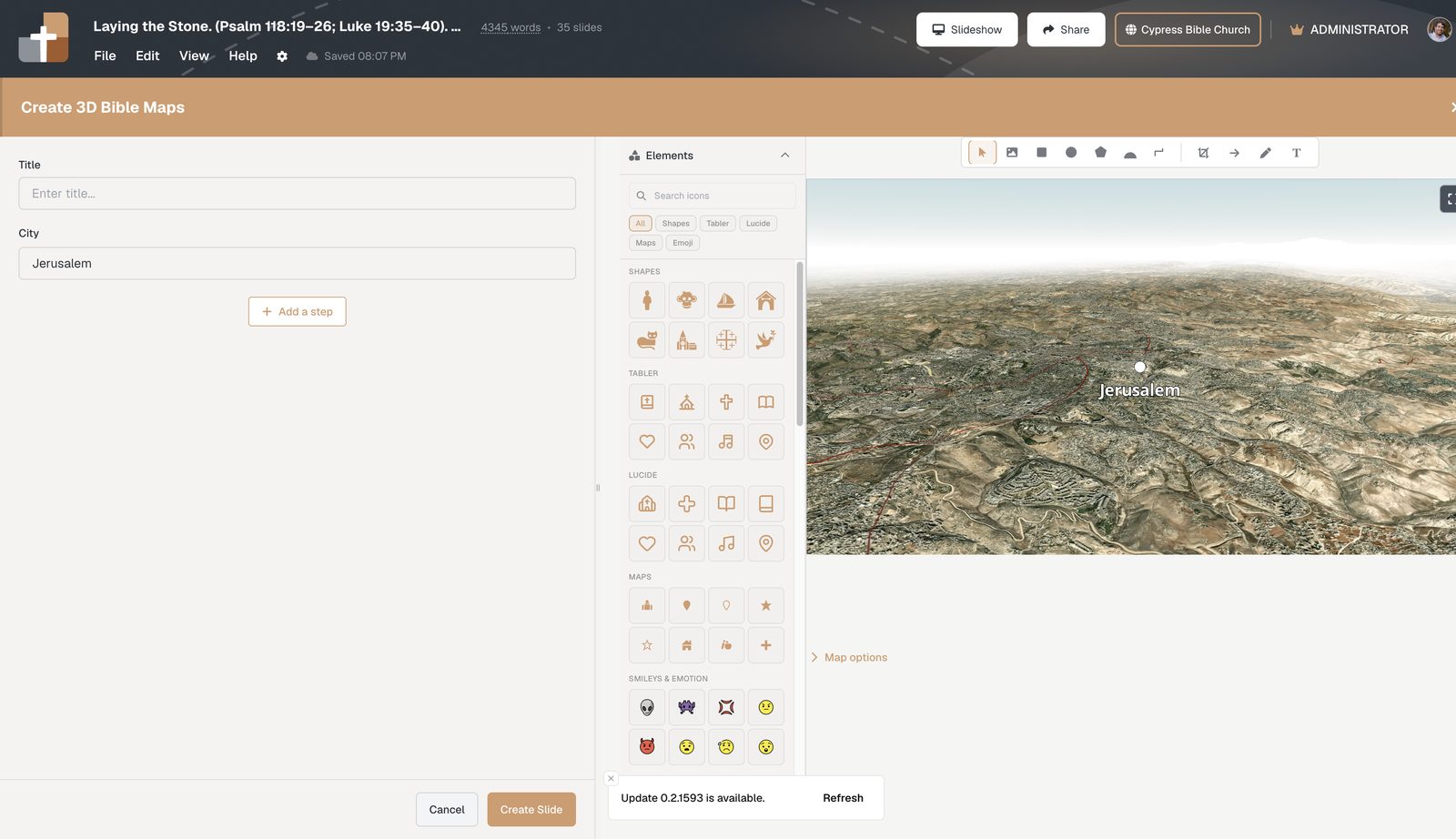
- 3D Bible Maps — fly over terrain, label a place, or step a route when the sermon needs “where”
- Bible Photo — a real site photo (BiblePlaces / Todd Bolen archive on Premium) instead of a stock sunset
- 3D Models — when a structure or object helps, not as a weekly default
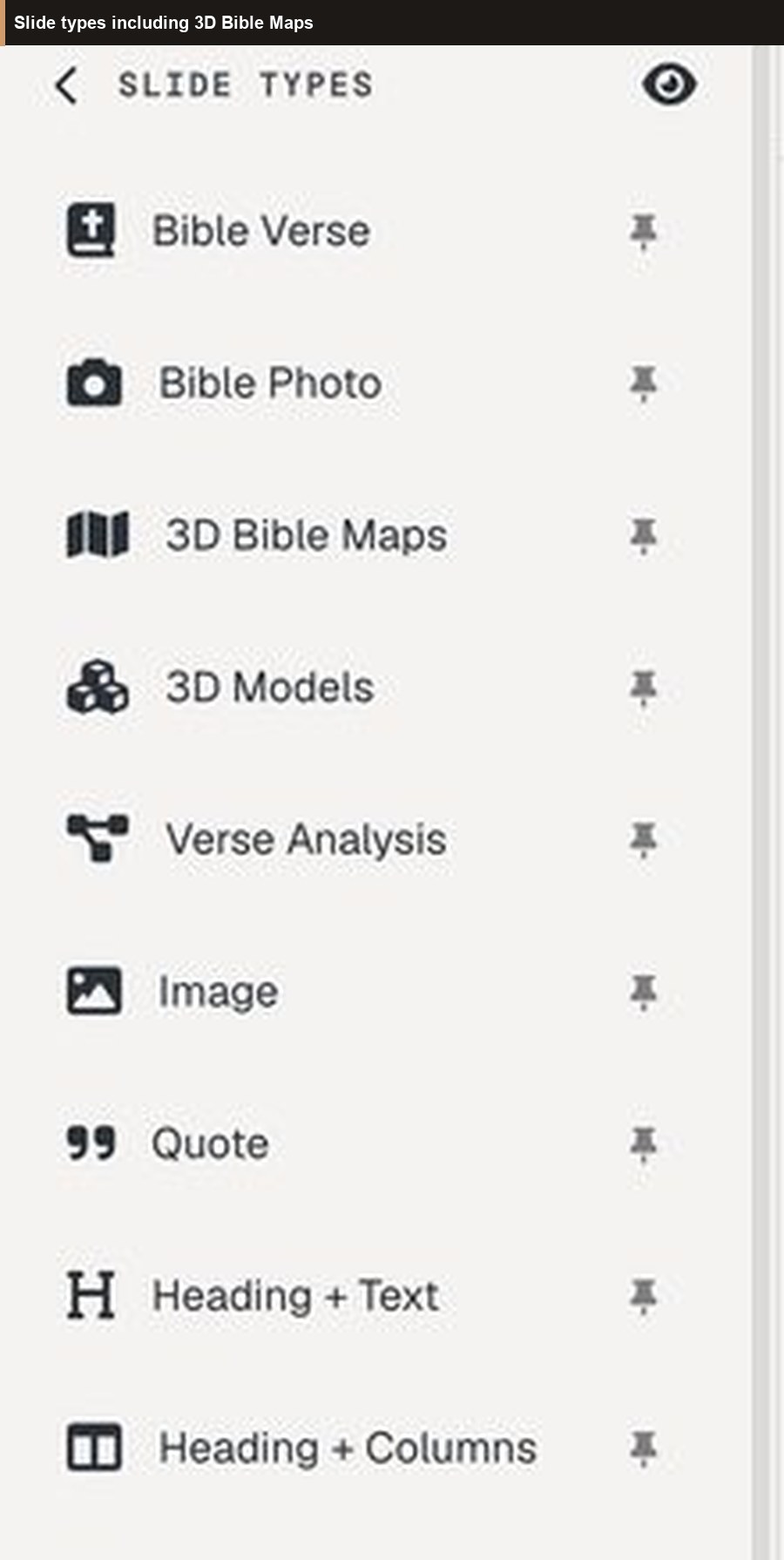
If the photo or map does not change what you say next, skip it. One accurate place slide beats five pretty ones. Maps and the large photo library are Premium teaching media; new accounts get a 30-day Premium trial with no card, and the Free plan stays available after that. Verse slides, notes, and present still work on Free.
Outline, analysis, and other types
When the point is not “read this verse” or “see this place,” pick the type that matches: Outline for argument bullets, Verse Analysis for grammar on screen, Definition for a Greek / Hebrew / English word, Quote or Heading + Text for a transition, Timelines for a chronology you would otherwise flip in a book.
You do not need every type in one sermon. A short bible slideshow is usually verse slides first, then one other type only if it serves the same point.
Build a short bible slideshow for Sunday
A five-step checklist:
- Create a project at Projects — one document for notes and slides
- Add Bible Verse slides for the passage you will actually read aloud
- Add annotation steps only for the phrases you will explain
- Add one map or photo if geography or land is part of the point — otherwise skip
- Rehearse once in practice mode, then present from the tablet or booth on the same project
Keep worship lyrics in ProPresenter (or similar). This deck is the sermon bible slideshow — see BibleSlides and ProPresenter. If you already have a PowerPoint, import it and rebuild the Scripture moments as native bible slides.
Bible slide vs PowerPoint text box
A PowerPoint text box can hold John 3:16. It cannot:
- Load a translation from a reference
- Dim the next verse until you get there
- Time a highlight to the sentence you are about to say
- Stay attached to the notes you will preach from
A native bible slide is the verse (or map, or photo) plus the notes under it. The congregation follows the text. You follow the same document from the tablet.
See also BibleSlides vs Sermonary, free church presentation software, and sermon presentation software for Bible teachers.
FAQ
What is a bible slide?
A teaching visual tied to a passage or point — usually a Bible Verse slide, sometimes a map, photo, outline, or word study — that the room sees while you teach. Not a lyric slide and not a downloaded template.
Which bible slide type should I start with?
Bible Verse. Add a map or photo only when place serves the point. Most Sundays are verse slides plus notes.
Can I build a whole bible slideshow from these types?
Yes. String verse slides (and the few extras you need) in one document. That is the bible slideshow — present it from the tablet or booth.
Are bible slides on the Free plan?
Bible Verse slides, notes, and present are the Free priority. Large photo and 3D map libraries are typically Premium. New accounts include a 30-day Premium trial with no card; Free remains after that.
Do I replace ProPresenter with bible slides?
No. Keep ProPresenter for worship. Use bible slides for the sermon.
Try it this week
- Go to Projects
- Add one Bible Verse slide for Sunday’s passage
- Add one other type — a photo or a map — only if it serves the same point
See BibleSlides features
Notes and slides in one document, Bible Verse slides, stepped markup, Verse Analysis, 3D maps, BiblePlaces photos, and tablet presenter apps — built for pastors who teach Scripture.