Tablet timers & % left for sermon slides — pace the message without watching the clock
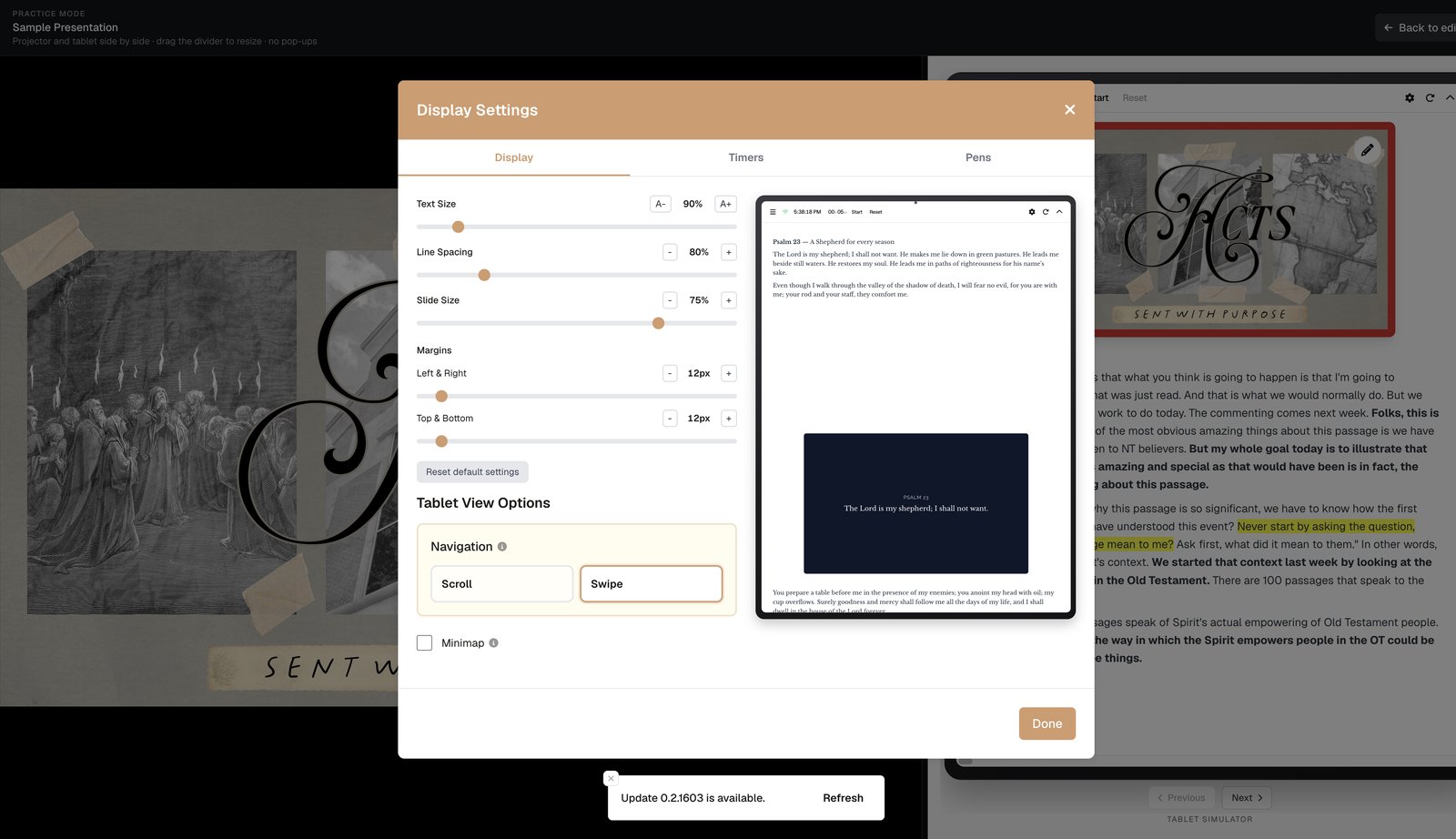
Preach sermon slides from a tablet with countdown, count-up, count-to-time, clock, and document progress (% left) in the header — Display Settings that keep you on pace without a separate stopwatch.
When you’re deep in a passage, you shouldn’t have to invent time awareness. BibleSlides’ tablet presenter puts timers and document progress in the header next to your sermon slides — so you pace the message without staring at a watch or asking the booth how many slides remain.
Good pacing tools are glanceable. They shouldn’t become a second app on the pulpit.
What’s in Display Settings → Timers
Open Display Settings on the tablet (gear in the header). On the Timers tab you choose what appears while you preach:
| Tool | What it shows | When pastors use it |
|---|---|---|
| Clock | Current time | Hard service handoffs (“done by 11:25”) |
| Countdown | Time remaining on a soft clock | “About 30 minutes for this message” |
| Count to Time | Counts down to a fixed end time | Hit a wall-clock deadline for worship return |
| Count Up | Elapsed preach time | Track how long you’ve been in the text |
| Document progress (% left) | How much of the deck remains | Know whether you’re half done or almost out of slides |
You can combine what you need. Many teachers run % left + countdown and leave count-up off so the header stays quiet.
Document progress (% left) — the underrated sermon-slides tool
Slide numbers alone mislead: slide 12 of 40 might be a long verse analysis, or three quick title cards. % left answers the pastor’s real question: How much of this document is still ahead of me?
Use it to:
- Decide whether to expand an illustration or cut one
- Avoid the “sudden last slide” surprise
- Hand off cleanly when a campus service is timed to the minute
The pill in the tablet header reads like 42% left — readable at arm’s length next to your notes.
Countdown vs Count to Time
Countdown is a soft duration you start when you begin preaching (e.g. 32:00). Reset or dismiss from the header controls (Start / Reset / Dismiss). When time gets short, the UI can emphasize urgency so you notice without panic.
Count to Time is a hard wall-clock target (“end at 10:55”). Use it when the worship team or livestream needs you done at a fixed minute — not “about half an hour.”
Count Up is for personal feedback in rehearsal or when you’re testing a new series length in practice mode.
Best practices for timers with sermon slides
- Set Display Settings before people arrive — not mid-welcome
- One primary time signal — countdown or count-to-time, plus optional % left
- Rehearse once in practice mode so the glow/urgency doesn’t distract you the first time you see it
- Don’t preach the timer — glance; don’t narrate “we have four minutes left” unless you mean to
- Pair with step chips — timers pace the message; steps pace the reveals on each verse slide

How this beats a phone stopwatch + clicker
| Old stack | Tablet + sermon slides |
|---|---|
| Phone timer under the Bible | Header countdown beside the current slide |
| Guessing slides left from a clicker | % left on the document you’re advancing |
| Printed “35 min” note you ignore | Count-to-time aligned to the real service clock |
| Separate apps fighting for attention | One presenter surface |
Set it up this week
- Open Sunday’s project on the tablet
- Display Settings → Timers — enable Document progress + Countdown (or Count to Time)
- Display tab — bump Text Size so notes match your eyesight at arm’s length
- Start countdown when you start the message
For tap-to-advance, live draw, and font/layout controls, see advance and draw sermon slides from a tablet. For the full sermon-slides tablet picture, see sermon slides on a tablet for preaching.
Related guides
See BibleSlides features
Notes and slides in one document, Bible Verse slides, stepped markup, Verse Analysis, 3D maps, BiblePlaces photos, and tablet presenter apps — built for pastors who teach Scripture.