Bible teacher software for pastors — Scripture on screen, not another lyric tool
Bible teacher software for pastors: verse-by-verse slides, notes in the same document, and tablet stage control. Pastor teaching software built for the sermon, not the song list.
Search “church presentation software” and you’ll land in the worship aisle: lyrics, motion backgrounds, countdowns, and a booth volunteer advancing songs. That stack is excellent at production. It is a poor fit for the moment you open a passage and need the room to see the next clause.
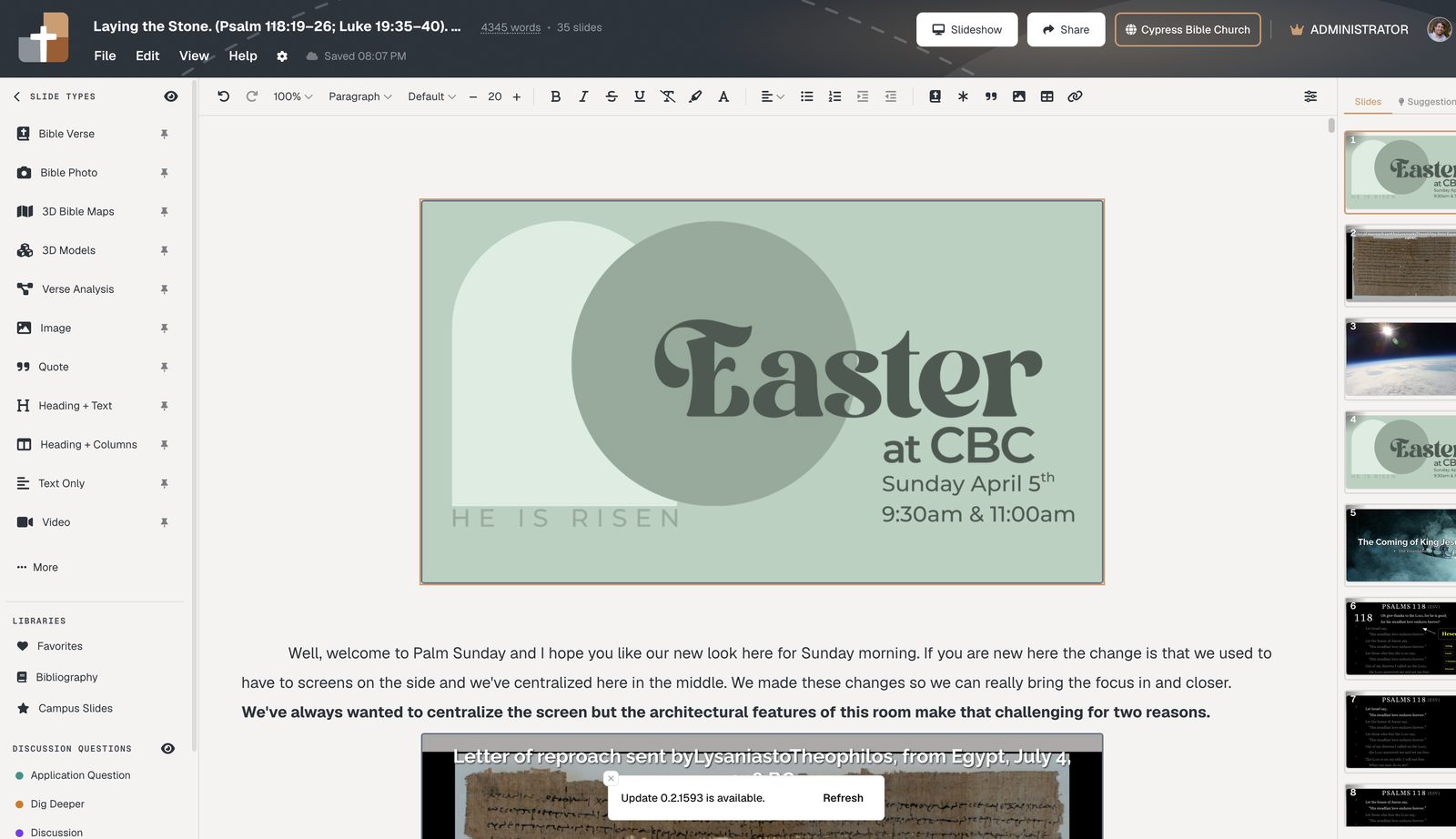
BibleSlides is bible teacher software — pastor teaching software for the sermon, not the song list. Verse slides, stepped markup, maps, and notes live in one document. You present from a tablet. The media laptop opens the same cloud file.
If the software cannot show the verse you’re explaining — dimmed, marked, and in speaking order — it is not bible teacher software. It’s a lyric cue list or a writing aid.
What bible teacher software should do
Pastors and Bible teachers need a different job than worship software:
- Prep — manuscript and deck stay in the same file so Thursday edits still match Sunday
- The text — the congregation sees the pericope you’re actually teaching, not a title slide and three bullets
- Stage — you advance the next reveal from the platform without a booth volunteer guessing
- The land — photos and maps when geography is the point, not a stock sunset
That is pastor teaching software. Keep ProPresenter (or similar) for worship. Use BibleSlides when the job shifts from the next lyric line to the next verse — how the two stack.
Features that belong in pastor teaching software
| Teaching need | Worship / lyric software | BibleSlides |
|---|---|---|
| The preaching text on screen | Paste into a text box | Native Bible Verse slides + translations |
| Reveal a phrase when you say it | Pen tool or duplicate slides | Stepped markup on the verse |
| Grammar or a lemma is the point | Screenshot from a study app | Verse Analysis and Definition slides |
| Notes match the deck | Separate Word file | Notes under slides in one document |
| Advance from the platform | Clicker only | Native tablet presenter (iPad, Android, Mac, Windows) |
| Geography / Synoptic parallels | Stock images / paper charts | BiblePlaces, 3D maps, Gospel Harmony |
Study apps (Logos, Accordance) own the library. AI sermon tools own the draft. Worship software owns the service. Bible teacher software owns the handoff to the room.
How this differs from “church presentation software”
Most church presentation products are built for the service: songs, announcements, countdowns. Asking them to also carry a book study is why pastors still rebuild PowerPoint every week.
BibleSlides does not try to replace that aisle. It is the teaching deck: verse-by-verse slides, timed annotations, and tablet stage control. Churches that already run ProPresenter usually keep it for worship and open BibleSlides for the sermon.
A simple week with bible teacher software
- Create a project at Projects (or start from Teaching starter)
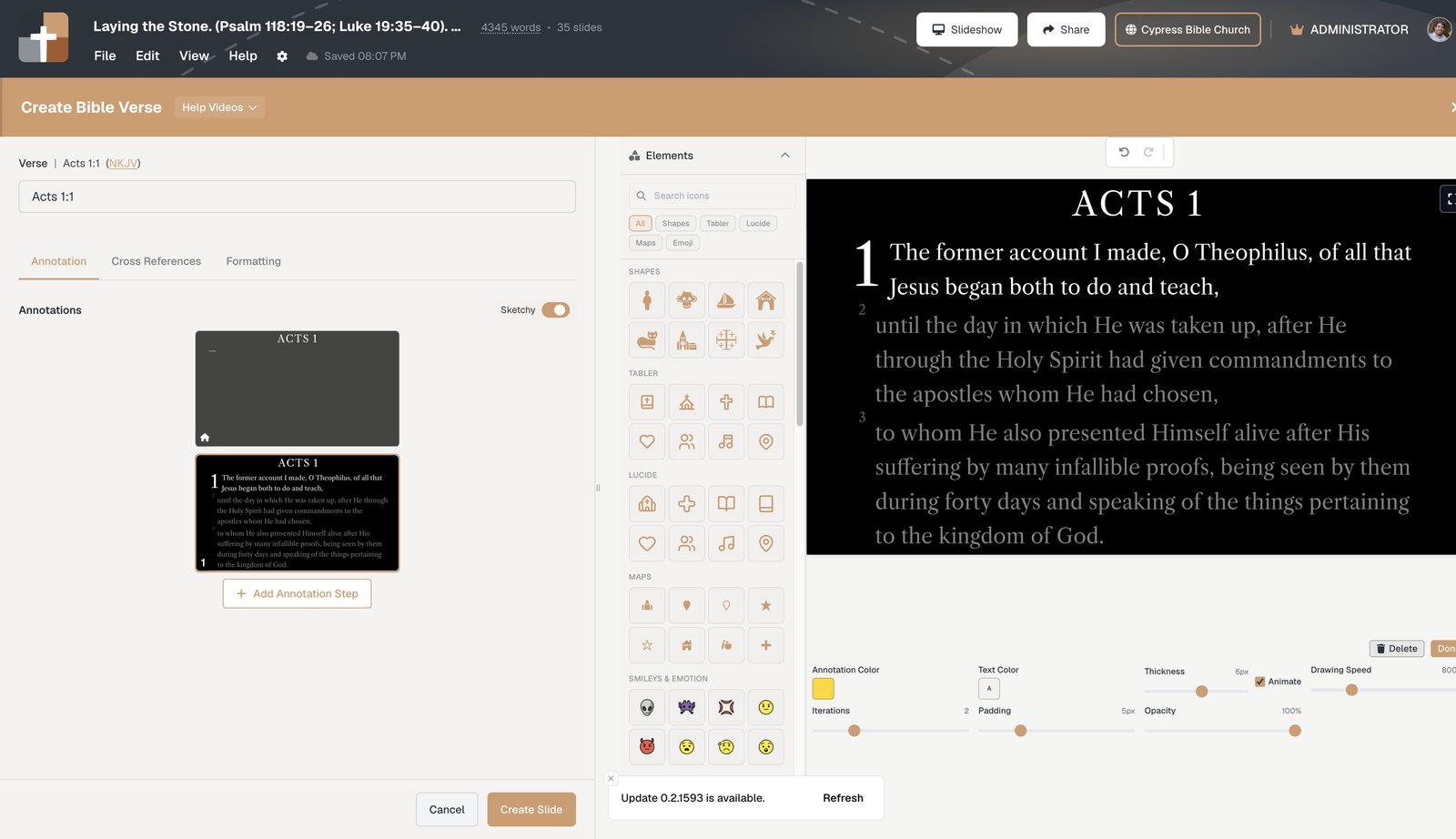
- Insert Bible Verse slides for the preaching unit
- Add annotation steps for the phrases you’ll emphasize
- Drop Verse Analysis or a Definition slide only where grammar or a lemma carries the point
- Rehearse once in practice mode, then present from the tablet
Related guides
See BibleSlides features
Notes and slides in one document, Bible Verse slides, stepped markup, Verse Analysis, 3D maps, BiblePlaces photos, and tablet presenter apps — built for pastors who teach Scripture.