Book-study Sundays: one document so week 14 still matches the text
Expository series die in the handoff — USB decks, outline drift, and slides that no longer match Romans. BibleSlides keeps notes, verse slides, and outline points in one cloud project for the whole book study.
A topical series can survive a messy slide archive. A book study cannot. Week 14 of Romans or John assumes week 13’s argument is still in the deck, the translation is stable, and the next pericope starts where you stopped — not in a folder named FINAL_v7_USE_THIS.
The pastor’s pain is rarely “I don’t know the text.” It is continuity: notes in one place, slides in another, last week’s USB still in the booth, and an outline that slowly became three slogans disconnected from the grammar.
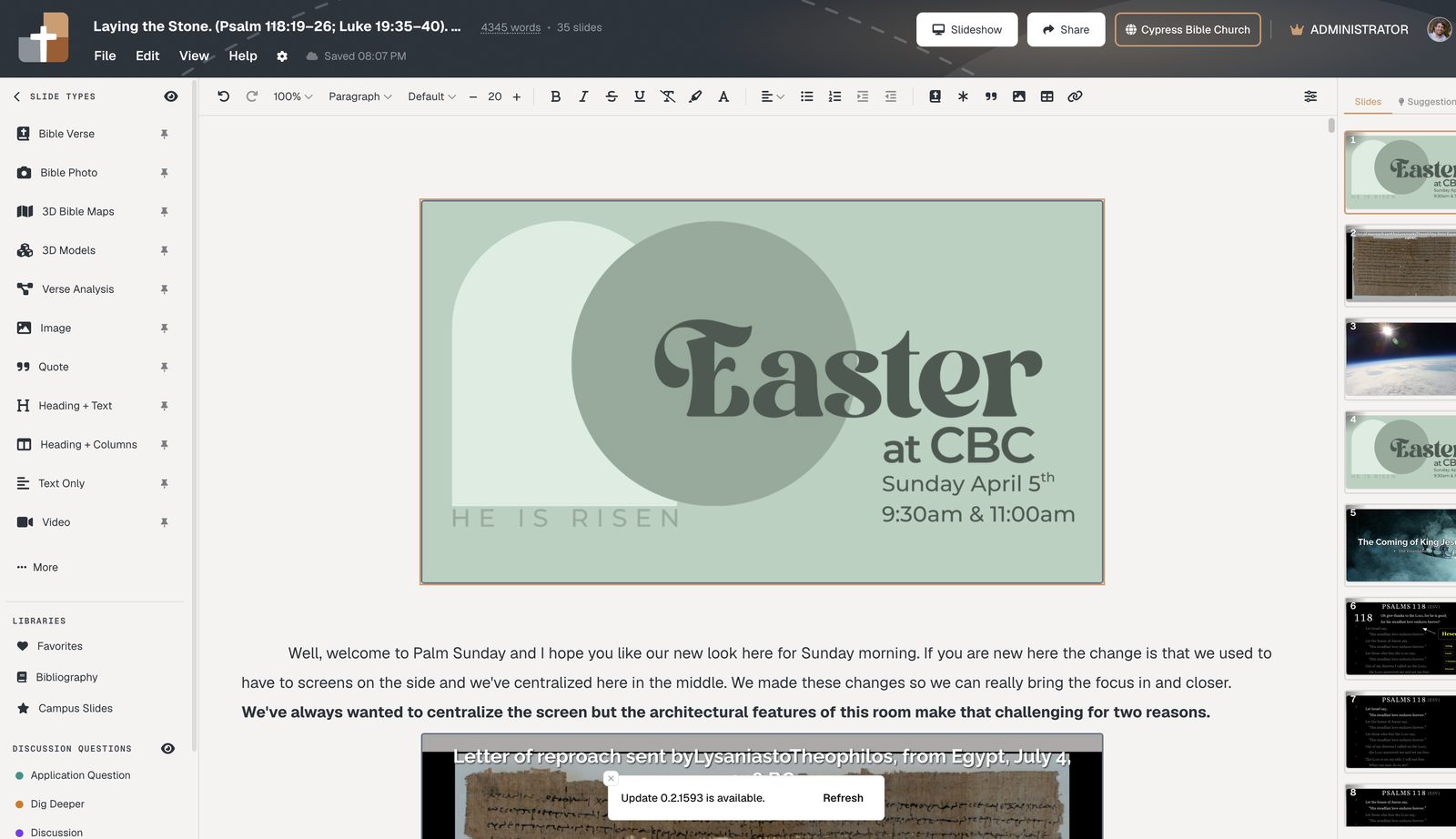
BibleSlides treats the sermon as one cloud document — notes interleaved with Bible Verse slides, outline points, maps, and photos — so the series is a living file, not a weekly export ritual.
Exposition is cumulative. The file system should be too.
The pastor’s problem: the series outlives the workflow
What breaks by mid-book:
- The media laptop has last week’s PowerPoint because Thursday’s email never landed
- You changed the preaching unit in Word and forgot three slides
- Outline slides still say last month’s alliteration
- A second campus teacher cannot open “your” deck without a login maze of attachments
None of that is a Bible problem. It is a tools problem that makes exposition look sloppy.
One project per message (or per unit), not a 200-slide monster
Keep a project for Sunday’s unit. Reuse series graphics and closing presets. Carry forward what must persist (translation choice, theme, Campus publish link). Do not dump the entire epistle into one slideshow that nobody can search.
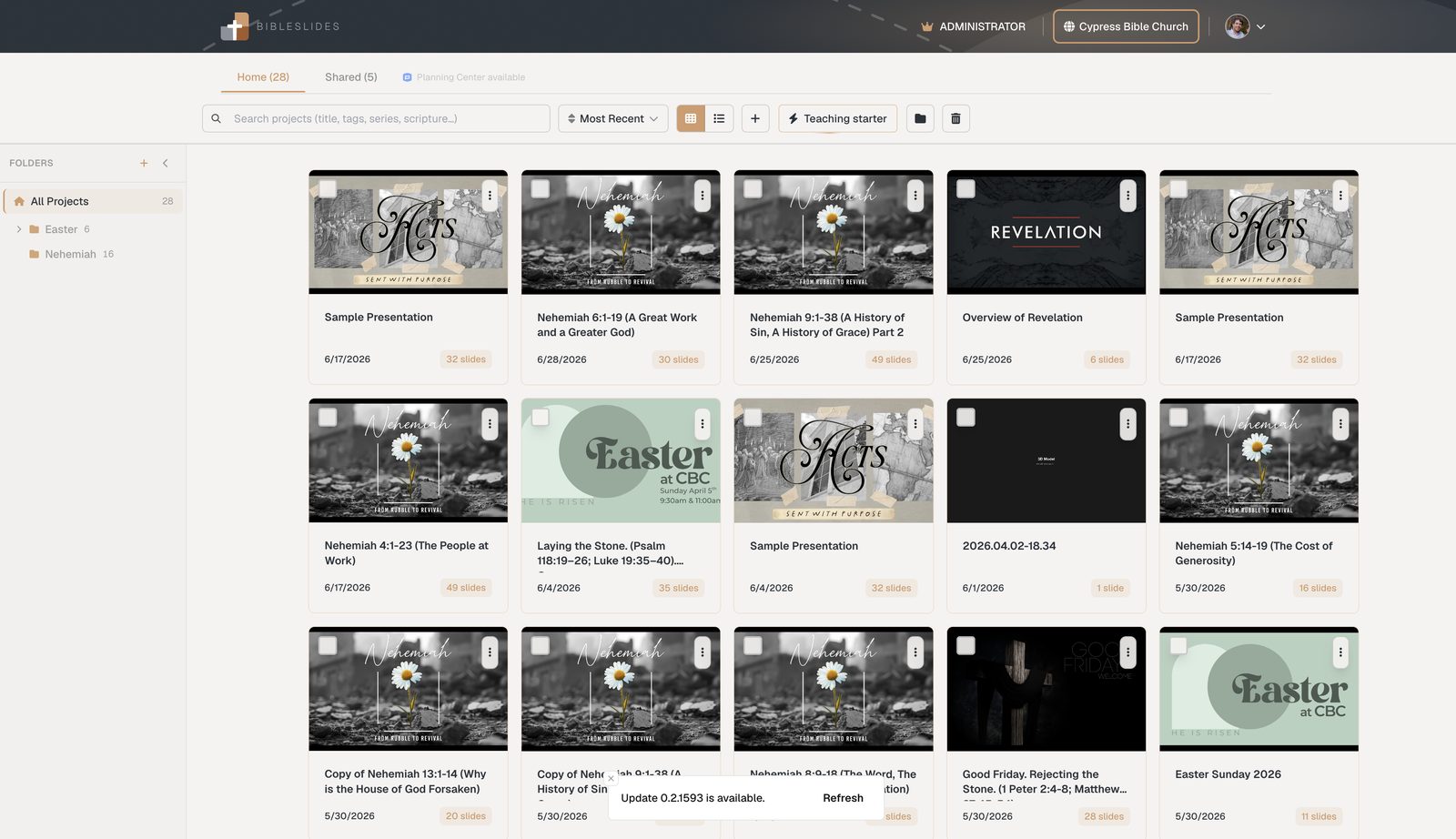
Teaching starter can scaffold the next unit from a passage: opening/series graphic, verse slides, outline points, closing presets — so week 14 does not start with a blank master. See Teaching starter.
Outline slides that stay honest to the text
Outline slides in BibleSlides are for named points the room can read — not a sequential-reveal gimmick. They work in a book study when they are written after the verse work:
- Build the Bible Verse slide and markup
- Only then title the outline points from the grammar
- Park the outline slide where you will preview or recap — not as a substitute for the passage
If the point cannot be pointed to in the text, cut it. The software will not save you from a clever outline; it will keep that outline from drifting away from the notes.
Handoff to Sunday without a second source of truth
| Failure mode in a series | What BibleSlides does |
|---|---|
| USB / email / AirDrop | Open the same project on the media laptop |
| Notes vs deck drift | Notes sit under the slides in one document |
| Campus teacher out of date | Same cloud file; optional publish hub for the archive |
| Planning Center plan, different deck | Link the teaching deck to the plan instead of attaching a PPT |
Tablet stage control uses that same project. You are not maintaining a “presenter copy.”
How to run the next unit of the book
- Duplicate last week’s project or start from Teaching starter with the next reference
- Replace the verse range; keep series chrome
- Rebuild annotation steps for the new unit — do not recycle highlights from a different paragraph
- Update outline titles from this week’s grammar
- Practice once, then preach from the tablet
Related guides
See BibleSlides features
Notes and slides in one document, Bible Verse slides, stepped markup, Verse Analysis, 3D maps, BiblePlaces photos, and tablet presenter apps — built for pastors who teach Scripture.