Teach the verse that wasn’t in the deck — On the fly from the tablet
When Q&A or the text takes you off your outline, open Bible, maps, photos, Timeline, or Board from the tablet without rebuilding the deck — the projector stays clean.
You prepared a faithful deck. Then someone asks a question that lands in John 10, or the Spirit nudges you to a parallel you never put on a slide. The room still needs readable Scripture — not a blank stare while you dig for a USB stick or rebuild a verse in PowerPoint mid-sentence.
BibleSlides On the fly is for that moment: stay on the tablet, open live teaching tools, and keep the projector clean.
Teach the verse you did not put in the deck. The tool stays small so Christ and the text stay large.
The pastor’s problem: the sermon left the outline
Prepared verse slides are still the backbone of exposition. On the fly is not a substitute for study. It is hospitality when the message moves:
| Moment | What usually breaks |
|---|---|
| Q&A after the sermon | No slide for the verse they asked about |
| Cross-reference you only saw while preaching | Flipping a study Bible on the pulpit while the screen sits idle |
| Place or photo that would help now | Leaving presenter view to hunt a folder |
| Gospel parallel | Paper harmony chart the back row can’t see |
You should not have to choose between faithfulness to the room and faithfulness to your outline. On the fly keeps both.
What On the fly is
On the fly is a dedicated live teaching session (not a normal Projects deck you file in a folder). BibleSlides opens a shared session for your account with a simple black cover and logo on the projector until you open a tool.
From the tablet you can jump into:
| FAB label | What the room gets |
|---|---|
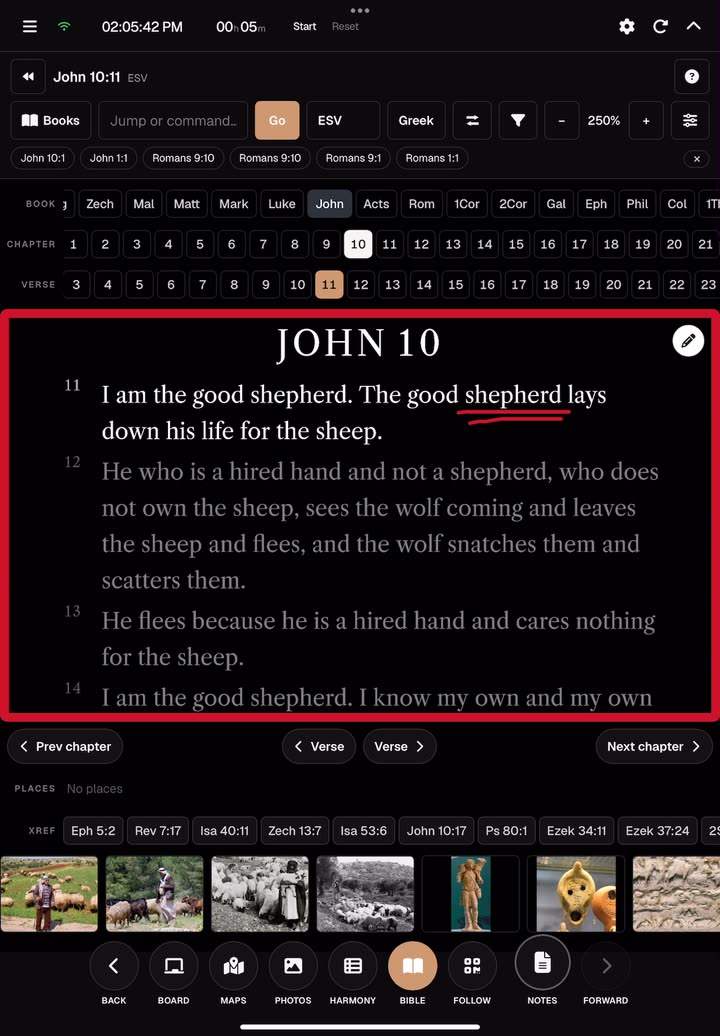
| Bible | Live verse on the projector — jump, step, mark, switch translation |
| Photos | BiblePlaces photography for the land you’re naming |
| Maps | 3D Bible map fly-to without leaving stage control |
| Timeline | Chronology charts — Life of Christ, Timeline of Paul, Period of the Kings, or Nativity |
| Board | Quick whiteboard when a sketch serves better than a slide |
You stay in control on the tablet. The sanctuary sees the teaching surface — not your pickers, toolbars, or FAB cluster.
How to start: Tablet or Projector
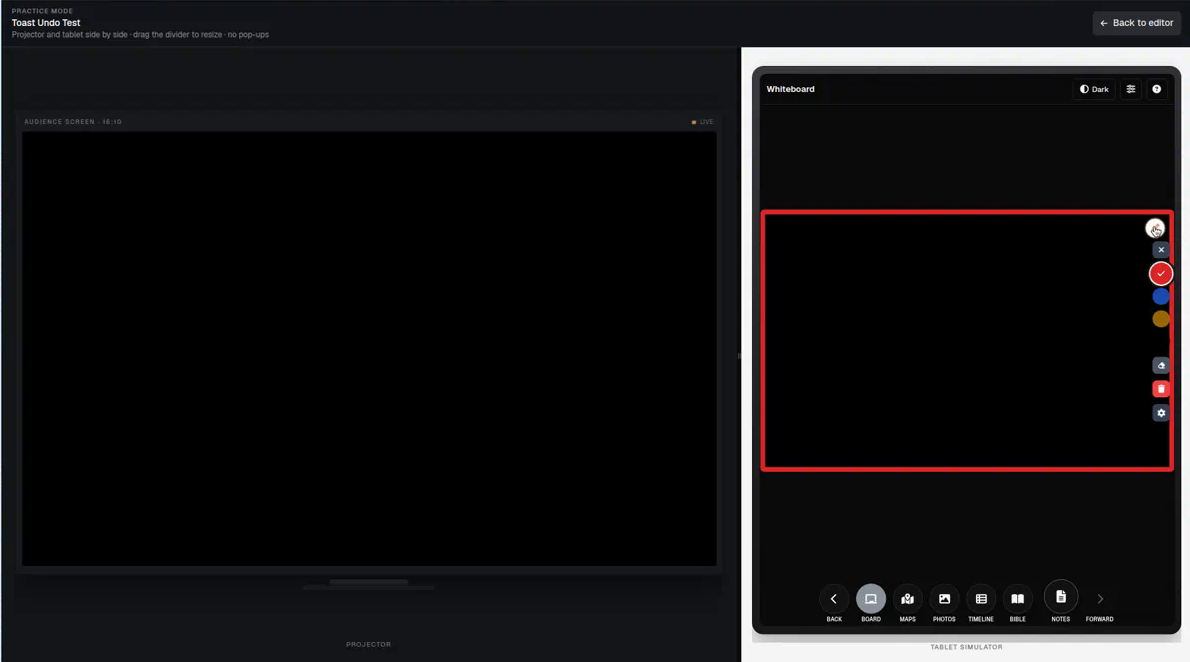
Use Start On the fly, then choose what to open:
- Tablet — open the tablet presenter for this live session (native tablet apps or browser). On a tablet device, BibleSlides takes you straight into the On the fly tablet surface.
- Projector — open a slideshow window on the computer connected to the projector, then drag that window onto the projector.
You can also connect the pair across machines when your account already has a signed-in Projects/editor window ready to open the projector. If the browser blocks the popup, use Open slideshow window when prompted.
Sign-in is required so the session stays on your dedicated On the fly document — editor and tablet always share the same place.
Mid-sermon: open Bible on the fly
A practical pattern (the same shape as the homepage walkthrough):
- Teach from your notes as usual
- When you need a verse that isn’t in the deck, tap Bible
- Jump to the passage (e.g. John 10:11)
- Underline or mark the phrase you’re explaining, then step to the next verse when the argument moves
- Switch translation if the room needs it; toggle Greek when a word study helps — then get back to preaching
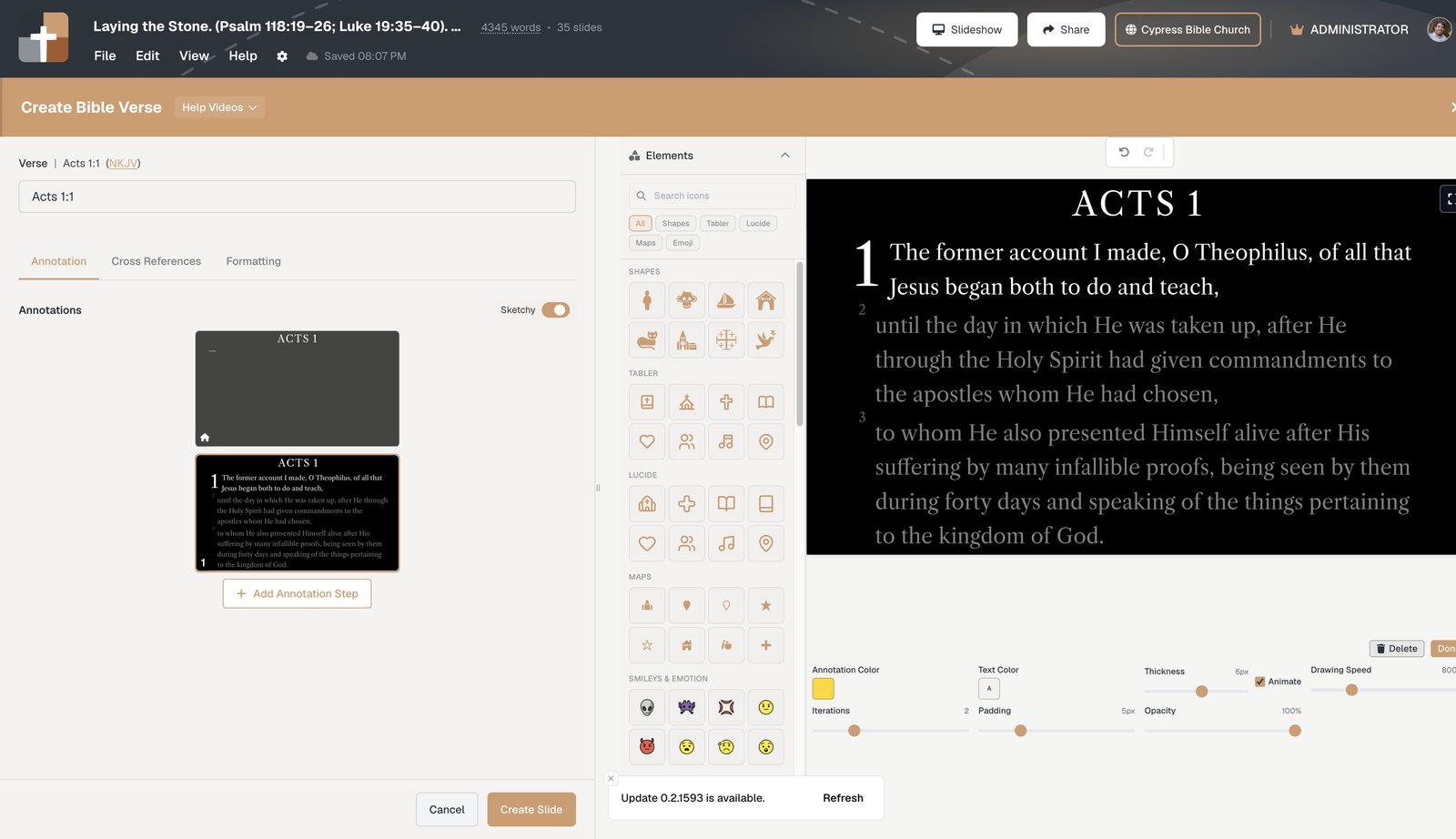
The point is not to impress with tools. It is to keep the room on the text you are actually explaining.
Photos and maps without leaving the stage
Sometimes the next faithful move is geography, not another bullet:
- Photos — show a real place image while you name Capernaum, a wilderness road, or a city gate
- Maps — fly the 3D Bible map to the location so the journey is visible, not abstract
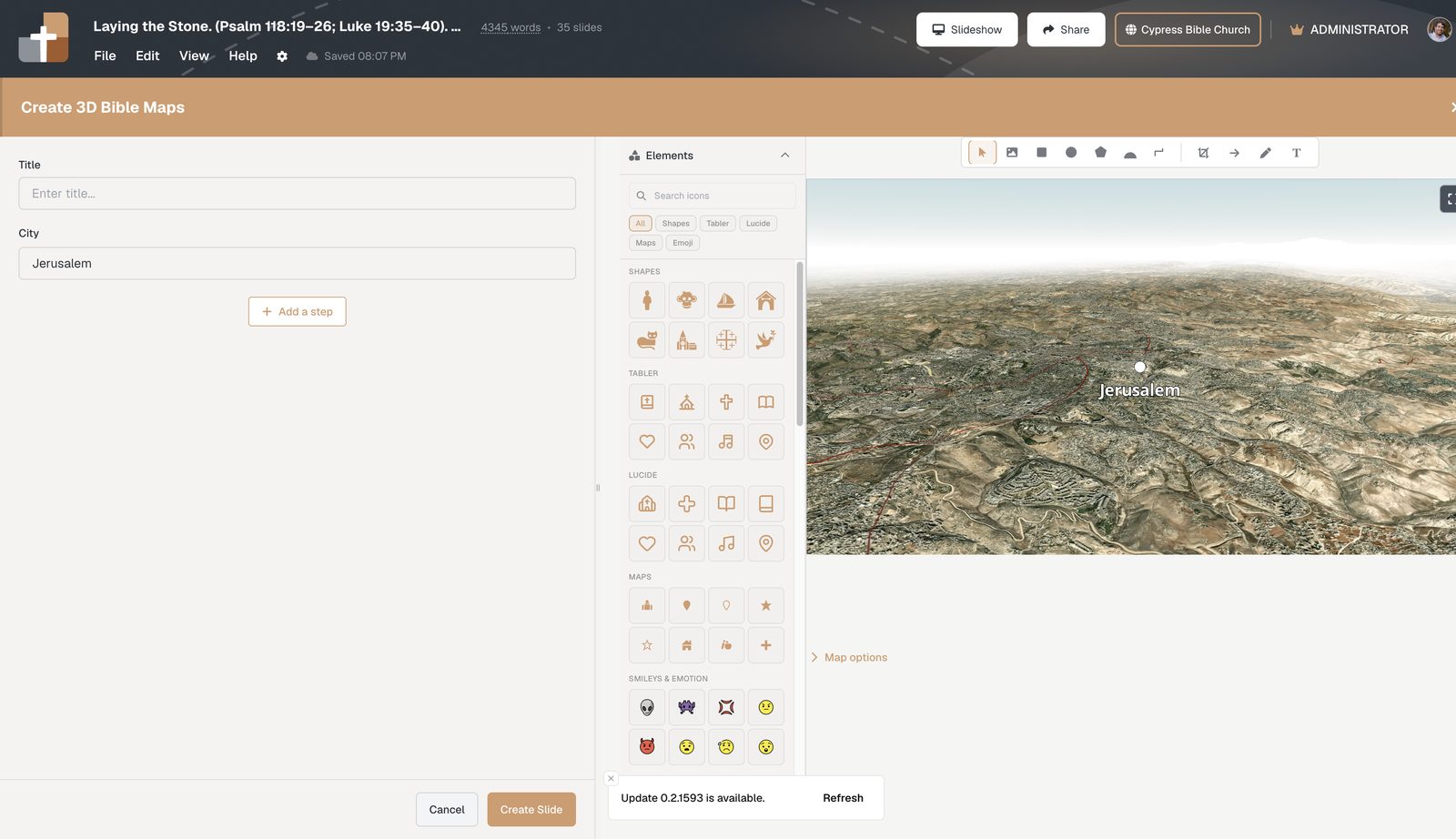
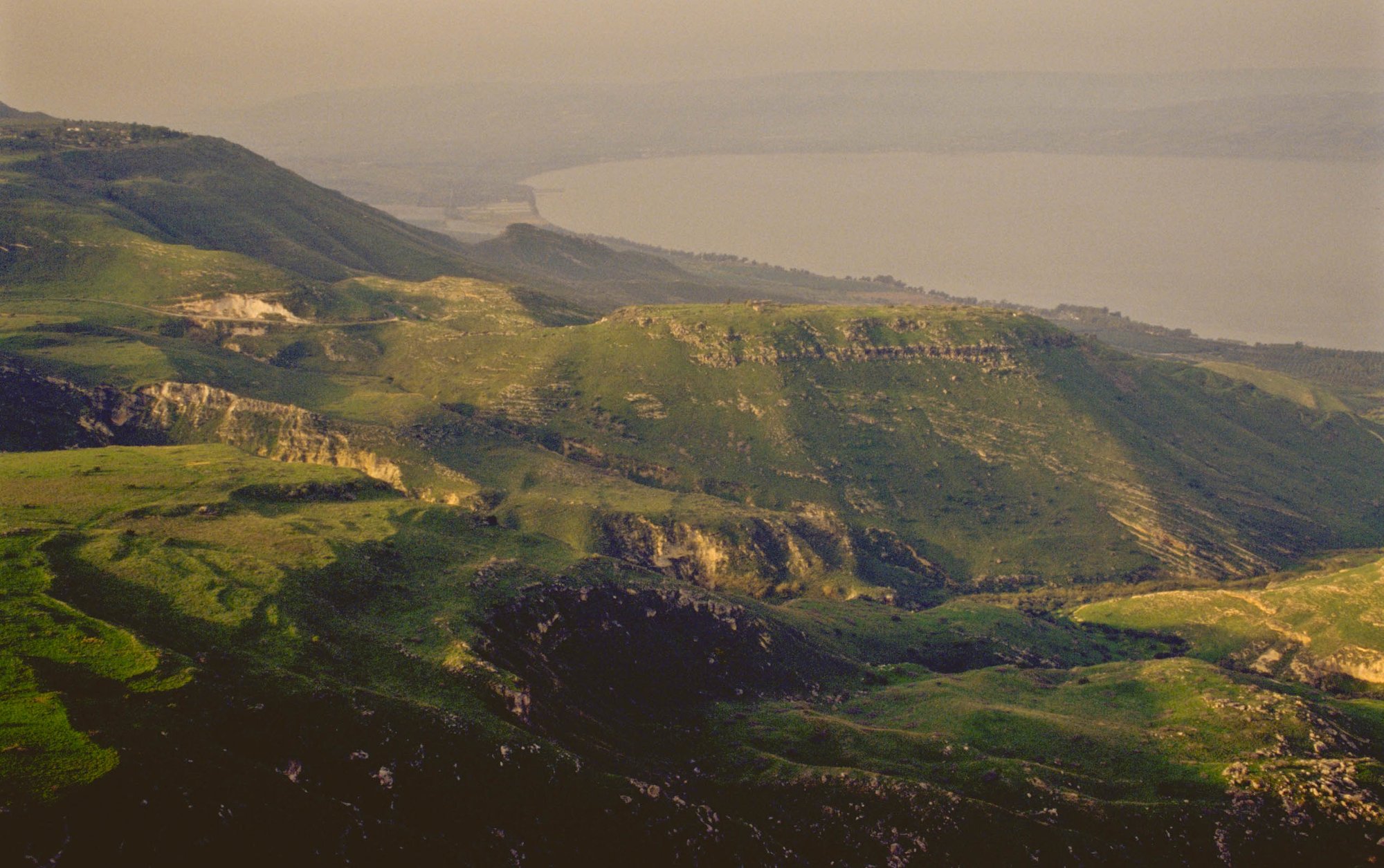
Use one clear image or one map move. Then return to the verse. On the fly should shorten the detour, not become the detour.
Timeline and Board when they help
- Timeline (On-the-fly Timeline) — a quick glance at a chronology chart (Life of Christ, Paul, Kings, or Nativity) when “where are we in the story?” was not in the file. This is not the Gospel Harmony slide type — Harmony is for Synoptic parallels you author into the deck.
- Board (On-the-fly Whiteboard) — for a quick diagram, list, or sketch you did not author into the deck
These are optional servants. If the verse on screen is enough, leave them closed.
On the fly vs a prepared tablet deck
| Need | Use |
|---|---|
| Sunday’s studied outline, notes under slides, timers, step chips | Normal project + tablet presenter |
| Verse / map / photo / chronology chart that wasn’t in the file | On the fly live tools |
| Rehearse click rhythm before people arrive | Practice mode |
You can also open On-the-fly Bible, maps, and photos while controlling a prepared deck from the tablet — same live idea, still inside Sunday’s document. The dedicated On the fly start is for when you need a live session without opening a full project first.
Plan note: On-the-fly live modes follow your BibleSlides plan or active trial. The pastoral goal is the same either way — Scripture visible when the message moves.
A quiet Sunday habit
- Prep the main deck as you always do (verse slides, notes, maps you already know you need)
- Know where Start On the fly lives for your venue (booth computer projector window + preaching tablet)
- When the message leaves the outline, tap Bible (or Photos / Maps / Timeline / Board) instead of apologizing at a blank screen
- Mark lightly, speak the text, close the tool when the moment is done
For everyday advance, draw, and large-type notes, see advance & draw from a tablet. For deep place photography and journeys you do plan ahead, see Bible photos on Sunday and 3D Bible maps.
Why this serves the room
On the fly is not improvisation as a branding strategy. It is readiness to stay with the Word when pastoral listening takes you one verse beyond the file you exported Friday night.
BibleSlides remains a quiet servant: notes in your hand, clean Scripture (or a single helpful place image) on the projector, and a path back to the sermon without making the software the point.
Related guides
See BibleSlides features
Notes and slides in one document, Bible Verse slides, stepped markup, Verse Analysis, 3D maps, BiblePlaces photos, and tablet presenter apps — built for pastors who teach Scripture.