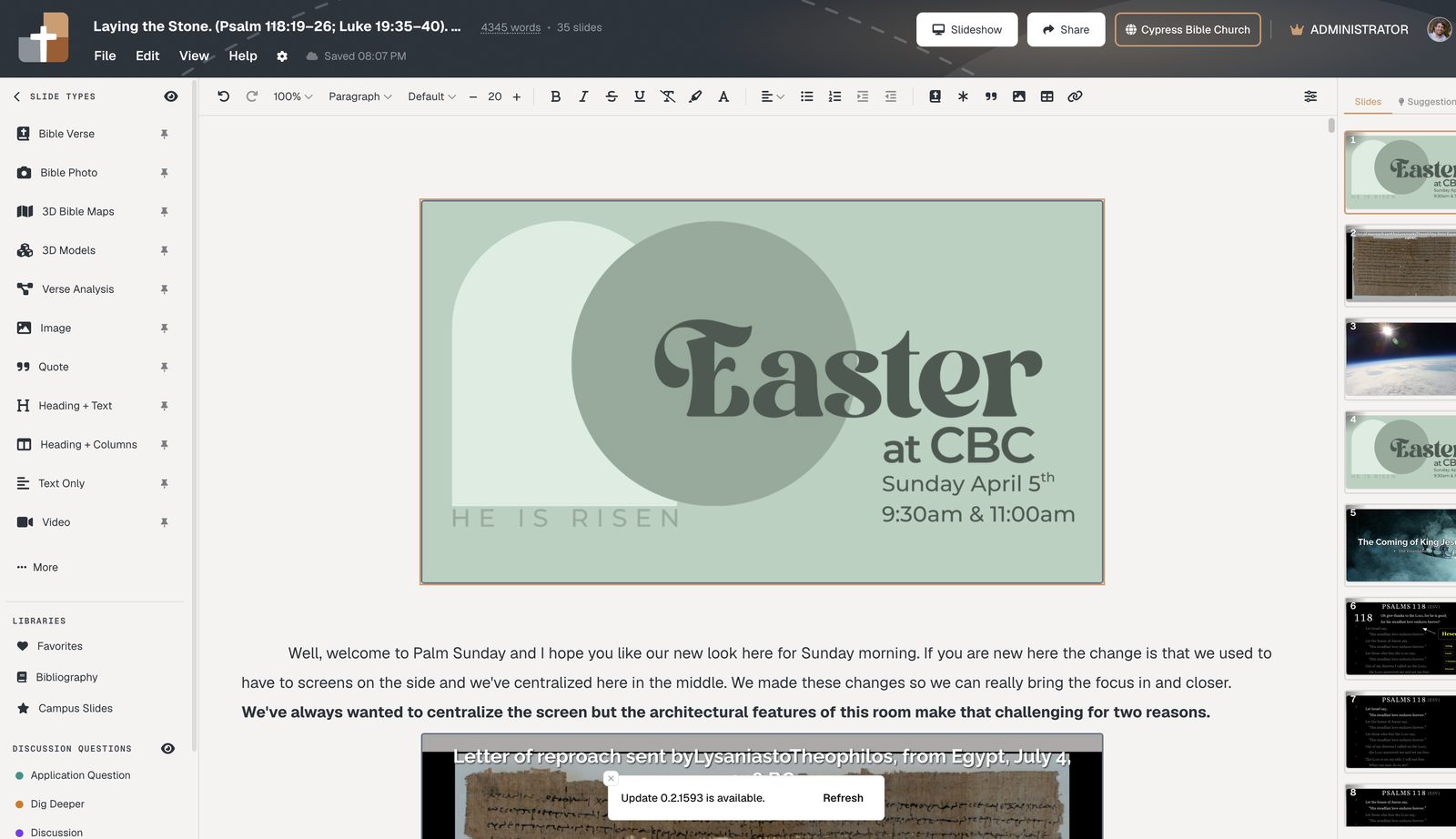
John 3 Sermon Slides for Bible Teaching
Build John 3 sermon slides with verse and notes in one document. Tablet presenters, practice mode, and optional QR follow-along for your congregation.
John 3 is a chapter pastors return to often — Nicodemus at night, the lift of the serpent in the wilderness, and the verse almost everyone has heard. That familiarity is a gift and a risk. People can recite John 3:16 and still miss the thread that runs from verse 1 to verse 21. When you teach this chapter, the room needs to stay with the text as you move through it, not with a separate outline that drifted away from the manuscript on Saturday night.
John 3 sermon slides work best when they serve the exposition, not the other way around. Instead of title cards and three alliterated points that never appear in the Greek, put the verse on the screen when you are explaining that verse. Dim what you are not on. Reveal the next line when you get there. Let the congregation see “For God so loved the world” in the same moment you open it, and then stay with them into verse 17 and the hard mercy of verses 18–21.
BibleSlides is built for that kind of teaching. Verse slides and speaker notes live in one document, so the deck and the manuscript do not drift apart during the week. You can start from a passage with Teaching Starter — opening, verse slides, outline points, closing — and then shape the John 3 flow the way you actually preach it. When you stand up, native tablet presenter apps (iPad, Android, Mac, Windows) keep large-type notes in your hand while the house sees the Scripture.
If John 3 is a communion message or a guest Sunday, run a practice mode pass when the sanctuary is empty. Walk Nicodemus’s questions. Feel the turn into 3:16. Notice where you always rush. Fix the click rhythm before anyone sits down.
Many churches also want phones to stay with the text. Campus follow-along lets people scan a QR and track live Bible slides without installing another app. If you already use Planning Center, teaching can connect toward Church Center publish when that path is part of your stack — optional, not required. Churches anywhere can prepare and present without it.
For geography and setting, searchable BiblePlaces photos help the room feel the night conversation and the wilderness image behind verse 14 without turning the sermon into a travelogue. A single honest photograph, timed to the verse, is enough.
John 3 does not need louder slides. It needs clearer ones — the words Jesus spoke, held steady while you teach them.
FAQ
Can I build John 3 sermon slides without starting from a blank PowerPoint?
Yes. Teaching Starter can open a passage into verse slides and notes in one document; you then edit the flow to match your exposition.
Will my congregation need an app to follow John 3 on their phones?
For Campus follow-along, they can use a QR to track live Bible slides without a separate app install. House projection still works on its own if you never offer phones.
Do I have to leave ProPresenter to teach John 3?
No. Many churches keep ProPresenter (or similar) for worship lyrics and use BibleSlides for the sermon teaching deck. The ProPresenter bridge is intentionally modest — do not expect a full production takeover.
Open John 3 in BibleSlides, put the verse beside your notes, and walk one practice pass before Sunday. Start at bibleslides.app.
See BibleSlides features
Notes and slides in one document, Bible Verse slides, stepped markup, Verse Analysis, 3D maps, BiblePlaces photos, and tablet presenter apps — built for pastors who teach Scripture.