Help Center · Sharing & Teams
Campus library
Decks shared with everyone on the campus plan.
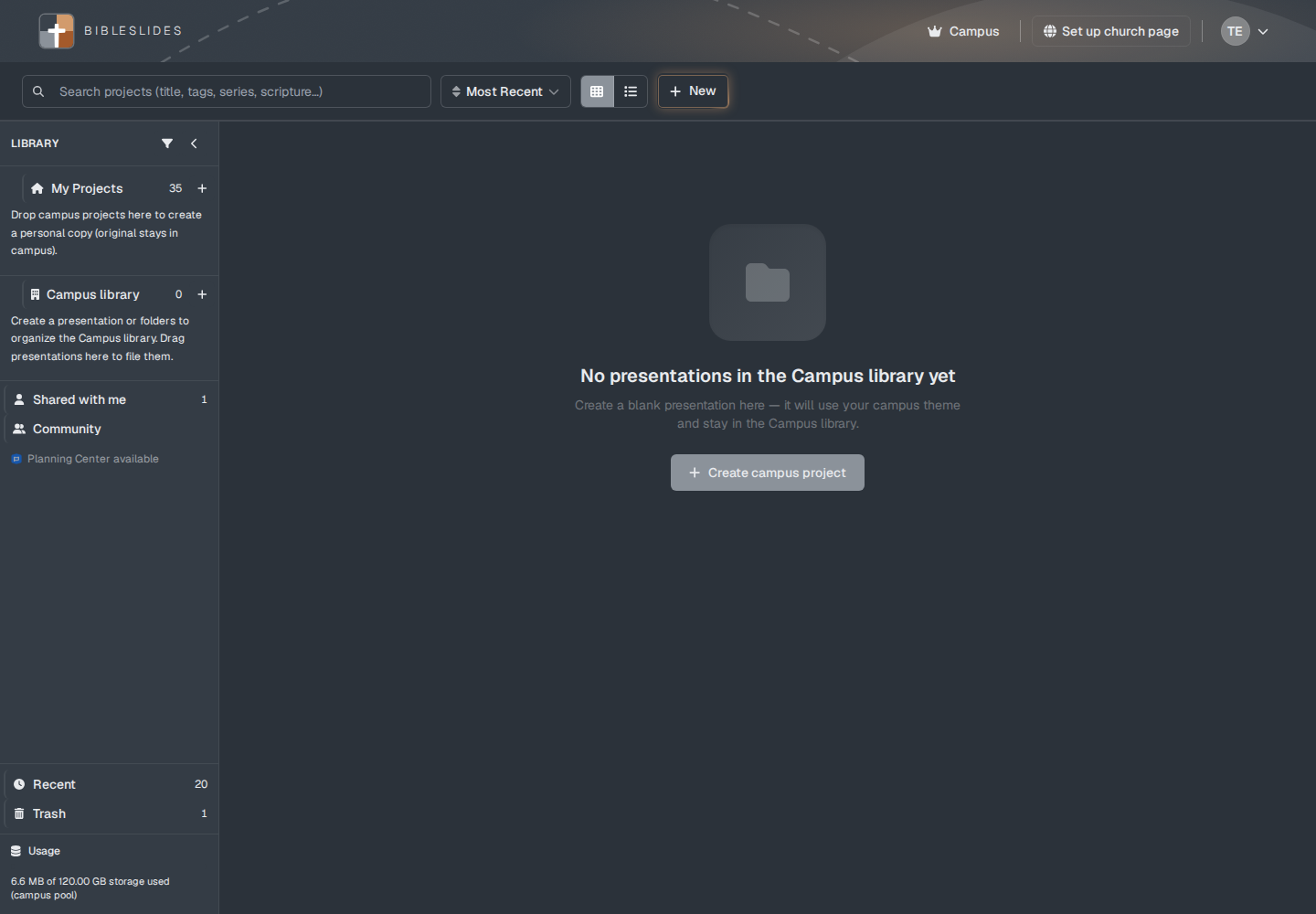
The campus library is the shared shelf for the church’s plan. Everyone on that plan can open those decks. It is not Shared with me, and it is not the church page. The helper line is “Shared with everyone on your campus plan — not your public church page.”
Who sees the row
Campus library is in the library panel for Campus and for a campus member. A Free or Premium account does not get the row.
If the campus subscription is not active, the banner says “Campus library is locked because the campus subscription is not active. Projects stay here — they are not deleted.” The empty text then says “Your campus library is preserved. Subscribe to Campus again to edit these presentations.”
Putting a deck in
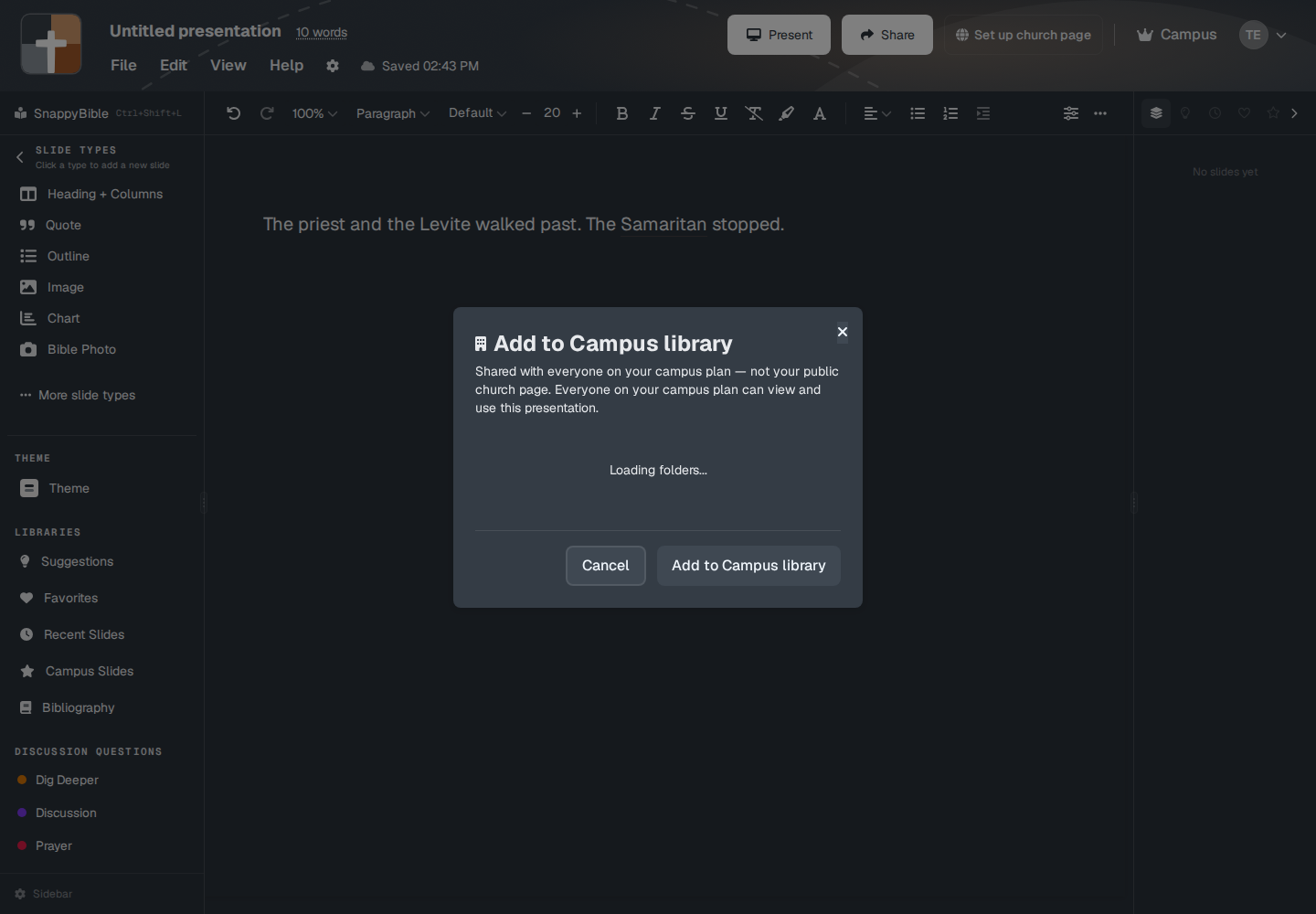
Share → Add to Campus library. The menu line is “Share this presentation with everyone on your campus.” The window title is the same Add to Campus library. The body starts with “Shared with everyone on your campus plan — not your public church page.” and then “Everyone on your campus plan can view and use this presentation.” Pick Not in a folder, or New folder, then Cancel if you are only looking. The other button adds the deck. Do not use it until you mean to.
Remove from Campus library — “Move this presentation back to its owner's private projects.”
You can also create a deck while you are looking at the campus library. The empty line is “Create a blank presentation here — it will use your campus theme and stay in the Campus library.” The button is Create campus project.
Dragging a campus deck onto My Projects makes a personal copy. The hint is “Drop campus projects here to create a personal copy (original stays in campus).” Copy to My Projects does the same from Share. The toast is “Copied to My Projects.”
Campus slides versus campus decks
Campus Slides in the editor sidebar is one slide you starred for the church to reuse. The campus library is the whole presentation. See Favorites and libraries.
Plans
The library is Campus. A campus member uses it under the church’s plan. Premium does not include it.