Help Center · Slide Types
Line Chart
The Line option inside Chart. There is no separate Line Chart row.
There is no Line Chart row in the sidebar or in More slide types. A line chart is the Line button inside Chart.
Where to find it
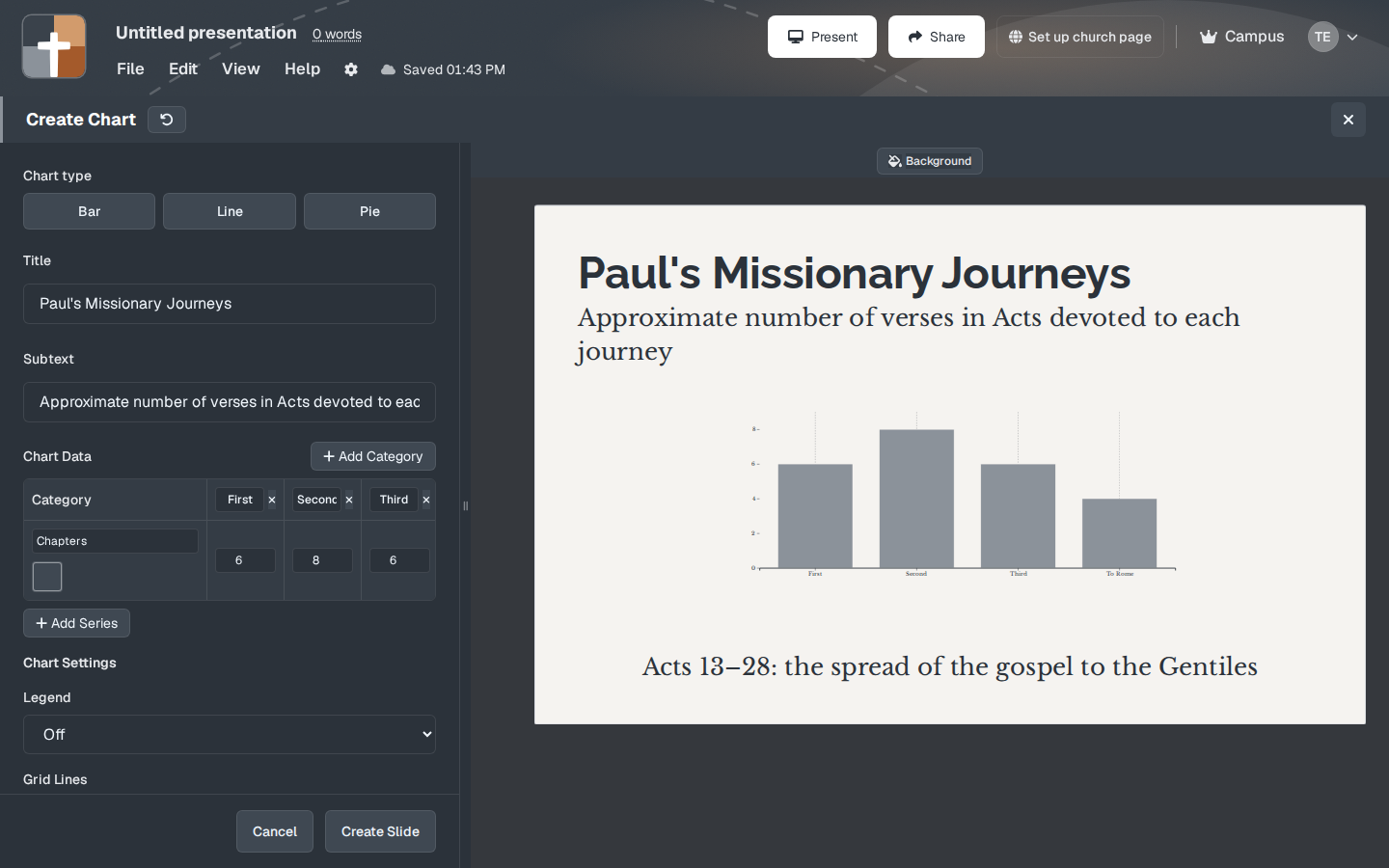
Open Chart. At the top of Create Chart, Chart type offers Bar, Line, and Pie. Choose Line. The same title, subtext, categories, and series stay. Only the drawing changes from bars to a line.
What to fill in
Use Line when the point is change over time: attendance across a year, a king’s reign beside the next, a count that rises and falls. Categories are the moments along the bottom. A series is one line. Add Series adds another line on the same grid.
Legend should be On as soon as you have two lines, or the room cannot tell them apart. Grid Lines set to Horizontal make the heights easier to compare.
Create Slide saves whatever type is selected. If you meant a line and the button still says Bar, the slide will be bars.
Older presentations
A deck saved before the types were merged may still contain a line-chart slide. It opens in this same Chart window. You do not add a new one from a separate menu.
Plans
Same as Chart: included on Free. 7 slides, 3 presentations, and a watermark after the 30-day trial.