Help Center · Audience Interaction
Follow along for the room
How phones stay in step with the slides.
Follow-along puts the slide on a phone and moves it when you move. It is not the poll. A poll collects an answer. Follow-along only shows the current slide.
There are two ways to offer it.
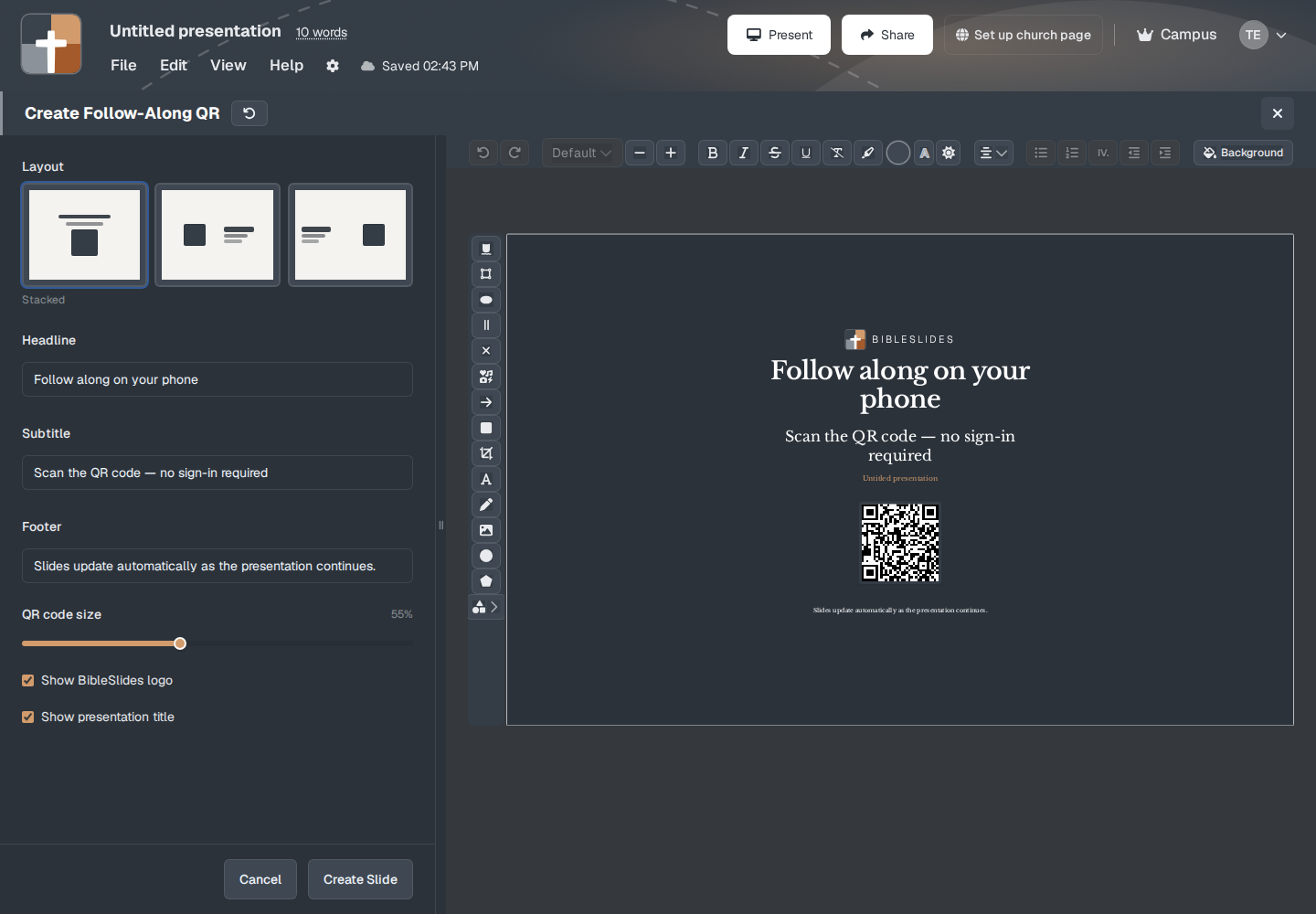
A slide that is the QR code
Follow-Along QR is its own slide type. The window builds a full-screen code. Phones open /follow/ plus this presentation. The article for the setup window is Follow-Along QR.
On the phone, after the scan, the page can say Connected!, then Waiting for the presenter, and “This screen will update when the speaker moves on from the follow-along code.” If the phone is not tied to a deck yet, the line is “Sign in if this is your presentation, or keep this page open until the speaker starts.”
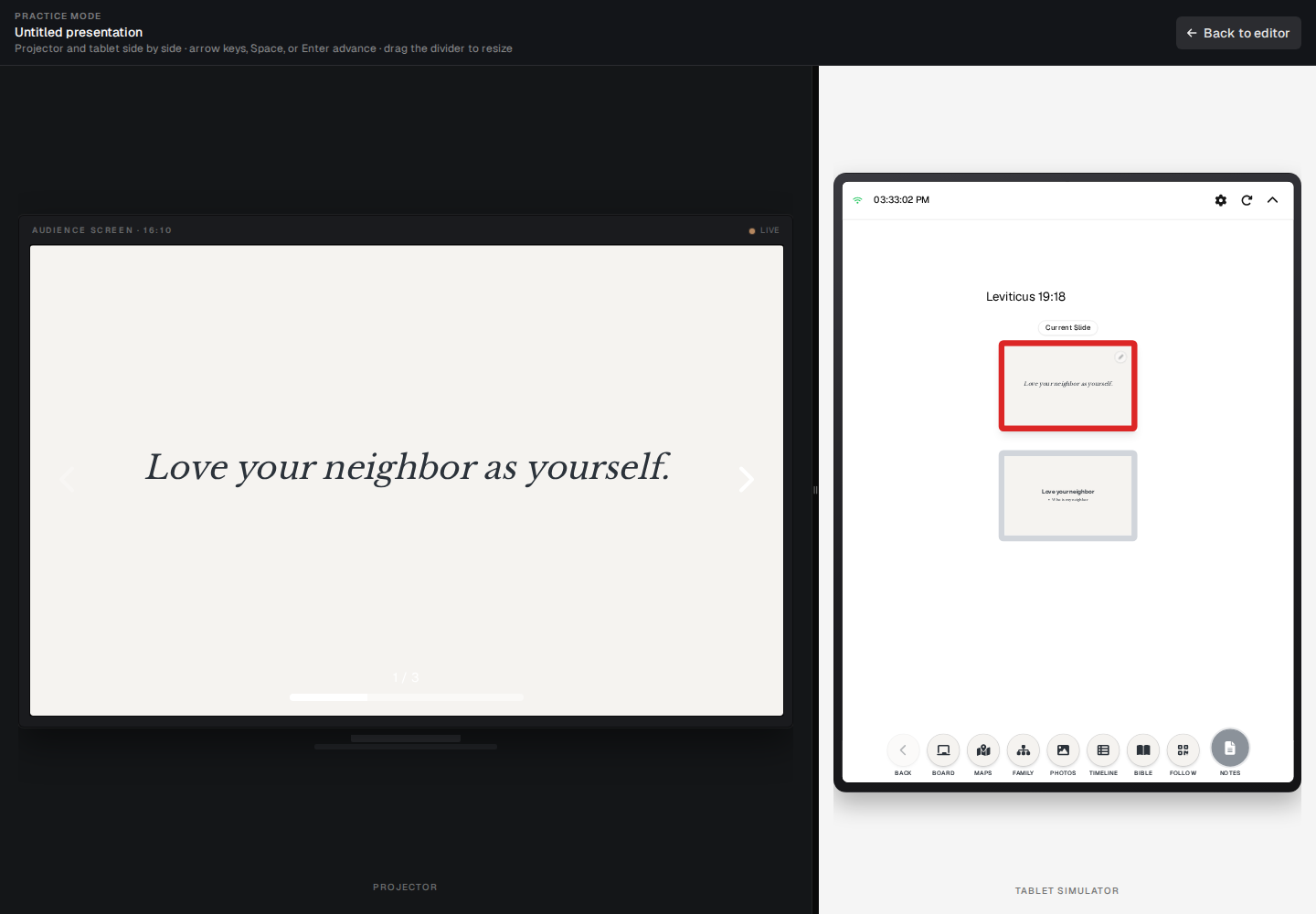
The Follow button on the tablet
The control you press during the sermon is Follow on the tablet (and in Practice mode, which shows that tablet). The label is Follow. Turning it on, the button name is Turn on Follow Mode. The tooltip is “Flash a full-screen follow QR on the projector (does not change the corner QR setting).” Turning it off is Turn off Follow Mode, titled “Follow Mode (active).”
That flash is separate from a small code that can sit in a corner. The corner text, when that code is on, is “Scan to follow along.” Slideshow options (Present → Slideshow options, the Slideshow tab) does not show a switch for it. The tab you get is navigation, Pen markings on reload, backdrop, and transitions. The Present menu still describes the stored corner setting in one of three lines:
- “Audience follow-along is on”
- “Optional: audience can follow on phones via QR”
- “Audience follow-along is a Campus plan feature”
The FAQ still says to enable follow-along in Slideshow options. The screen in front of you does not have that switch. Use the Follow-Along QR slide, or Follow on the tablet.
Plans
Follow-along is Campus: the campus owner, a campus member, and a campus viewer at the booth. The 30-day signup trial includes it. Premium, after the trial, does not. The upgrade line is “Follow-Along QR is a Campus plan feature.”
A crown on that slide type means the same thing. During the trial the crown is not there.
Polls, questions, ratings, and quizzes are a different slide and they are not gated the same way. See Polls, questions, ratings, and quizzes.