Help Center · Integrations
YouTube
Paste a video, and the campus channel connection.
There are two YouTube features. Pasting a video onto a slide is one. Connecting the church’s YouTube channel is the other. They are not the same plan.
A video slide
Video in the slide list opens the video setup. You can paste a YouTube address, search, or pick a clip the app already knows. The slide-type article is Video.
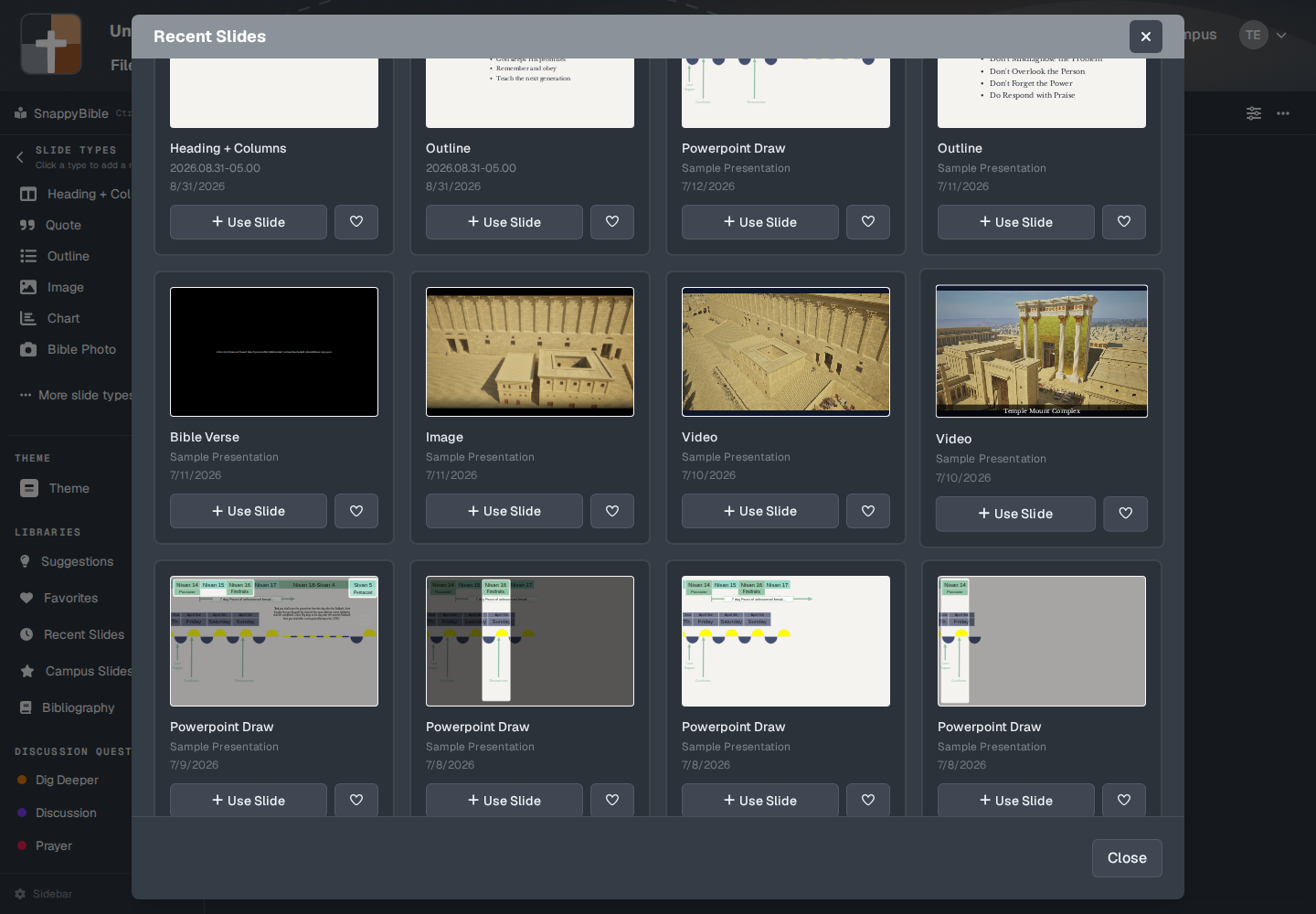
On Free, after the trial, the toast is “Adding a YouTube video slide is a premium feature. Upgrade to add it to your presentation.” Premium, Campus, and the trial can paste a URL.
Uploading your own file is the other tab in that window. Upload is also off on Free. A video file has to be MP4, M4V, or WebM, up to 500 MB. See Storage.
The campus channel
Browsing the church’s recent uploads is Campus only (the campus owner and a campus member). Campus admin has Connect YouTube for campus: “Connect your organization's YouTube channel once. Campus teachers can pick from recent uploads.”
File → Presentation details, on the video step for the church page, says “Connect your YouTube channel to pick a recent sermon video, or paste links manually.” Pasting is the premium path. Picking from the connected channel is the campus path.
Plans
Paste or search a YouTube slide: not Free. Channel browse: Campus and campus members. The signup trial can paste, because the trial is Premium. The trial does not add the organization channel connection.