Help Center · Slide Types
Heading + Text
A title with a paragraph under it. Not in the add-slide list right now.
Heading + Text was a title with a paragraph under it. It is not in the sidebar, and it is not in More slide types.
Use one of the slides that replaced it:
- Text Only when you do not need a headline.
- Outline when the paragraph is really a list of points.
- Heading + Columns when the words split into two sides.
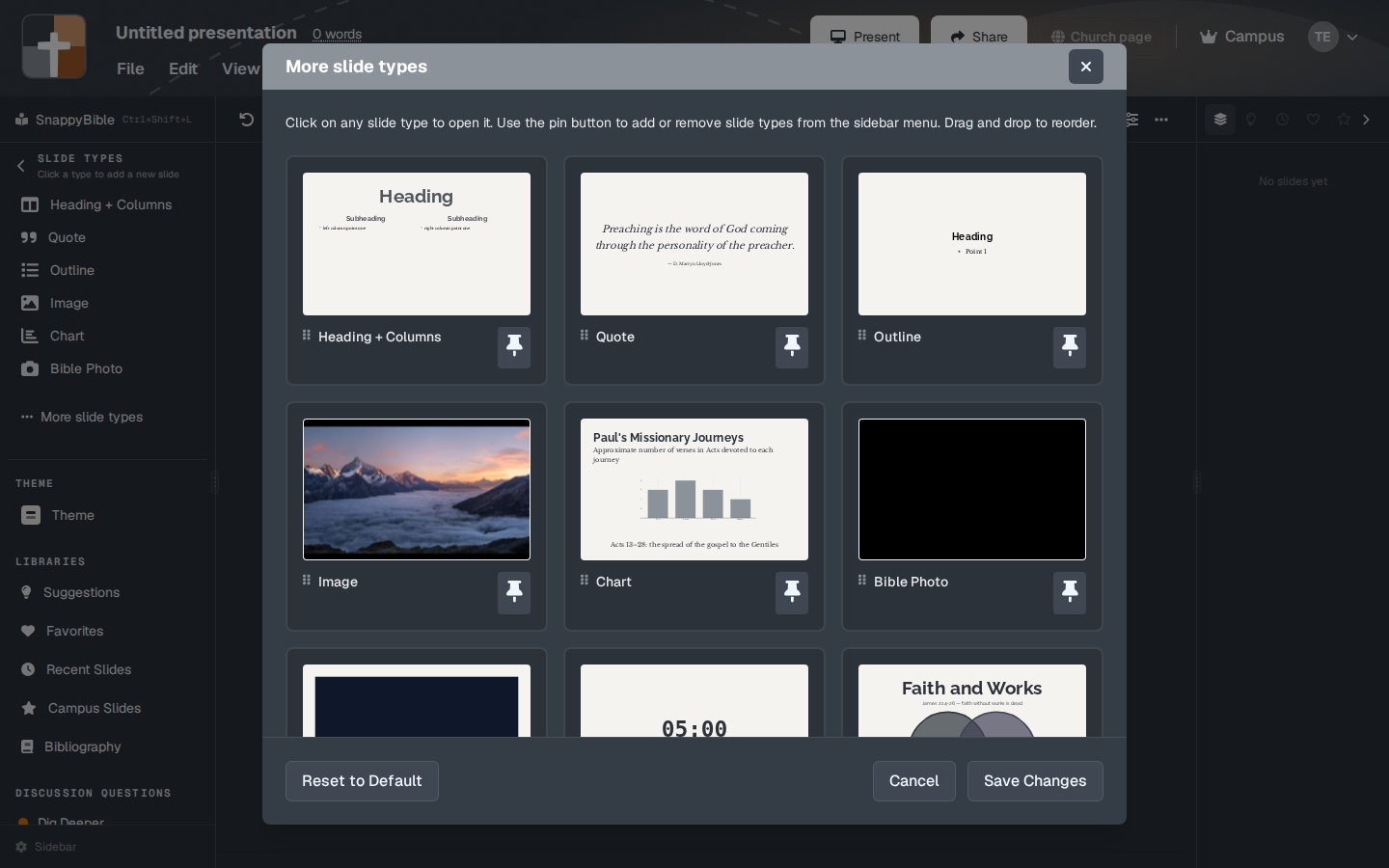
If an older deck already has one
Presentations saved before this type was removed can still contain a Heading + Text slide. You do not add a new one from the catalog. When you rebuild that moment, pick Text Only, Outline, or Heading + Columns and type the headline and the paragraph into that window.
There is no setup window to open for a new Heading + Text slide, so there is no field list. The old fields were a headline and the supporting text.
Plans
Nothing to upgrade. The type is not offered. The three replacements are on the Free plan, inside the usual Free limits after the trial.