Help Center · Slide Types
Museum
Museum objects live inside Bible Photo, not as their own slide row.
Museum is not its own row in Slide types or in More slide types. Museum photographs are a tab inside Bible Photo.
The product used to treat museum pictures as a separate slide type. That type is no longer offered. Older decks may still contain one. A new museum picture is added from Bible Photo.
Where to find it
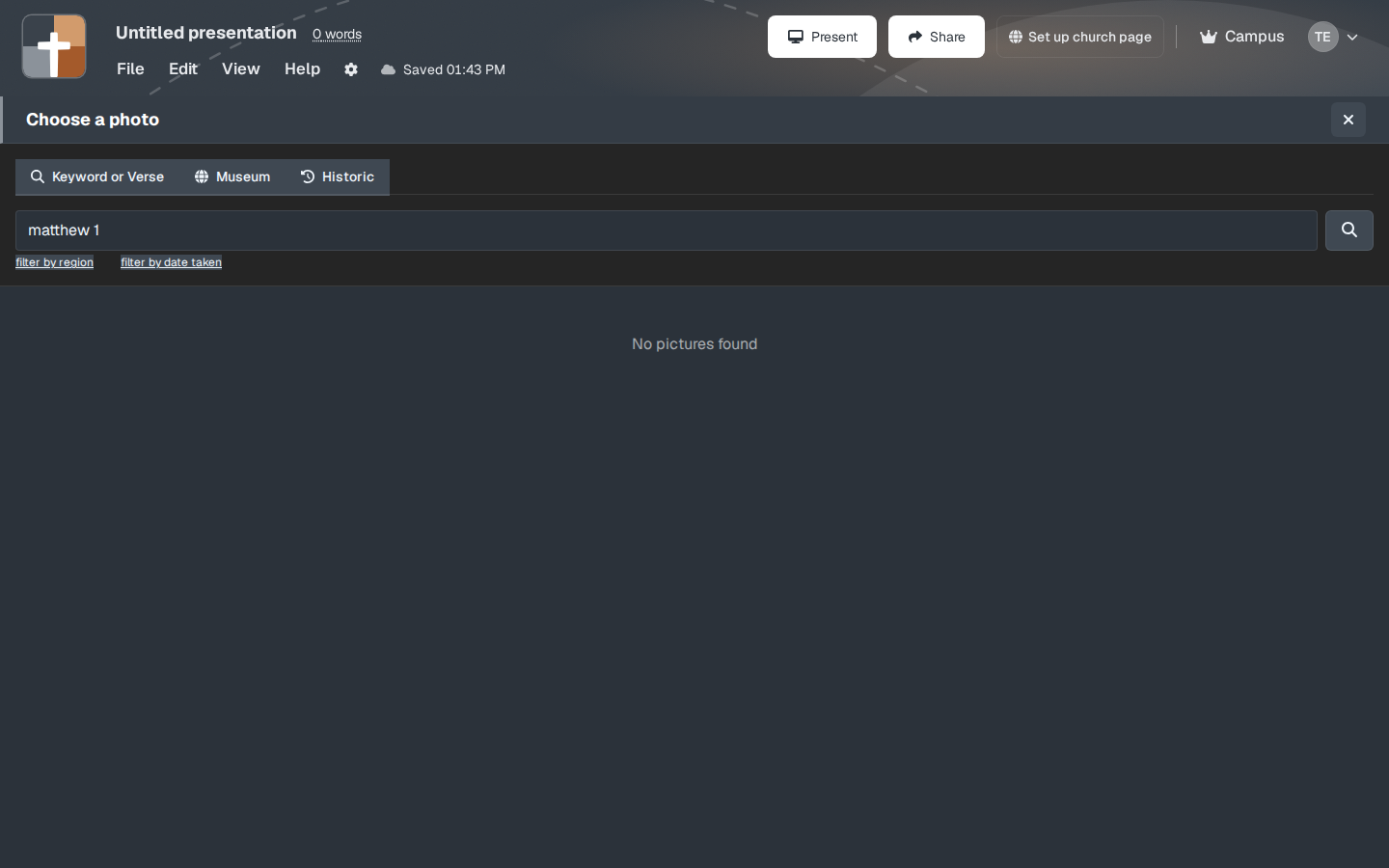
Open Bible Photo. On Choose a photo, the tabs are Keyword or Verse, Museum, and Historic. Click Museum.
What you will see
The Museum tab is the collection of objects: inscriptions, artifacts, pieces in museum care. filter by region and filter by date taken are on the same chooser. An empty search can say No pictures found until you narrow it.
The fields after you pick an object are the Bible Photo fields: the picture, a reference if you add one, a description, and steps. Create Slide is the same button. On Free it says Upgrade to Add, because Bible Photo is a crowned type.
While you present
Name the object and the one fact that serves the passage (whose seal, which city, what the letters say). A museum slide that tries to be a label on a gallery wall will not read from the third row. Put the longer note in your notes.
Plans
Same lock as Bible Photo. Free cannot add it. Premium, Campus, or the 30-day trial.