Help Center · Building a Presentation
Steps and reveals
Add step, and what the room sees on the next click.
A step is one click while you stay on the same slide. The first click can show the next point, the next highlight, or the next mark. You do not need a new slide for each of those.
In the setup window
Most slide windows have Add step (some say Add a step). Bible Verse says Add Annotation Step. Maps can offer Add Look beside it. Delete current step removes the one you are on.
Home is the slide before step 1. Home is not the same as step 1. The row label is Home, or {number}: {annotation} — for example 1: focus or 2: Highlight +1. The number is added when the label is shown. You store the words. BibleSlides adds the number.
An outline can turn on Reveal points sequentially. Each line becomes a step.
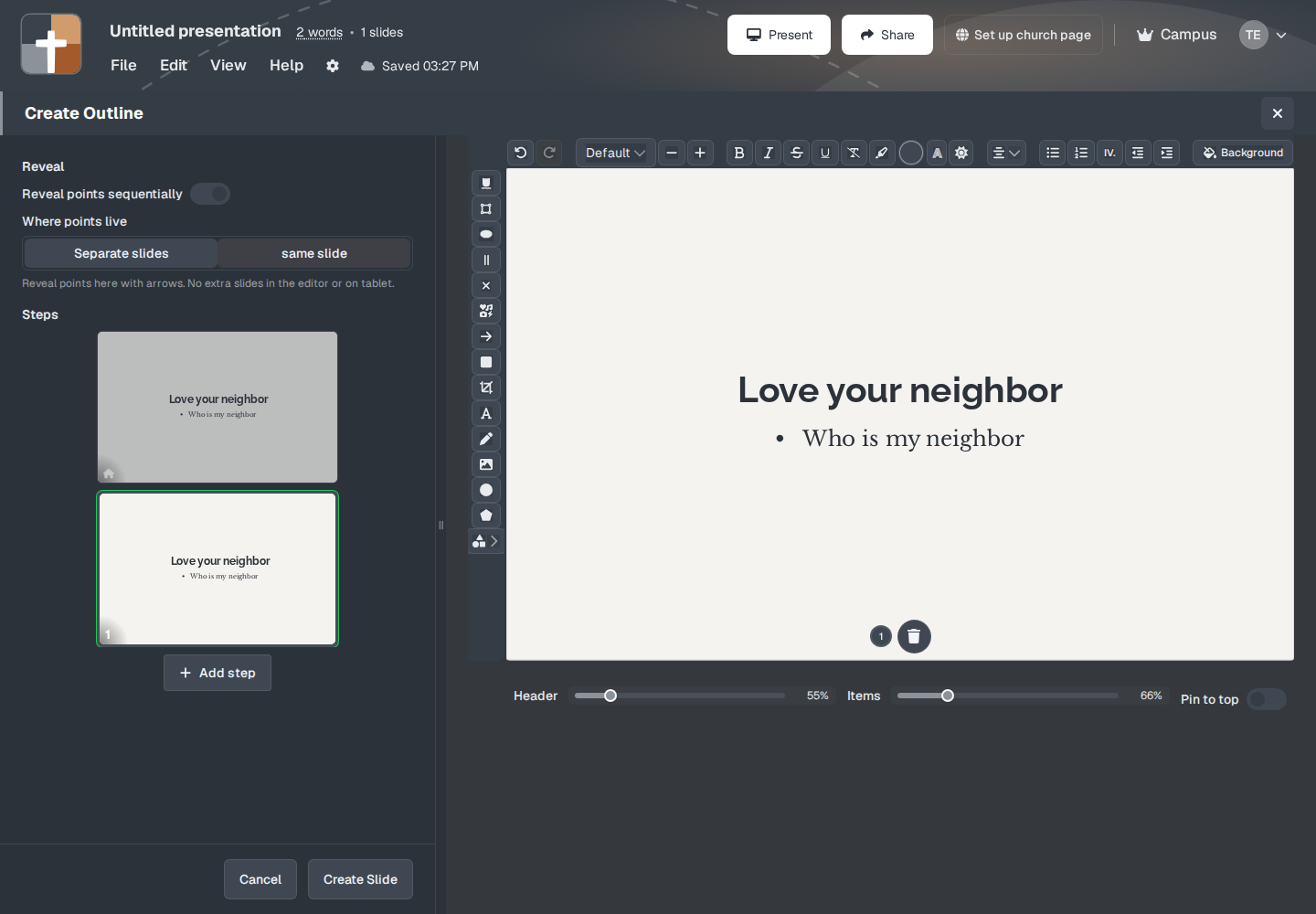
Where points live (or Where steps live) has two choices:
- Separate slides — “Each point becomes its own slide in the editor and on tablet.”
- same slide — “Reveal points here with arrows. No extra slides in the editor or on tablet.”
Same slide is the one to pick when you want one slide and a click between points.
In the notes
After you click Create Slide, the slide sits in the notes. A stepped slide shows small previews of the steps under it. Right-click one for Delete step. The lower edge of the preview has a play control. Its tooltip is “Play all steps in order on the slide preview. Each step waits for its animation to finish, pauses one second, then advances. Returns to Home when done.” That tooltip also has a link, More about steps.
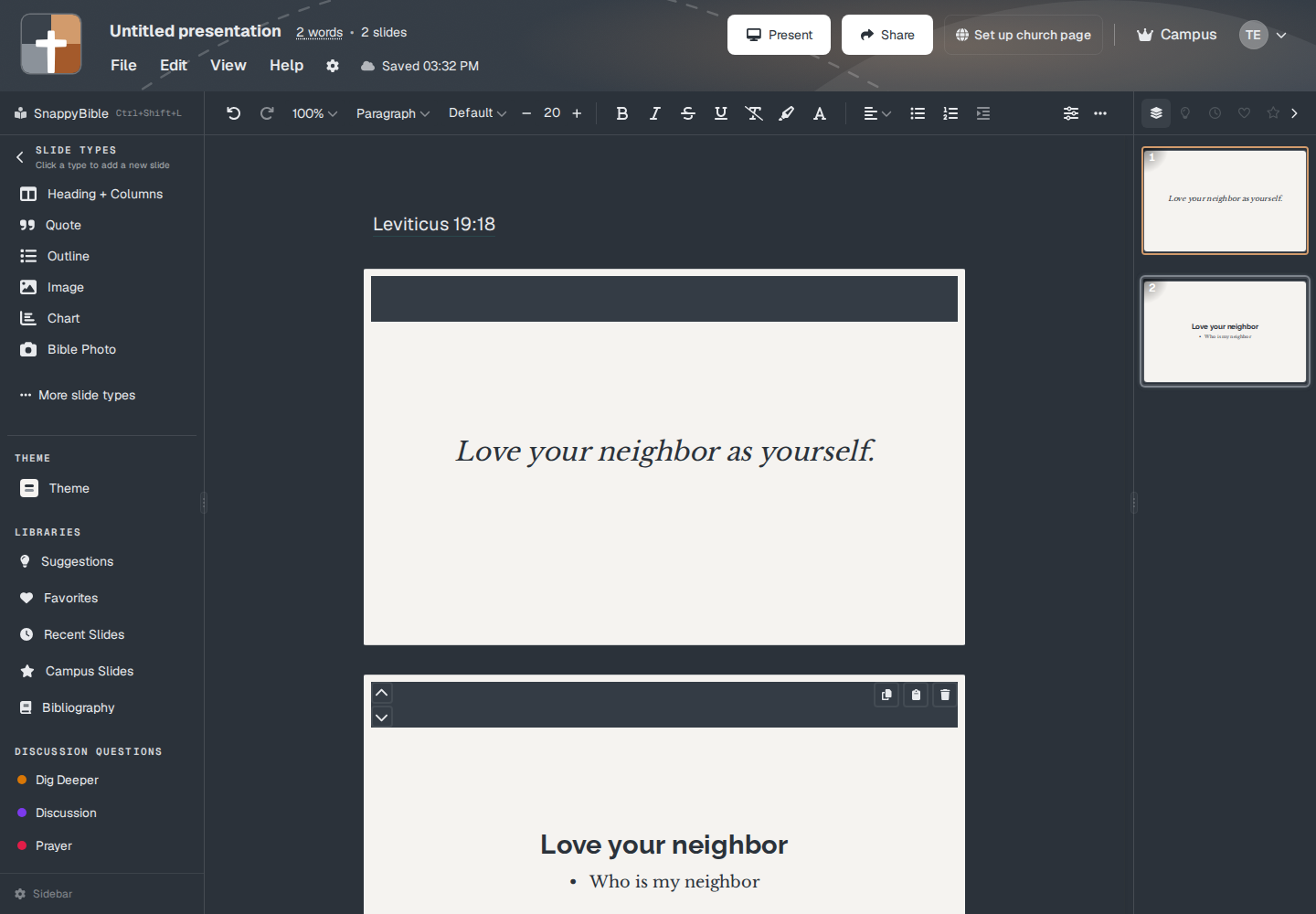
The in-place pills read Home, then the numbered steps, with Add step and Delete this step. Some steps cannot be deleted. The control says This step cannot be deleted.
What the room sees
The next click in the slideshow reveals the next step before it moves to the next slide. The audience sees only what you have revealed. The step previews in your notes are not on the projector.
Arrow keys, Space, and Enter are the clicks. See Keys while you present.
Plans
Steps are part of the slide. They do not add a second plan. A Free deck still counts the slide, not each step, toward the 7. An outline with four revealed points is one slide if you left them on the same slide.