Help Center · Tablet & Remote
Tablet apps
iPad, Android, Mac, Windows, and Linux presenting apps.
The tablet apps present. They do not build the deck. Help → Presenting apps (also in the account menu on the projects page) opens a window with that title.
The body says: “These apps are for presenting on stage — speaker notes and slide control. They are not for editing. Build and edit decks on a laptop or desktop in this web editor.”
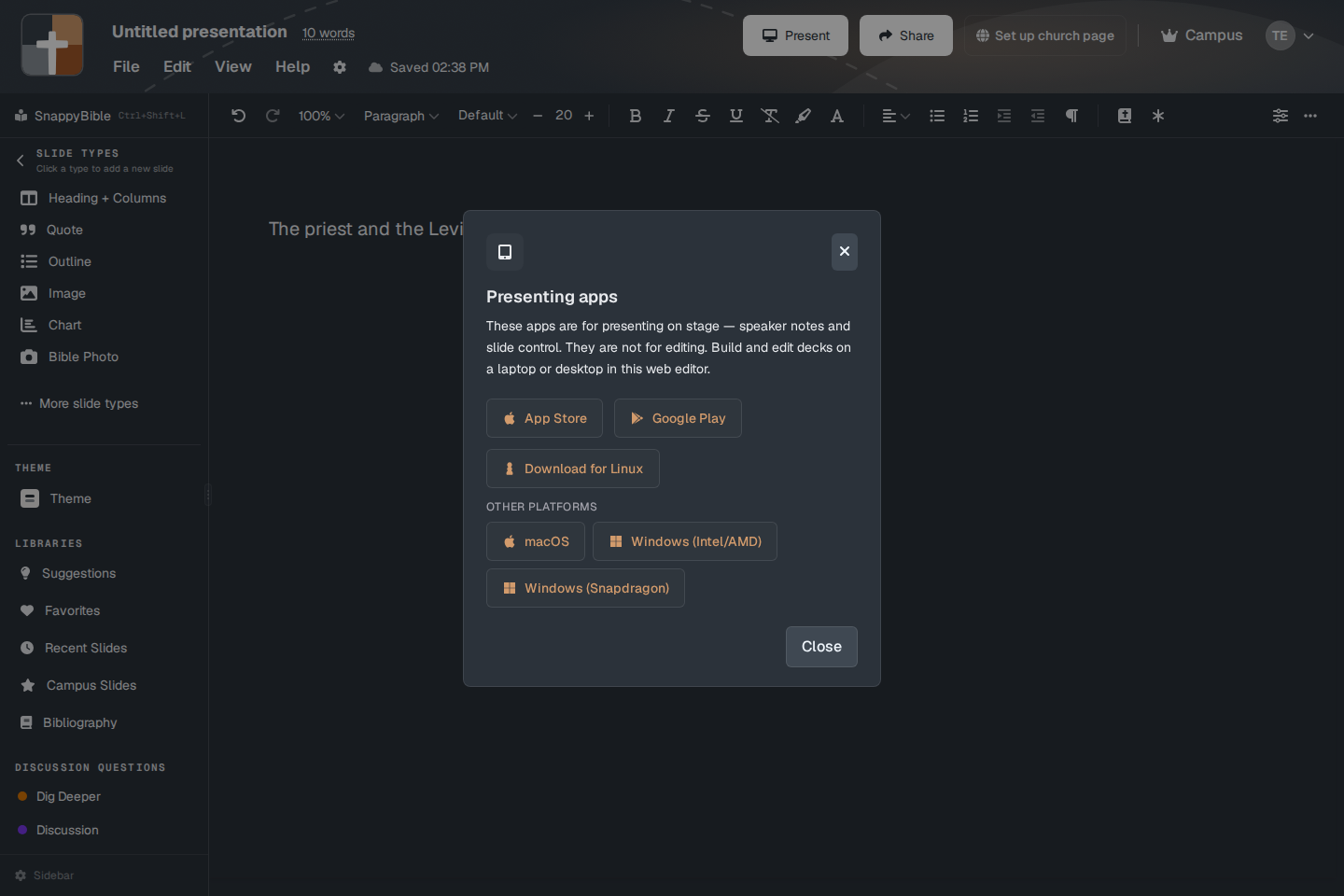
The downloads
- App Store — iPad
- Google Play — Android
- Download for Linux
- Other platforms — macOS, Windows (Intel/AMD), and Windows (Snapdragon)
You can also open the tablet view in a browser. The address is /tablet with the presentation id. Connect a tablet shows the QR code for that address after you press Present.
What they do
On stage the app shows your notes and moves the slides. The same on-the-fly tools can sit along the bottom: Board, Maps, Family, Photos, Timeline, Bible, Follow, and Notes. See On the fly.
The apps sign in with the same BibleSlides account. Android needs the church’s SHA-1 registered in Firebase if Google sign-in fails. That is a console step for the person who installed the app, not a setting inside the editor.
Plans
Installing the app is free. What you can open still follows the account. On-the-fly Bible, Maps, Photos, Timeline, and Board need a paid plan or the signup trial. On Free those buttons show a crown and open the upgrade window. Follow-along stays on Campus and on the trial. See Free, Premium, and Campus.