Help Center · Slide Types
Pie Chart
The Pie option inside Chart. There is no separate Pie Chart row.
There is no Pie Chart row in the sidebar or in More slide types. A pie chart is the Pie button inside Chart.
Where to find it
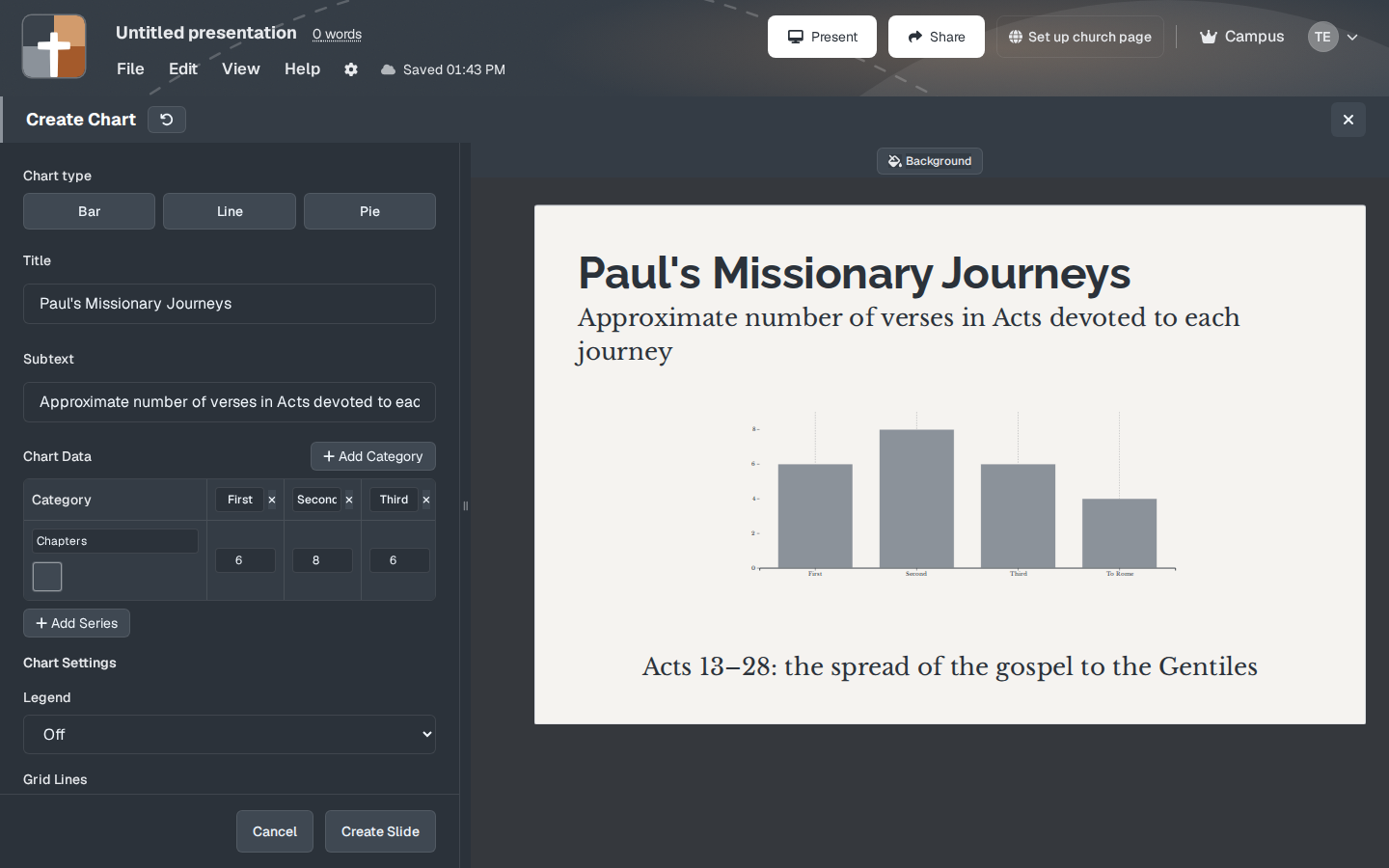
Open Chart. Chart type is Bar, Line, or Pie. Choose Pie.
What to fill in
Pie is for parts of one whole: how a morning was divided, how a collection was split, how a chapter’s verses fall into a few themes. Each category is a slice. The numbers should be the parts of that whole. A pie of unrelated totals (one slice “years,” another “people”) does not mean anything, and the slide will still draw it.
Keep the slice count small. Legend On helps when the labels will not fit on the slices. Text Under Chart is the sentence that says what the whole is.
Create Slide uses the type that is selected at that moment.
Older presentations
Decks that already contain a pie-chart slide still open here. New pies are added by choosing Pie, not by a separate slide type.
Plans
Same as Chart, and included on Free. After the trial: 7 slides, 3 presentations, watermark.