Help Center · Building a Presentation
Favorites and libraries
Suggestions, Favorites, Recent, Campus slides, and Bibliography.
Libraries in the sidebar is the reuse drawer. The rows are Suggestions, Favorites, Recent Slides, Campus Slides (campus plans), and Bibliography.
Suggestions
The tooltip is “Suggestions: photos, maps, visual aids, and harmony for verses in this presentation.” The window is Suggestions. It looks at the verse slides already in the deck and offers a photo, a map, a visual aid, or a harmony event.
If the deck has no verse yet, it says “Add Bible verse slides to see photo, map, visual aid, and harmony suggestions here.” If nothing matches, it says “No Bible photos, 3D map places, visual aids, or harmony events for the verses in your show.” A card uses Add slide.
Favorites
The tooltip is “Favorites: slides you’ve saved to reuse in other presentations.” The window is Favorites Library.
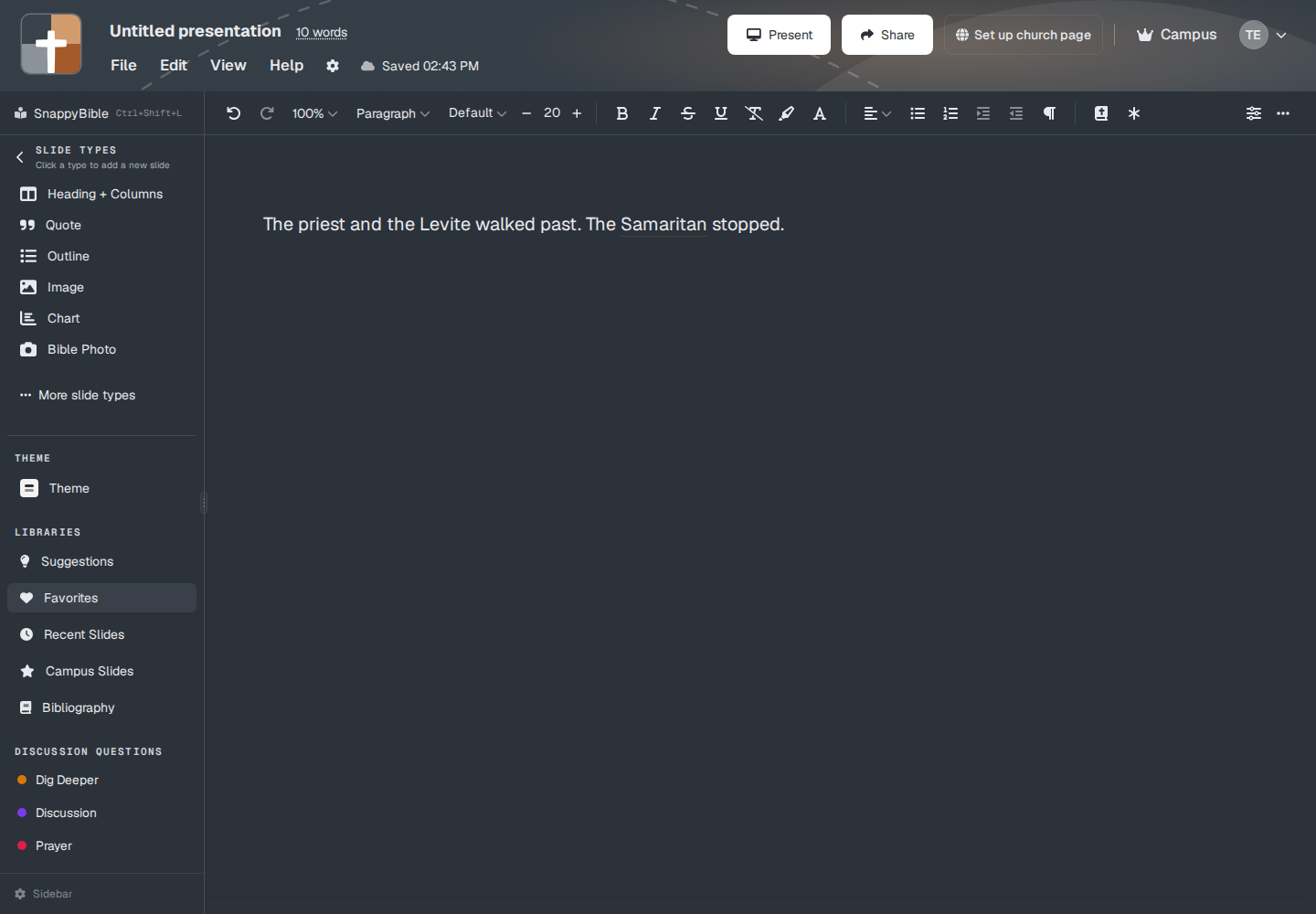
Empty, it says No favorites yet and “Click the heart icon on any slide to add it to your favorites.” Use Slide inserts the favorite at the cursor. Removing one can be undone: “Removed from favorites.”
On the slide, the actions menu is “Slide actions: favorites, campus, tag to verse.” Favorites / Remove from favorites uses the heart. The tooltip is “Save this slide to your personal favorites for quick access across projects.”
Recent Slides
“Recent Slides: grab slides from your previous presentations.” Empty: No recent slides and “Create slides in your documents to see them here.” Use Slide inserts. The heart on a recent slide favorites it.
Campus Slides
Only on Campus or a campus member account. The tooltip is “Campus assets: slides shared with your campus.” The star on a slide shares it. Empty: No campus slides yet and “Click the star icon on any slide to share it with your campus.” Search with no hit says No matching slides. New Folder organizes them. This library is the slides, not the whole deck. Whole decks go in the campus library.
Bibliography
“Bibliography: SBL sources for footnotes and Works Cited.” The tabs are Library, Manual, Import, and Bibliography. Use it when a footnote needs a real source, not a typed line.
Plans
Favorites, recent slides, suggestions, and bibliography are on every plan. A favorite that is a Bible Photo, map, family tree, ancient unit, or 3D model still cannot be inserted on Free after the trial. The crown rule is the same as adding that type from the sidebar. Campus Slides requires Campus.