Help Center · Account & Plans
Storage
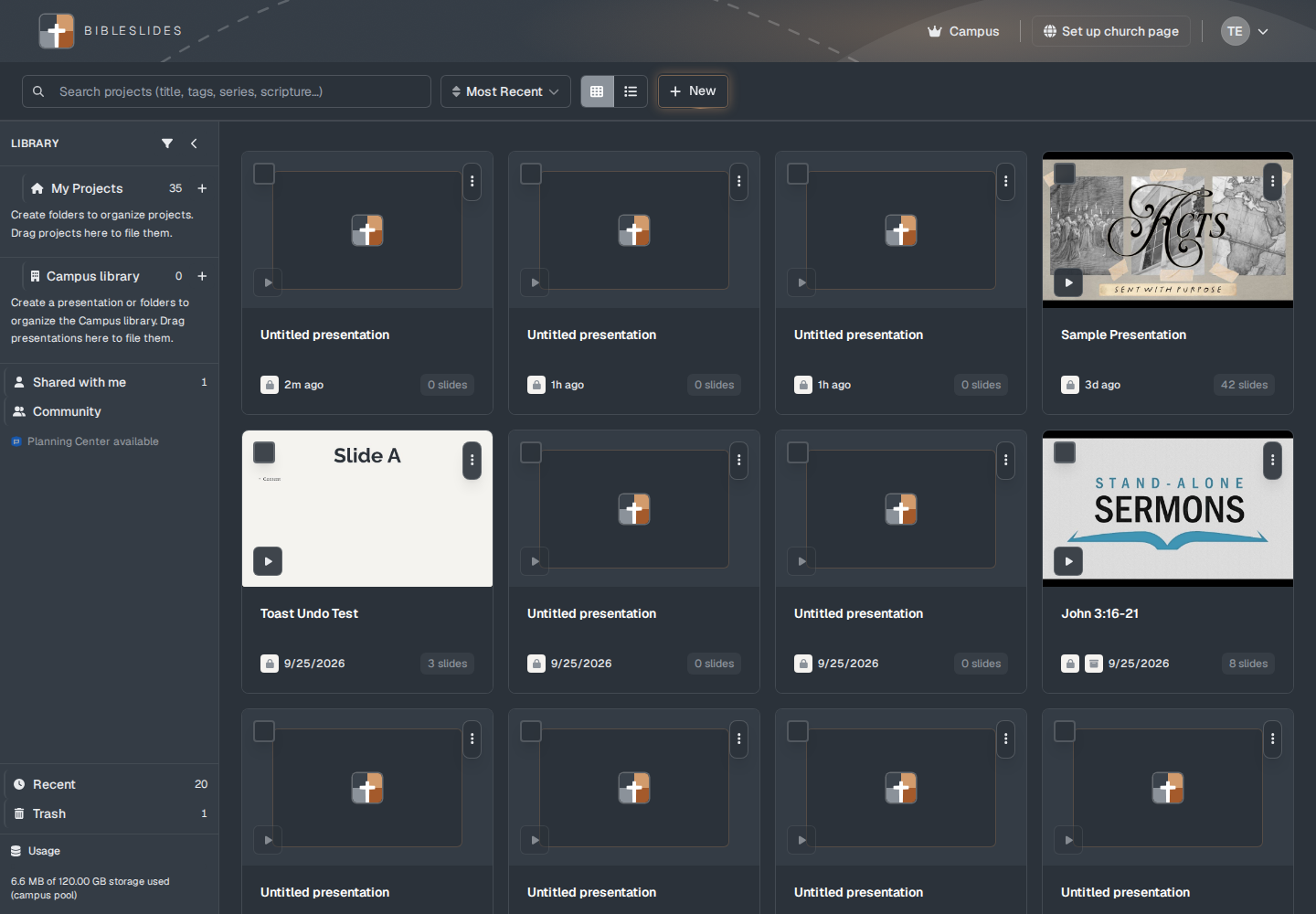
The usage line on the projects page.
Usage is at the bottom of the library panel on the projects page. It is not a separate settings screen.
What the line says
A personal account: “{used} of 4.00 GB storage used.”
A campus account adds the pool: “6.6 MB of 120.00 GB storage used (campus pool).” The pool is 30 seats times 4 GB, which is 120 GB, shared by the campus. The caption can end with “(campus pool).”
On Free, a second line counts presentations, such as “2 of 3 presentations used.” When the account is not capped, that line reads Unlimited presentations. Clicking the capped line offers Upgrade for unlimited presentations.
What counts
The meter counts files in your storage for videos on slides, the presentation documents, and image slides. It is not a count of how many slides the deck has. The slide count is on each project card (“42 slides”).
A single video upload can be up to 500 MB. The formats the uploader accepts are MP4, M4V, and WebM. MOV is refused: “Only MP4 (H.264 recommended) or WebM files can be uploaded. Export as MP4 instead of MOV for reliable playback.”
Plans
The 4 GB personal cap and the 120 GB campus pool are the storage caps in the product. They are separate from the Free plan’s 7 slides and 3 presentations. Image upload itself is not on Free after the trial. See Free, Premium, and Campus.