Help Center · Building a Presentation
Drawing and annotations
Mark a word, a photo, or a map while you teach.
“Draw” is three different tools. They are not the same button.
Marks on a verse
Open a Bible Verse slide. Verse markup is the flyout. The tools are Highlight, Underline, Sketchy underline, Box, Circle, Bracket, Strike-through, Cross off, Italicize, and Bold. Add Annotation Step makes the next mark its own click. The Ω control adds a Greek or Hebrew callout. A full word study is the Definition slide.
Shapes on a blank slide
Powerpoint Draw is a canvas. The toolbar includes Select and move, Add text, Add image, and Shapes (rectangle, oval, polygon, connector, line, line arrow). For a step, the same bar has Focus box (presentation step highlight), Add step label, and Scribble (freehand on presentation step).
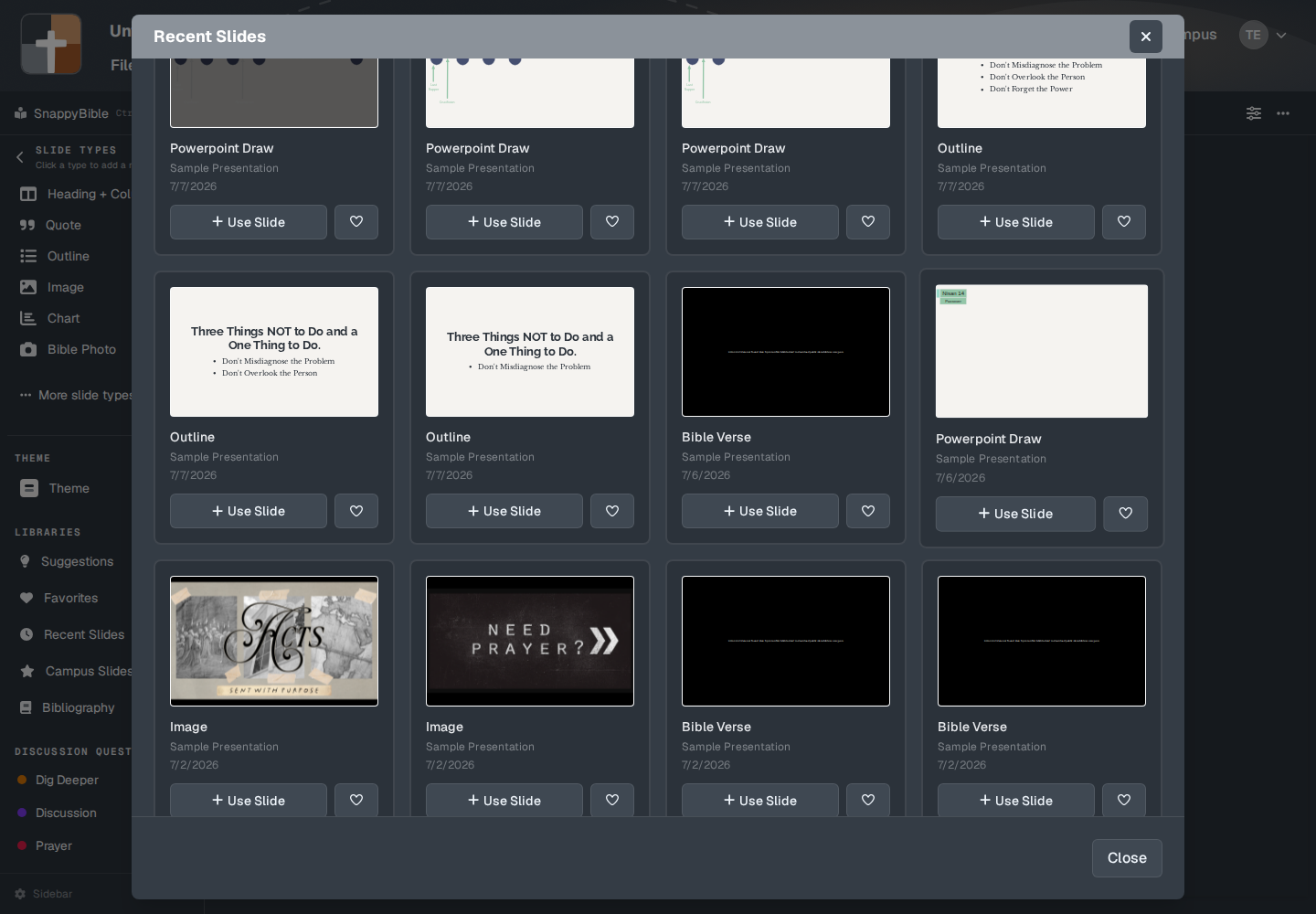
Those objects can become steps. The step label then reads things like focus, draw, text box, arrow, or shape. See Steps and reveals.
The pen while you present
The projector window does not put a draw toolbar on the screen the room sees. The pen is for you and for the tablet: color dots, a wipe eraser, and delete-all. Display settings describe it as “Pencil, color dots, wipe eraser, and delete-all on the slide.”
On the tablet, Board is the full-screen whiteboard. See On the fly.
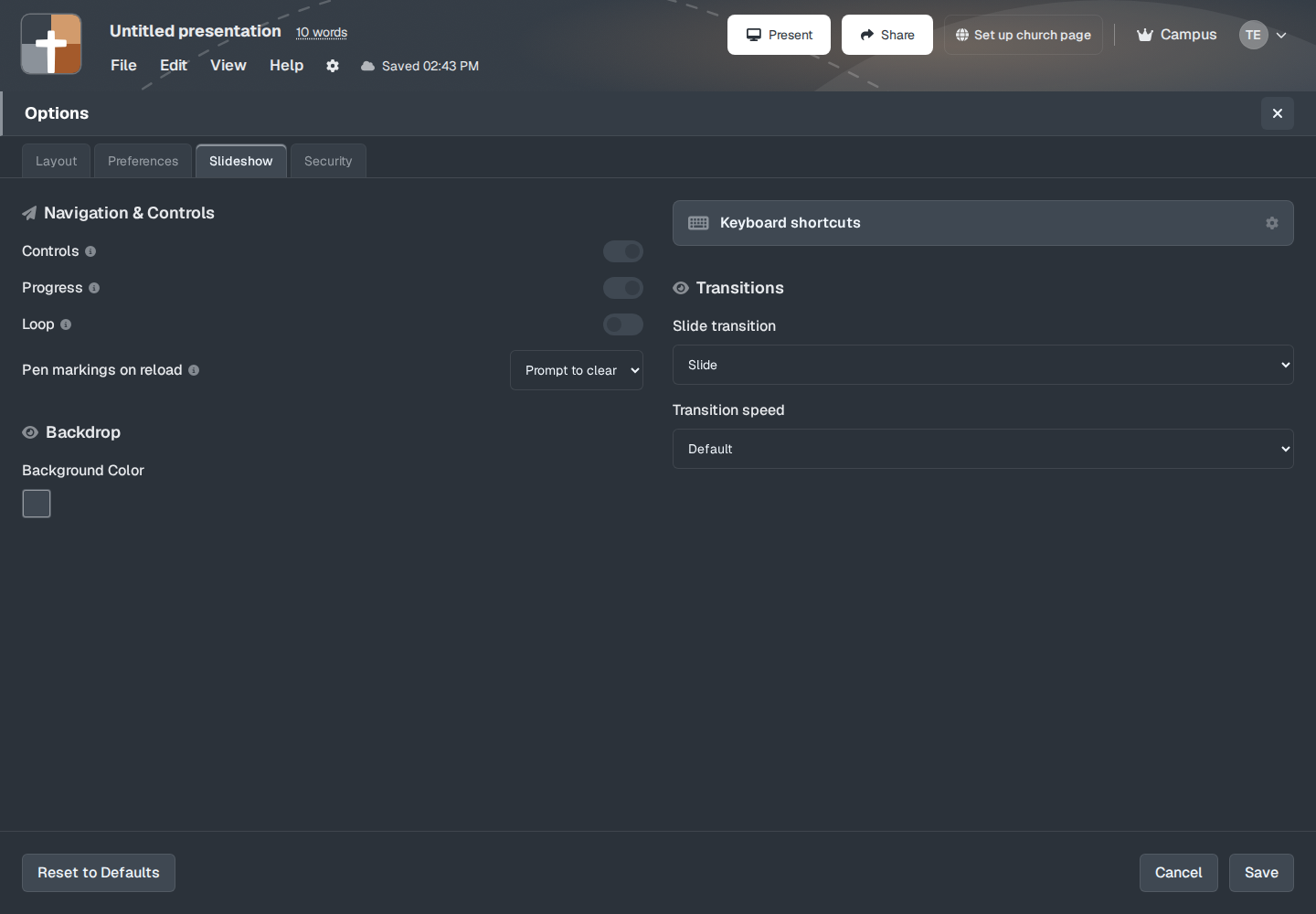
Present → Slideshow options includes Pen markings on reload:
- Prompt to clear
- Always clear
- Never clear
If markings are still there when a slideshow opens, a window titled Existing Drawings Found asks “Would you like to erase all drawings or keep them?” The buttons are Erase All Drawings and Keep Drawings.
While the pen is on, the slideshow keys r, g, b, y, and k pick red, green, blue, yellow, and black. a clears every drawing. c clears the current slide. Delete or Backspace removes the last stroke. b is blackout when you are not drawing, and blue when you are. See Keys while you present.
Highlight color in the notes toolbar colors a word in the sermon text. It does not mark the slide.
Plans
Verse markup, Powerpoint Draw, and the pen are not in the five types Free cannot add. They follow the normal slide cap: 7 slides on Free after the trial. The pen is not a separate paid switch.