Help Center · Integrations
Planning Center
Link a service plan. Campus plans.
Planning Center Services can sit next to a presentation: the service’s title, scripture, series, and date can come across, and the projects sidebar can list upcoming services. There is no Planning Center window on Free or Premium. The connection is Campus.
Where to connect
My Profile → Integrations → Planning Center. On an account that is not Campus, the row says “Included with Campus plans — link sermon decks to service plans.” and offers View Campus.
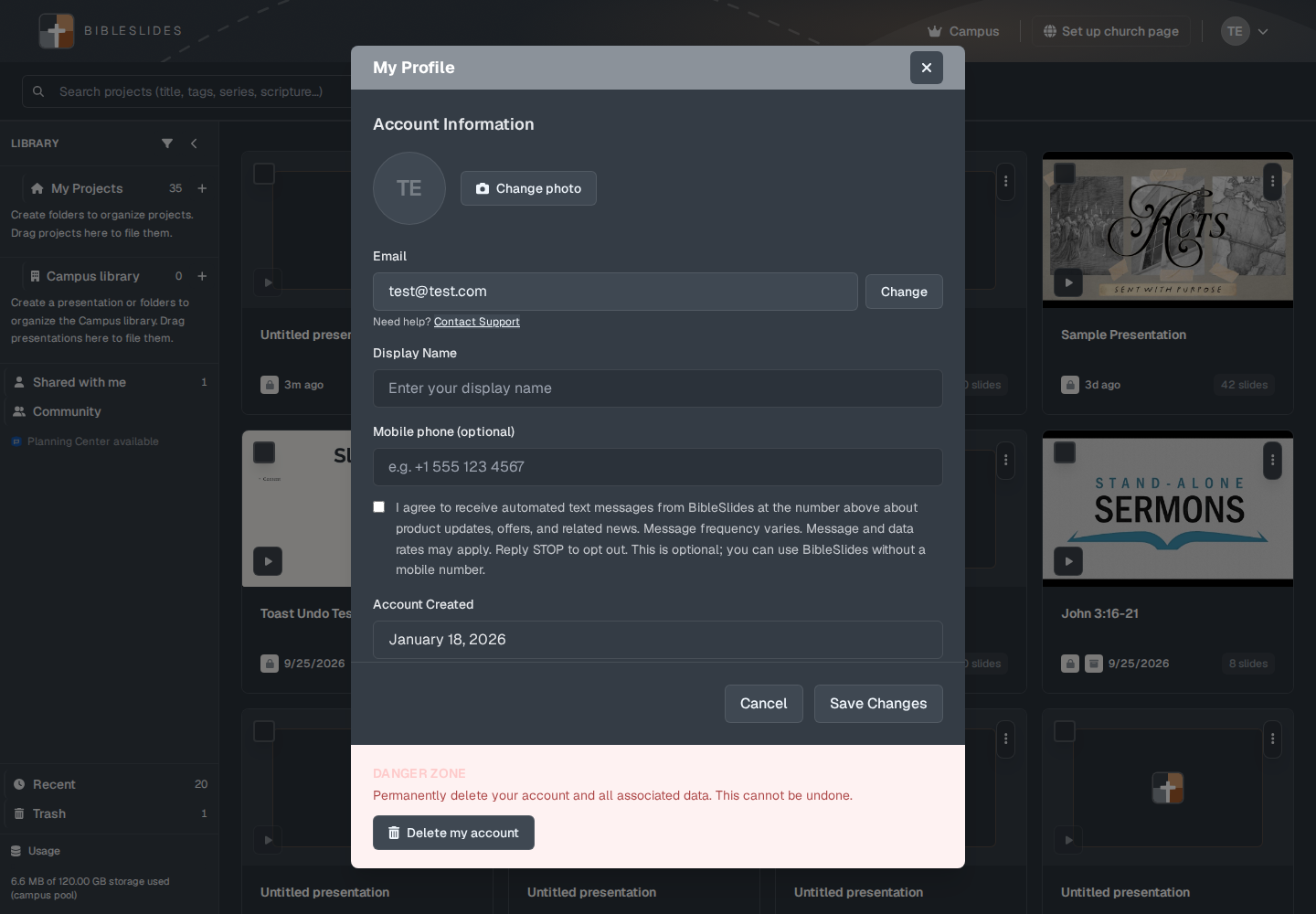
A campus teacher who is allowed to connect sees Connect or Manage. Campus admin has a separate control, Connect Planning Center for campus, for the organization’s Planning Center account. The admin line is “Connect your organization's Planning Center organization here.”
If you hide the sidebar row, Profile says “Planning Center is hidden in the Projects sidebar.” and offers a restore.
Upcoming services
On the projects page the library row can read Planning Center available. Open it and the panel title is Planning Center — upcoming services. Each service can Link a plan. If nothing is coming, the panel says “No upcoming services in the next two weeks.” and “Connect Planning Center in Profile → Integrations to pull plans here.”
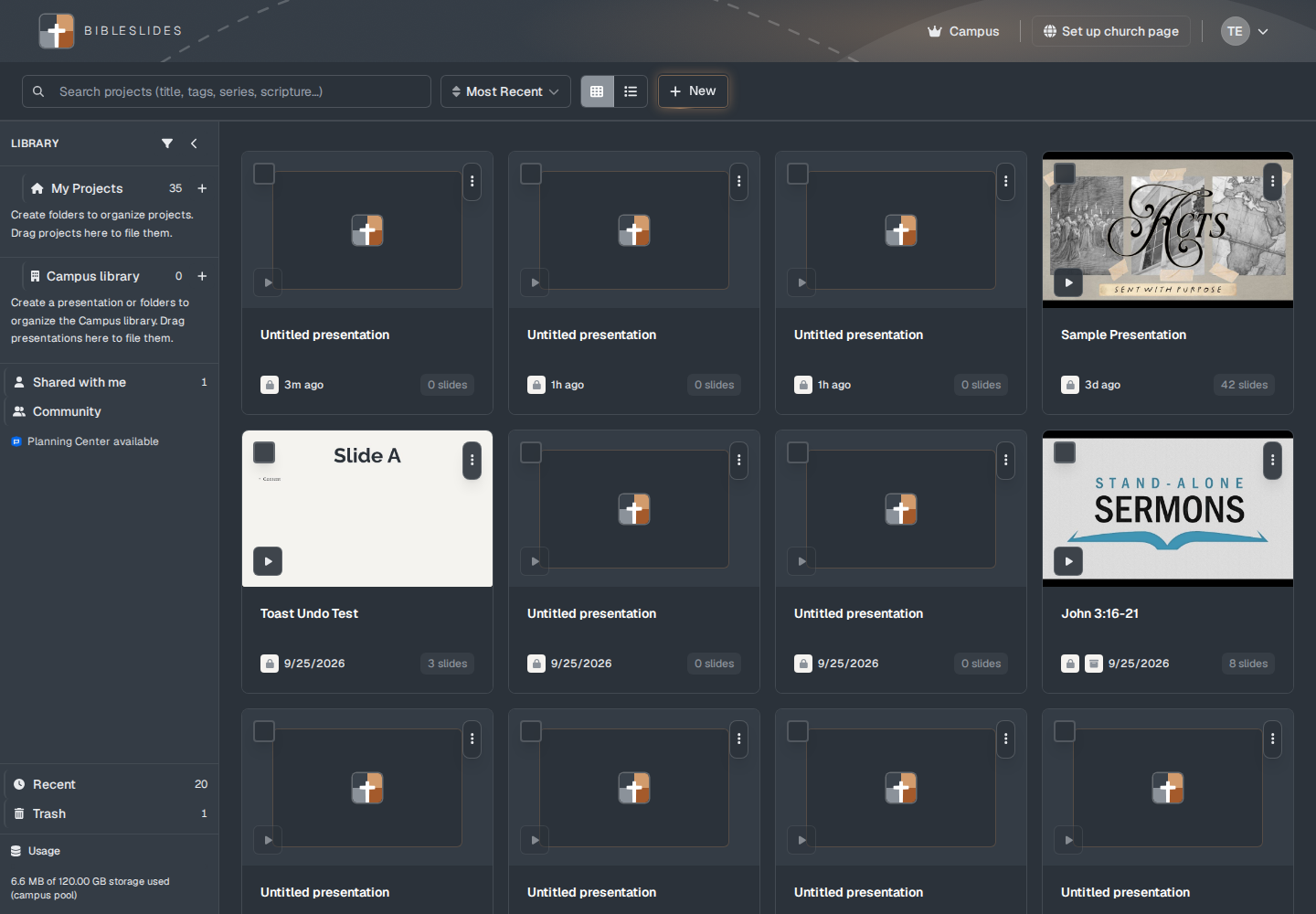
The tooltip on that row, before it is connected, can read “Connect Planning Center in Campus admin.”
On a presentation
File → Presentation details… has a Planning Center step. The description is “Optional—link a Planning Center service plan first to import title, scripture, series, and date into the next step.” A connected teacher can also start from the projects sidebar.
Teaching starter can show the same attach option when the account is allowed to use Planning Center.
Plans
Planning Center is included for Campus, a campus member, and a campus viewer. Premium monthly and annual do not get the connection. The signup trial does not add it either. Follow-along is the trial extra. Planning Center is not.